Logitech C920 Pro HD Webcam
Reliable 1080p video with versatile mounting and easy setup, though audio and autofocus show limits.
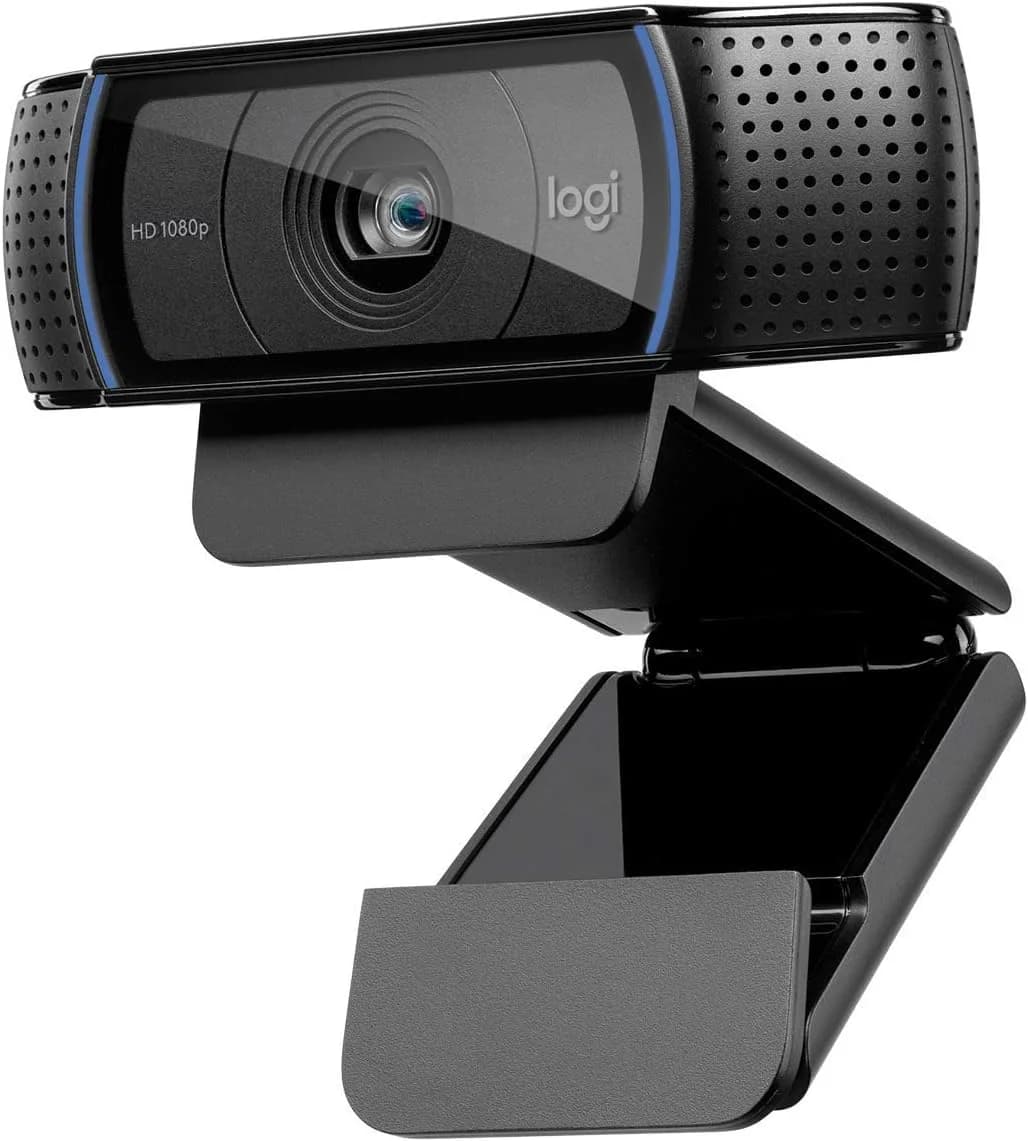
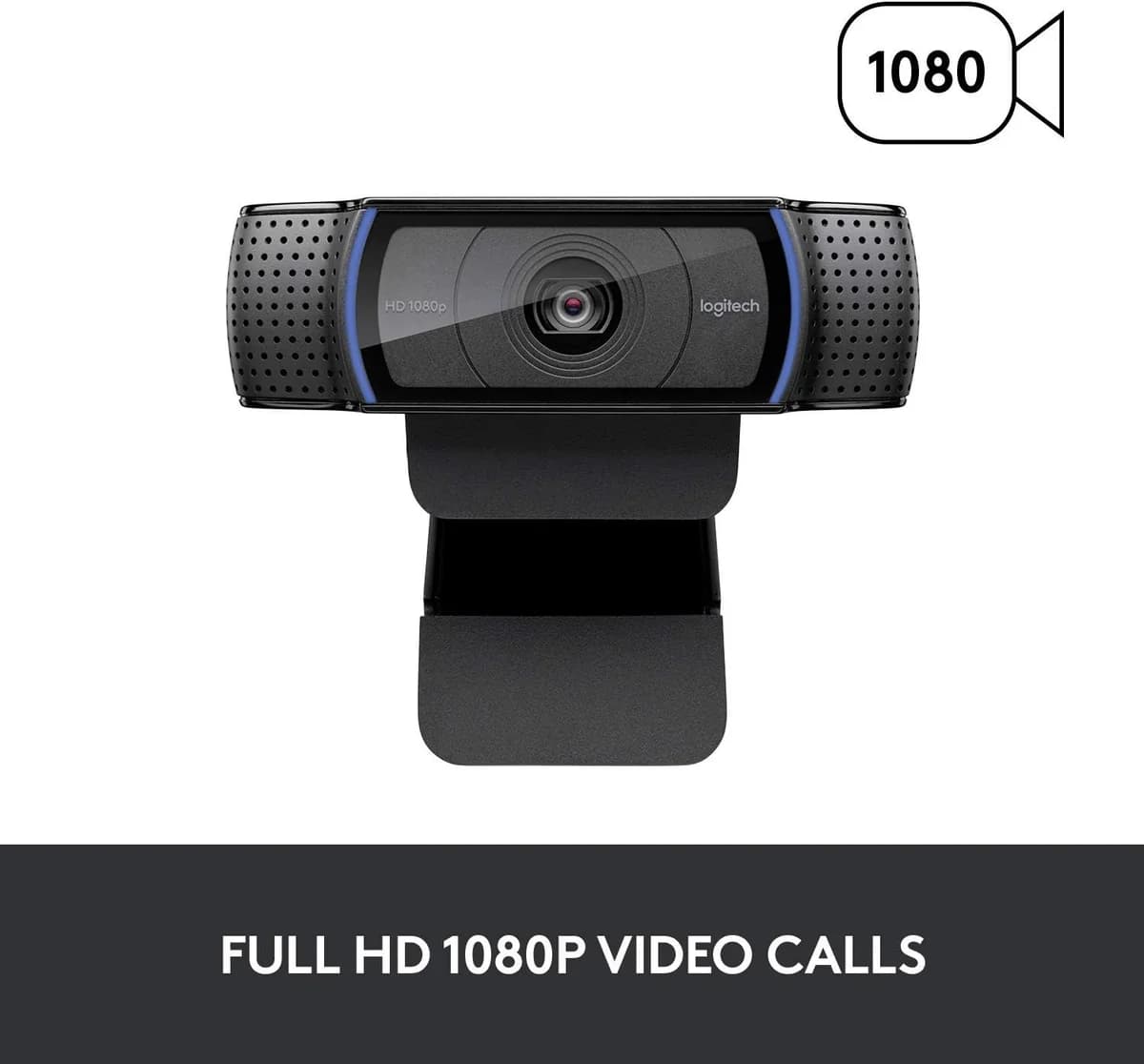
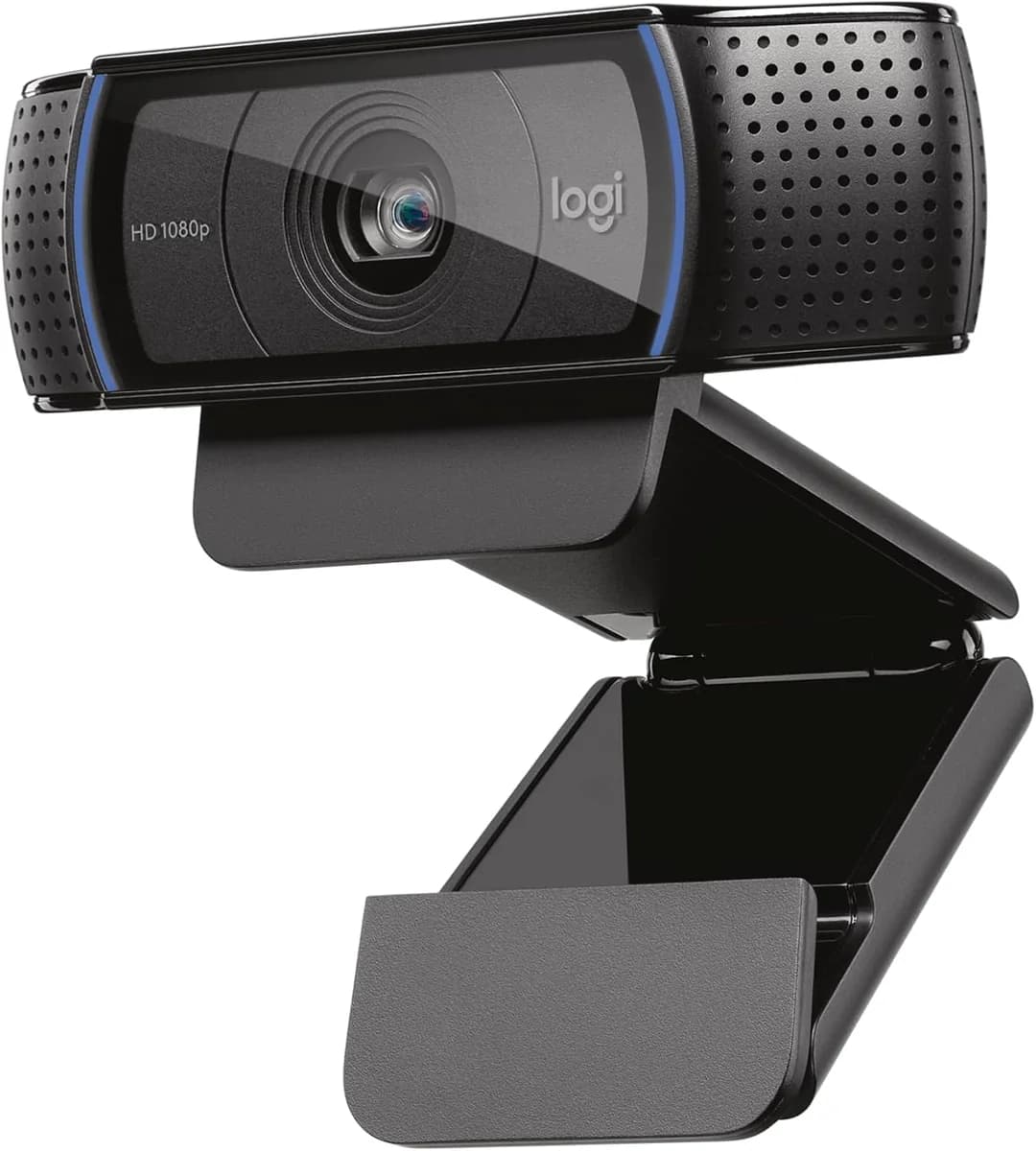
The Logitech C920 Pro HD Webcam is the trusty sidekick for remote workers and streamers craving crisp 1080p video without fuss. Built with a five-element glass lens and 20-step autofocus, it keeps you sharp—though close-up focus can lag. Users applaud its plug-and-play USB setup and sturdy, versatile mounting options that suit any desk or tripod. The built-in dual mics capture decent audio but prompt many to reach for an external mic. Its touted automatic low-light correction brightens scenes yet brings some graininess into play. Affordable, reliable, and straightforward—this webcam nails clarity over complexity, earning solid marks in value and versatility alike.


Find Yours
What will you primarily use your webcam for?
Answer to find your best matches.

The Field
Browse top contenders, or compare all options ranked by score and key attributes.
1 Option

The Scoreboard
Does this improve your life? Considers, health, habits, and environmental impact.
Benefits
Full HD sensor and Carl Zeiss optics deliver clearer facial detail for empathetic telehealth, meetings.
Hardware H.264 encoding and 20-step autofocus reduce CPU load, heat, and device interruptions during calls.
Sturdy adjustable hinge and tripod compatibility let you set camera height, reducing neck strain.
Dual built-in microphones capture stereo sound for small-group calls, lowering repeated clarifications.
Trade-Offs
30fps cap and older sensor produce choppier motion versus 60fps/4K leaders; may increase visual fatigue.
Built-in stereo mics lack advanced noise cancellation and fidelity versus dedicated mics; may hamper clarity.
Logitech software and older drivers can be slow or buggy, causing interruptions and user frustration.
Plastic body, fixed cable, and limited repairability increase replacement waste compared with modular, recyclable designs.
 Alternatives


Join the Circle
Where real meets deal
Know what's worth buying-and when.
Tips, special offers, and rewards for buying and sharing.

Publications
5 LEADING PUBLICATION REVIEWS

Laptop Mag praises the Logitech C920 Pro HD Webcam as an excellent and affordable upgrade over typical laptop webcams, highlighting its sharp 1080p video, detailed 5-megapixel photos, and wide 78-degree field of view that comfortably fits multiple subjects. The review emphasizes the camera’s versatility for streaming, video calls, and conferencing, noting clear audio despite slightly flat sound quality. The sturdy, adjustable design and long USB cable make setup easy on laptops or monitors. While the included Logitech Webcam Software offers useful features like zoom, avatars, and motion detection, it is criticized for being slow, buggy, and occasionally crashing. Comparisons to Logitech’s pricier C930e model reveal trade-offs: the C930e has better noise cancellation and a wider field of view but lacks software compatibility and costs more. Overall, the C920 is recommended as the best value external webcam, combining strong image quality and usability at a reasonable price point.
By Mark Anthony Ramirez; Andrew E. Freedman
Michael Ansaldo from PCWorld highlights the Logitech HD Pro Webcam C920 as a significant upgrade over typical built-in laptop cameras, praising its crisp 1080p video quality and clear stereo audio that bring a professional polish to video calls. He emphasizes the camera’s Carl Zeiss optics, 20-step autofocus, and built-in H.264 compression, which offloads processing from the CPU to deliver smooth, sharp video even on older machines. The review notes the webcam’s versatile mounting options and user-friendly setup, along with useful features like zoom, pan, and motion-detection security mode—though the latter is seen as more of a novelty than a practical security solution. While the list price is on the higher end for consumer webcams, the reviewer finds the C920’s performance and value compelling, especially given occasional discounts. Overall, Ansaldo strongly recommends the C920 for anyone seeking superior video-call quality, particularly in professional or small-group settings.
By Michael Ansaldo
David Nield from T3 highlights the Logitech C920 Pro HD as a solid, affordable webcam that strikes a strong balance between price and performance. Praising its reliable build quality, straightforward plug-and-play setup, and crisp Full HD video with good low-light handling, the review emphasizes the webcam’s suitability for everyday video calls, livestreaming, and online classes. While not the most stylish or compact model, it offers a stable stand and generous cable length. The included software provides useful customization options, though the lack of a physical privacy shutter and advanced features like auto-tracking and zooming are noted drawbacks. Overall, Nield presents the C920 Pro HD as a dependable, budget-friendly choice that delivers quality audio and video without the premium price, making it a practical upgrade for users who don’t require flagship-level extras.
By David Nield
John Breeden II from HealthTech Magazine highlights the Logitech C920 Pro HD Webcam as a versatile and reliable tool that significantly enhances telehealth experiences. Praising its effortless plug-and-play setup, broad compatibility with popular video platforms, and impressive Full HD 1080p video quality, the review emphasizes how the webcam’s built-in stereo microphones deliver clear sound for multi-person consultations. Unique insights include the webcam’s thoughtful physical design, featuring an adjustable hinge and compatibility with tripods, which supports professional presentations and flexible placement. While the lack of built-in speakers requires users to rely on external audio devices, this minor limitation does not detract from the overall value. The review underscores the C920’s role in bridging physical divides in healthcare, especially as virtual care becomes a lasting norm. Overall, the webcam is portrayed as a well-rounded, high-quality solution tailored to the demanding needs of telemedicine providers and patients alike.
By John Breeden II
Jess Bone from PCGamesN highlights the enduring appeal of the Logitech C920 Pro HD Webcam, praising its blend of affordability, solid full HD video quality, and versatile design that has kept it relevant for over a decade. The review conveys a measured enthusiasm, noting the camera’s reliable performance for video conferencing and entry-level streaming, especially after some user-friendly tweaks via Logitech’s G Hub software. While the autofocus occasionally struggles and the built-in microphone is described as tinny and inferior to dedicated mics, these drawbacks are framed as minor given the webcam’s price and overall value. The sturdy mounting options, discreet design, and helpful recording indicator light add to its appeal. Jess also provides useful comparisons to higher-end models like the Logitech Brio and Kiyo Pro for users seeking 4K or higher frame rates. Overall, the review balances appreciation for the C920’s proven capabilities with honest caveats, making it a strong recommendation for budget-conscious users.
By Jess Bone

YouTube
10 LEADING EXPERT & INFLUENCER REVIEWS
 BadIntent Stream Tech Reviews
BadIntent Stream Tech Reviews highlights the Logitech C920 Pro HD Webcam’s enduring popularity and solid 1080p performance across its variants. While praising its value and reliable autofocus, he notes confusing model differences—especially color accuracy issues tied to specific model numbers—and recommends choosing the cheapest option unless superior color fidelity is needed.
Gauging GadgetsGauging Gadgets praises the Logitech C920 Pro HD Webcam for its sturdy build, easy installation, versatile mounting (including tripod support), and sharp 1080p video with reliable autofocus and face tracking. While the stereo microphones offer only modest audio quality, the overall value and video performance make it a strong choice for streaming and professional use.
Be A Better DevBe A Better Dev praises the Logitech C920s Pro Webcam for its smooth 1080p video at 30fps, versatile adjustable mount, and easy setup with Logitech Capture software. He highlights the useful privacy shutter and tripod compatibility but notes the fixed cable length limits mobility. Overall, the review is practical and positive with helpful setup insights.
Upbeat MediaUpbeat Media praises the Logitech C920 Pro HD Webcam’s value and versatility, especially when fine-tuned with the Logitech G HUB software and OBS Studio. While initially disappointed by default image quality and occasional flickering, the reviewer highlights how manual exposure, white balance, and image adjustments can significantly improve video clarity, making it a solid budget option for streaming and conferencing.
Review NerdsJake from Review Nerds praises the Logitech C920S Pro Webcam for its surprisingly good built-in microphone and reliable video quality, highlighting its easy USB setup, adjustable mount, and privacy shutter. While noting minor limitations like limited head movement, he emphasizes its practicality for video calls and recommends it as a solid, user-friendly choice.
Chris PantonChris Panton praises the Logitech C920x Pro HD Webcam for significantly improving video quality over typical laptop cameras, highlighting its 1080p resolution, autofocus, and dual microphones. He notes some low-light limitations and background noise in audio, and wishes for a physical privacy shutter. Overall, he recommends it as a solid, affordable upgrade for video calls.
Video Marketing MastermindsVideo Marketing Masterminds provides a balanced, practical review of the Logitech C920 Pro HD Webcam, highlighting its solid 1080p video quality and versatile software controls. While praising its adjustable widescreen zoom and reliable performance, the reviewer candidly critiques the autofocus for occasional lag and recommends disabling it. They also advise using an external microphone for better audio, offering useful insights for buyers weighing the C920 against the newer C922.
ZapFeedZapFeed praises the Logitech C920 Pro HD Webcam for its reliable, plug-and-play performance and solid build quality despite being over a decade old. While noting its decent autofocus, light correction, and versatile mount, the reviewer highlights limitations like a short cable, subpar mic, and lack of modern features such as 4K or AI tracking. Ideal as a budget-friendly secondary camera or for beginners, it still delivers good value without flashy extras.
HannahbartHannahbart praises the Logitech C920 Pro HD Webcam for its reliable 1080p video and dual microphones, noting it still performs well in good lighting. However, she highlights its 30fps limit, slower autofocus, and struggles in low light compared to the newer OBSBOT Meet SE, which offers smoother 60fps, AI autoframing, and better image quality.
Watch Before You Buy! - TopFindsReviewsTopFindsReviews praises the Logitech C920x HD Pro Webcam for its excellent video quality, reliable autofocus, and versatile adjustable mount that fits flush on monitors. The reviewer highlights its effective auto light correction in bright conditions, making it ideal for meetings and streaming, while noting stable setup is key for optimal performance.

Social
2 INFLUENCER REVIEWS
 Junior Ludgero💡⚡️
Junior Ludgero highlights the Logitech C920 Pro HD Webcam as his go-to for live streaming, praising its quality but sharing a unique tip: rotating the camera vertically to match TikTok’s vertical live format, which significantly improves image quality and avoids distortion. This practical insight adds real value beyond typical reviews. Overall, Junior recommends the C920 for streamers seeking better video quality on vertical platforms, emphasizing that a simple adjustment can enhance the live experience. His balanced, helpful approach makes this webcam a solid choice, especially for TikTok live users looking to optimize their setup.
Angelica ⋆.✮Angelica Leigh highlights the Logitech C920 Pro HD Webcam as a solid choice for streaming, Zoom meetings, and content creation, praising its autofocus and overall good performance. She emphasizes the great value, having purchased it for much less than retail price, making it a worthwhile buy. Overall, Angelica recommends the C920 Pro as a reliable, budget-friendly webcam option, especially for creators and remote workers seeking quality without overspending.

Store Reviews
CUSTOMER REVIEWS FROM 1 STORE
Amazon users consistently praise the Logitech C920 Pro HD Webcam for delivering crisp 1080p video and reliable performance across multiple platforms, including macOS, Windows, and Linux. Reviewers highlight its straightforward setup and sturdy build, noting that the camera maintains excellent picture quality even after years of use. Many appreciate the wide field of view and effective autofocus, though some recommend manual focus adjustments for close-up shots. While the built-in microphone captures clear audio suitable for video calls, several users suggest pairing the webcam with an external microphone for higher-quality recordings, especially when creating YouTube content. The included Logitech software offers useful controls for zoom and lighting, but a few find its preview window limiting in size and resolution. Overall, Amazon customers find this webcam a great value, combining durability, ease of use, and solid video quality that remains competitive despite newer 4K models on the market.
4.6 Stars / Many verified reviews

Forum Reviews
CUSTOMER REVIEWS FROM 1 FORUM
Reddit users generally view the Logitech C920 Pro HD Webcam as a reliable and durable device, with many praising its consistent performance over several years and solid design suited for business and casual use. However, some express frustration with its outdated features, such as limited resolution and 30fps cap, and recurring issues like autofocus problems and driver glitches. While new shoppers appreciate its affordability and ease of use, experienced users often recommend upgrading to newer models for better image quality and advanced settings. Overall, the C920 is seen as a dependable but aging webcam that may no longer meet the demands of more discerning users.
Many comments

In-Depth Review

Highlights
- •1080p video qualityClear Full HD image
- •Plug-and-play compatibilityEasy USB setup across systems
- •Durable build and cableSturdy clip and long cable
- •Dual stereo microphonesBuilt-in mics with noise reduction
- •H.264 on-device compression (advertised)Advertised to reduce CPU usage
- •Tripod-ready universal clipFits monitors and tripods

Considerations
- •Low-light noiseGrainy image in dim lighting
- •Autofocus instabilityHunting and close-range issues
- •Audio limitationsMic can sound boomy or flat
- •Software limitationsLimited advanced controls in software
- •Frame-rate capLimited to 30 fps at 1080p
- •No physical privacy shutterRelies on software or external cover
Logitech’s C920 Pro HD Webcam has carved out a solid spot in the budget-to-midrange market by delivering crisp 1080p video quality and a reliable user experience. Known for its five-element glass lens and capable autofocus, it targets remote workers, streamers, and online educators who want sharp visuals without fuss. While its automatic low-light correction helps brighten dim environments, users may still need extra lighting for best results. The webcam’s sturdy clip design ensures secure mounting on monitors or tripods, complementing its versatile use cases. Built-in dual stereo microphones offer decent audio capture for casual calls but might leave audiophiles wanting more polish. Its plug-and-play USB setup promises hassle-free compatibility across major platforms. If you value clear images with dependable focus wrapped in durable construction, this camera is worth considering—so let’s unpack how well it performs where it counts most before you commit to your next call or stream setup.
Microphone / Audio Capture
Crystal-clear audio helps conversations flow smoothly; equipped with dual stereo microphones featuring noise reduction technology aimed at capturing natural soundscapes without overwhelming background hiss. While convenient for quick setups lacking external mics, users sometimes find voice tone flat or boomy compared to dedicated audio gear—typical compromises in integrated solutions but still serviceable enough for casual conference calls where convenience trumps studio-quality sound fidelity.
Build Quality & Mounting
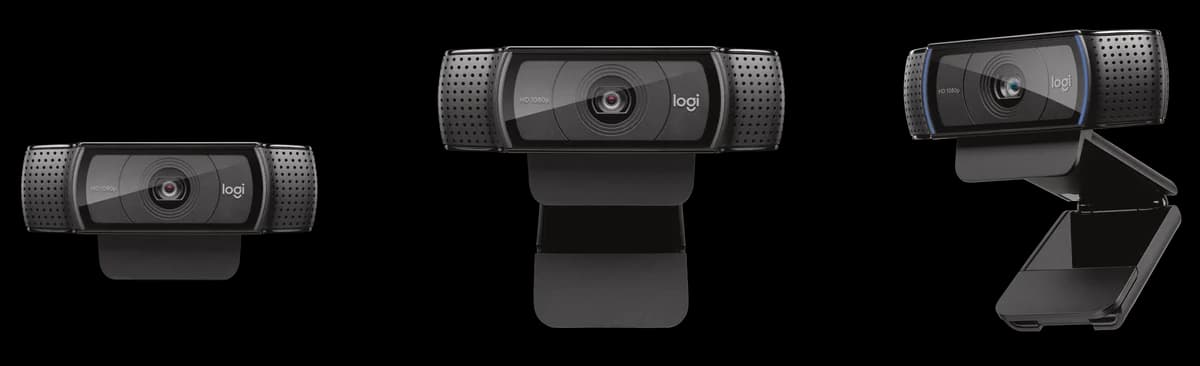
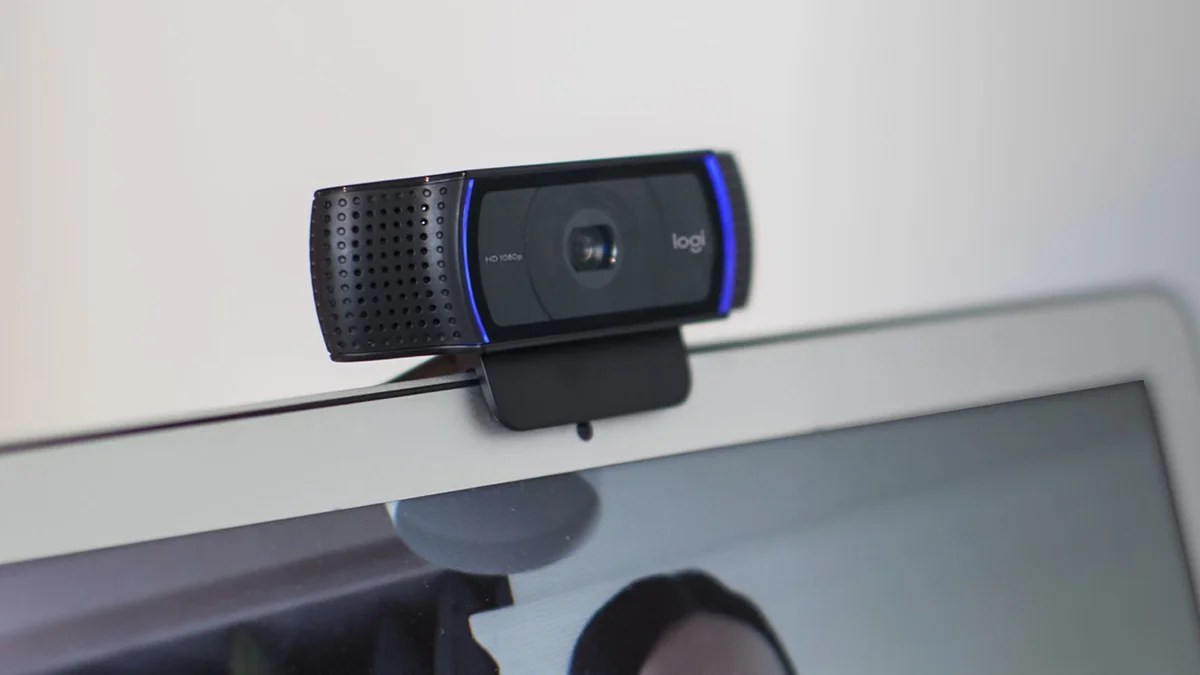
A sturdy setup means less fuss mid-call: built from durable materials with a robust universal clip that fits laptops and monitors securely plus tripod-ready threading allowing flexible positioning options across workspaces or studios alike. The six-foot USB cable offers decent reach though lacks dedicated management features—a minor quibble amid mostly positive reports of long-lasting cables and resilient housing construction promising dependable daily use over years rather than months.
Resolution & Image Quality
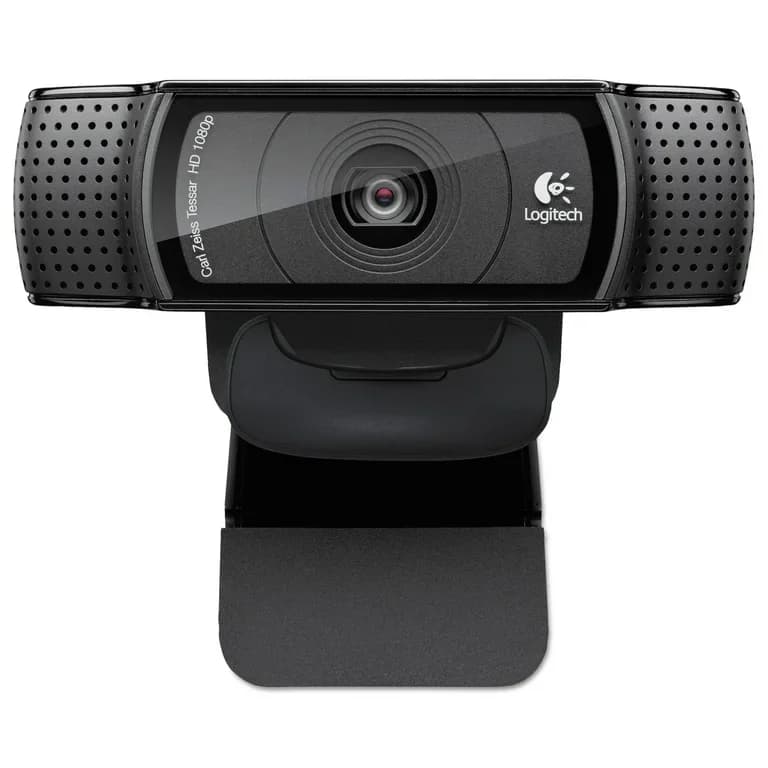
Dive into sharp visuals with this webcam’s Full HD 1080p capture, delivering crisp, detailed images that elevate video calls and streams. The five-element glass lens plays a starring role in clarity, while the camera's natural color reproduction generally impresses despite occasional white balance quirks under tricky lighting. Users applaud its ability to present vibrant imagery without hefty hardware demands. Though it doesn’t rival ultra-high-res models, the solid performance here makes for a reliable everyday workhorse with consistently pleasing picture quality.
Low-Light Performance
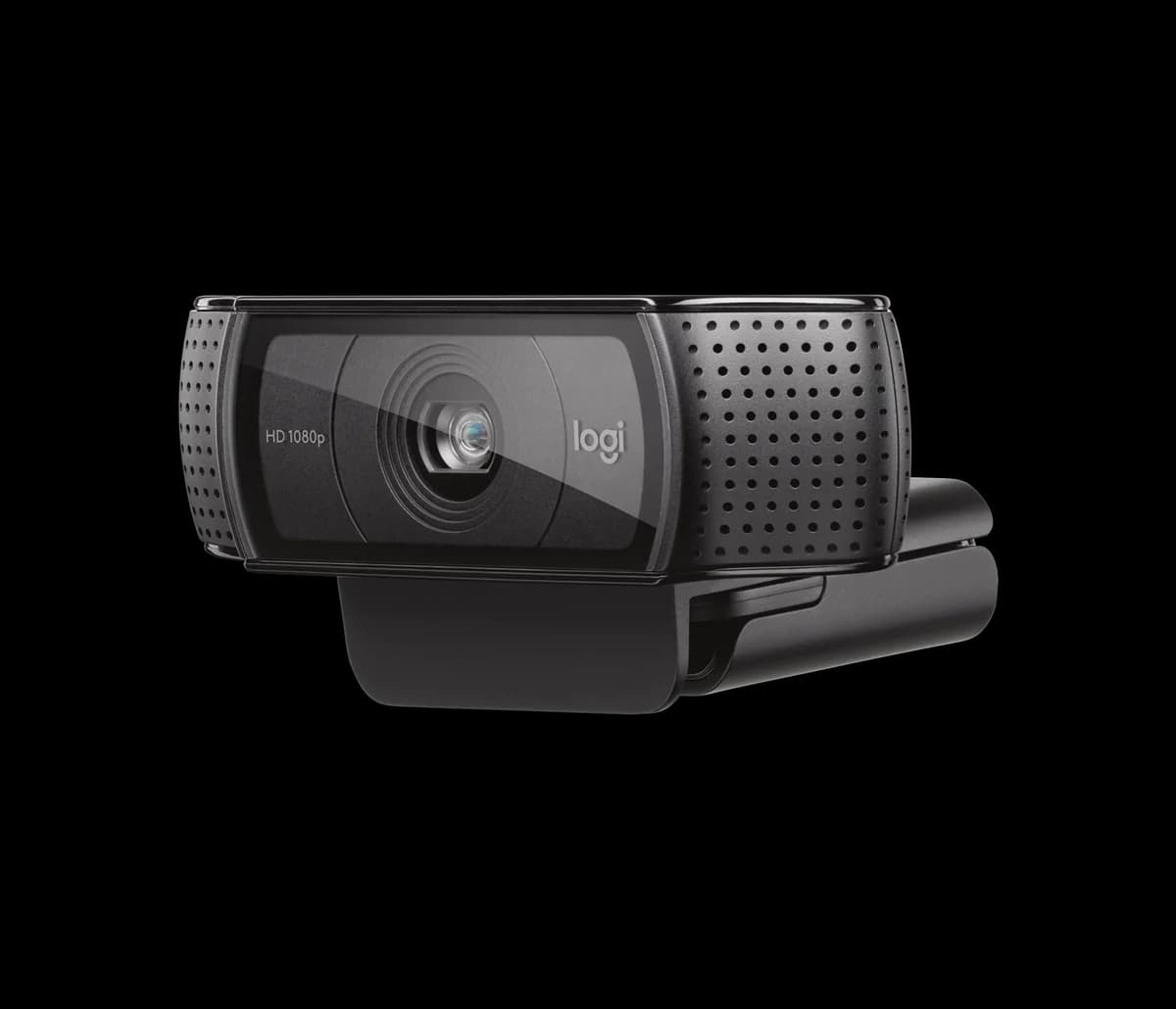
Lighting woes can sabotage any call; thankfully, this webcam offers automatic low-light correction aiming to brighten your image when ambient light dips. However, real-world feedback notes visible graininess and noise creeping in dimmer settings—so don’t expect miracles without supplemental lamps or ring lights. This trade-off is common at this price point but worth noting if gloomy environments dominate your setup; nevertheless, the feature adds noticeable value by reducing manual fiddling when lighting fluctuates unexpectedly.
Autofocus & Tracking
Keeping you perfectly framed is crucial, and this model boasts an intelligent 20-step autofocus system designed to maintain sharpness as you move. While it performs well in standard scenarios, some users report slight hunting or sluggish focus adjustments at close range during intense motion moments like proctored exams. Still, experts appreciate its consistent reliability for typical video conferencing needs where smooth focus transitions mean fewer distractions and more professional presence on screen.
Conclusion
Drawing final thoughts from the core features, this webcam delivers sharp 1080p resolution and a five-element glass lens that consistently impress users craving clear visuals. Its 20-step autofocus system keeps you framed with reliable precision, though occasional hunting under close range hints at room for improvement. While its automatic low-light correction brightens scenes, expect some grain in dim settings—a common trade-off here. The build offers a solid clip and versatile mounting options that hold firm during calls or streams. Audio captured through dual stereo microphones is serviceable but not studio-grade, fitting casual conferencing better than professional podcasting. Setup shines with true plug-and-play ease across platforms, minimizing technical headaches. This combination suits remote workers and content creators who prioritize dependable image quality without breaking the bank—offering more clarity than complexity while leaving premium bells to pricier rivals down the line.

Feature Scores
This reflects reviews and ratings from established critics, journalists, and users who have evaluated the item. Their opinions provide a comprehensive assessment.
Performance
Resolution
4/5
Frame Rate
3/5
Low-Light Performance
3/5
Autofocus Quality
4/5
Field of View
4/5
Image Processing and Color Accuracy
4/5
Microphone Quality
3/5
Latency
4/5
Build Quality and Durability
4/5
Value
Price-to-Performance
4/5
Warranty and Support
4/5
Design
Mounting Versatility
4/5
Size and Portability
4/5
Visual Design and Finish
4/5
Cable Management
3/5
Health
Material Safety
3/5
User Comfort
4/5
Safety
Privacy Controls
2/5
Firmware Security
3/5
Electrical Safety and Certifications
3/5
Sustainability
Energy Efficiency
3/5
Recyclability and End-of-Life
4/5
Repairability and Upgradability
2/5
Packaging Sustainability
3/5
Experience Style
Ease of Setup
4/5
Software Customization and Features
3/5
Presets and Profiles
3/5

Specifications
This section outlines the product's key facts, covering essential features, details, dimensions, materials, and any unique characteristics that define its functionality and usability.
Performance
Value
Design
Safety
Sustainability
Experience Style

Frequently Asked Questions
8 Questions

Also Consider
1 Option
Find Yours
What will you primarily use your webcam for?
Answer to find your best matches.