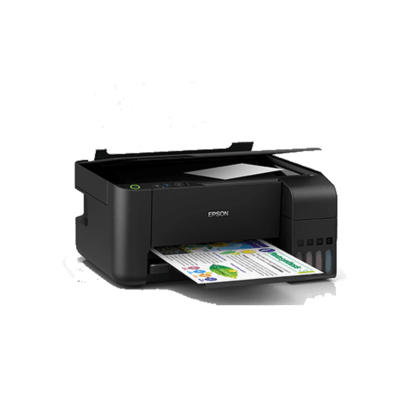
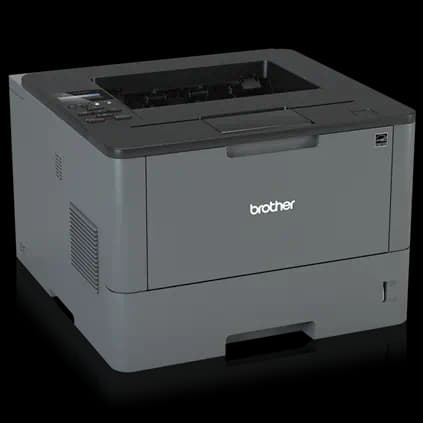

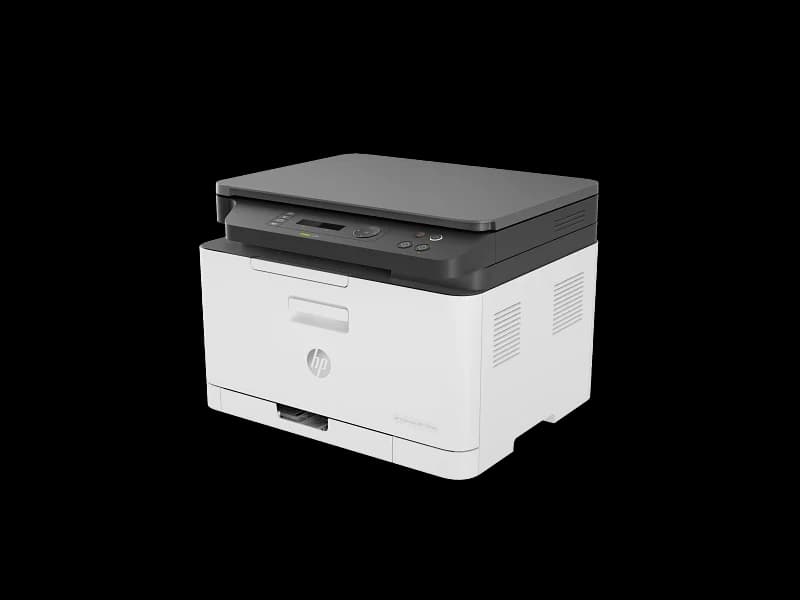
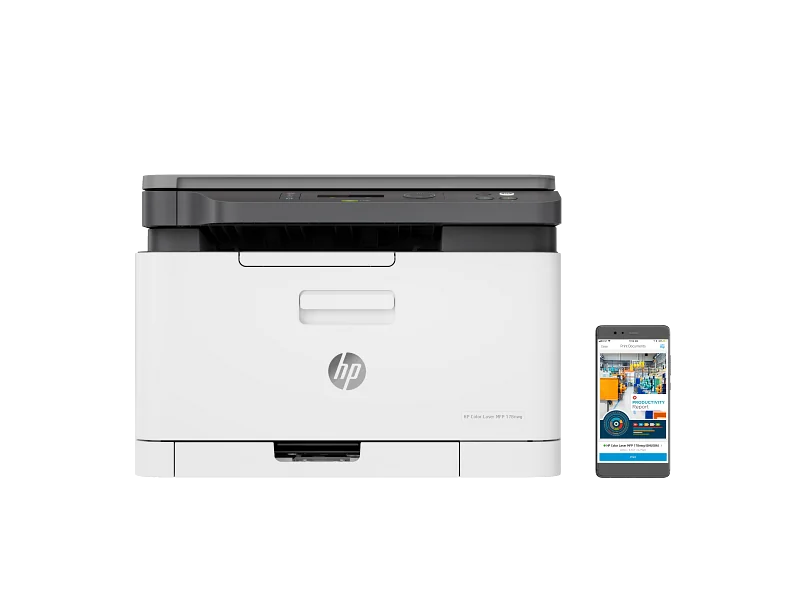
HP Color Laser MFP 178nw
Compact and budget-friendly with sharp text and wireless ease, but slow color and manual duplex limit appeal.
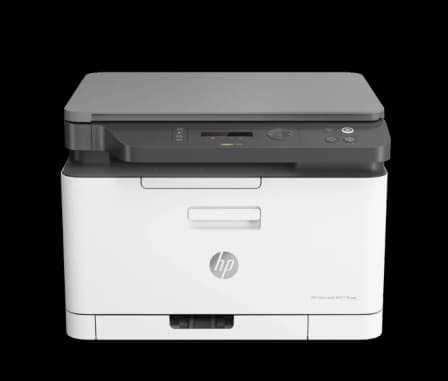
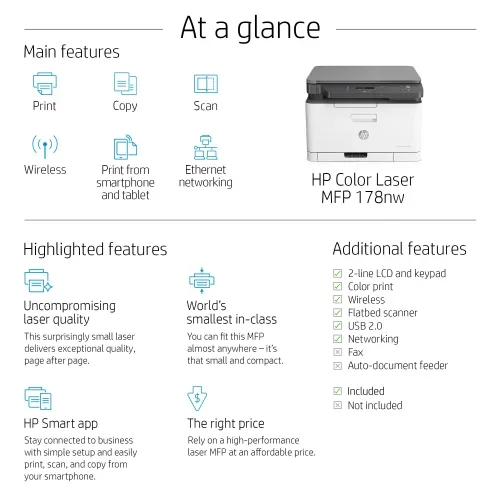
The HP Color Laser MFP 178nw is a compact color laser multitasker tailored for space-starved small offices and home users craving crisp black text and vibrant graphics. Its world’s smallest in-class footprint earns kudos, as does the dual-band Wi-Fi with seamless mobile printing, though the printer stumbles with slow 4 ppm color speed and manual duplexing that demands user patience. Experts praise its sharp text but flag inconsistent color quality, echoing user gripes about toner quirks and firmware puzzles. Priced to fit modest budgets, it shines brightest when compact design trumps heavy-duty performance—making reliability nuances key to deciding if this neat package fits your workflow vibe.

Find Yours
What is the primary environment where you will use your laser printer?
Answer to find your best matches.

The Field
Browse top contenders, or compare all options ranked by score and key attributes.
1 Option


The Scoreboard
Does this improve your life? Considers, health, habits, and environmental impact.
Benefits
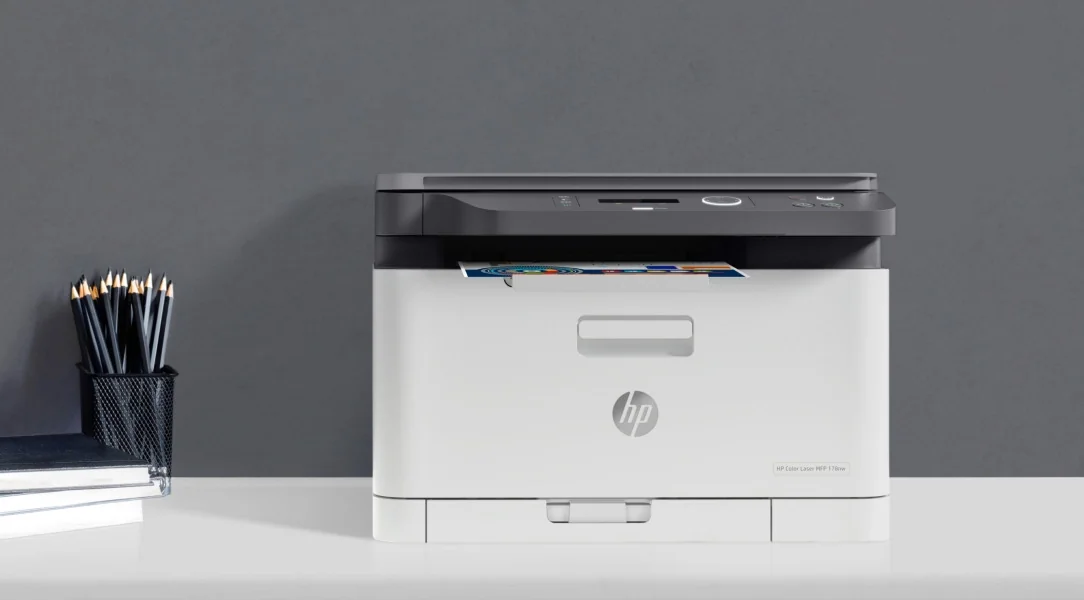
Tiny chassis frees desk space, reducing stress and improving ergonomic layout versus larger MFPs.
Crisp black text improves readability, lowering eye fatigue during long document review sessions.
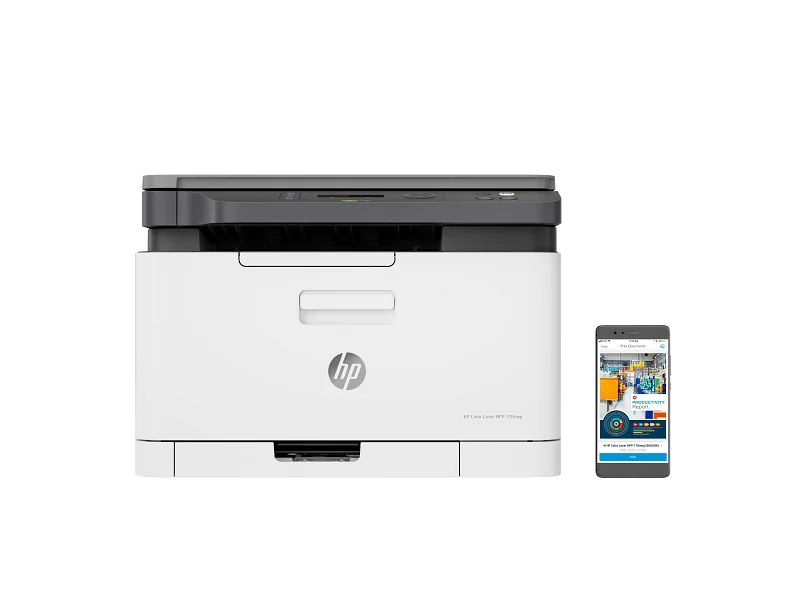
Wi‑Fi Direct and HP Smart app reduce tech friction, easing stress for on-the-go printing.
High optical resolution and E‑Book tools simplify digitizing books, lowering physical-paper clutter and strain.
Trade-Offs
Toner and fuser heat can emit ultrafine particles, worsening indoor air quality and irritation.
Multiple single-use toner cartridges and transfer belt produce plastic and toner waste requiring specialized recycling.
Dynamic security firmware restricts cartridge alternatives, limiting reuse and repairability, reducing circular material options.
No automatic duplex forces manual flipping, increasing paper handling, time, and accidental single-sided waste.
 Alternatives


Join the Circle
Where real meets deal
Know what's worth buying-and when.
Tips, special offers, and rewards for buying and sharing.

Publications
3 LEADING PUBLICATION REVIEWS

William Harrel from PCMag highlights the HP Color Laser MFP 178nw as a compact, budget-friendly entry-level color laser all-in-one printer best suited for low-volume, cost-conscious small offices or personal use. Praised for its small footprint, solid text quality, and versatile connectivity options—including Ethernet, dual-band Wi-Fi, and mobile printing via HP Smart App—the 178nw offers decent performance for basic printing needs. However, Harrel points out notable limitations: the absence of an automatic document feeder (ADF) restricts multipage scanning and copying, and the printer’s color output struggles with complex graphics, showing banding and streaking. Its print speed and running costs are also less competitive, with slower throughput and significantly higher per-page expenses compared to rivals like Brother and Canon. While the 178nw’s low purchase price is attractive, the review suggests that users needing more features or higher volume capacity would be better served by the slightly pricier HP 179fnw or other competitors. Overall, it’s a practical but modest choice for very light office use.
By William Harrel
Love Lindberg from Konsumentvalet highlights the HP Color Laser MFP 178nw as a compact, stylish, and affordable all-in-one laser printer well-suited for home offices and small businesses with moderate printing needs. Praising its robust build, intuitive controls, and versatile connectivity options, Lindberg emphasizes the printer’s sharp black-and-white text output and decent color print quality, though noting that color prints can show uneven transitions and are slower at just 4 pages per minute. The review appreciates the high scanning resolution and space-saving design but points out key limitations such as the absence of an automatic document feeder, manual duplex printing, and relatively high toner costs. While not ideal for heavy or professional graphic tasks, the printer offers a balanced combination of performance, ease of use, and value for budget-conscious users. Lindberg concludes that despite some trade-offs, the HP 178nw is a smart, practical choice for those seeking reliable multifunction functionality in a small footprint.
By Love Lindberg
4SOUND.dk highlights the HP Color Laser MFP 178nw as an impressively compact and reliable laser multifunction printer ideal for light office use. Praised for its ultra-small footprint and sharp, crisp text output, it fits neatly into tight home office spaces and delivers stable performance on standard paper. The reviewer appreciates its solid document scanning capabilities and stable wireless connectivity once setup is complete, though initial Wi-Fi configuration is described as frustrating and outdated. Color printing is functional but falls short for photo-quality needs, producing dull and grainy results, making it unsuitable for high-quality color prints. The printer is sensitive to paper types, with thicker stock causing frequent jams that are difficult to clear. Additionally, toner replacement—especially color cartridges—is costly, limiting its appeal for heavy color printing. Overall, the HP 178nw is recommended for users prioritizing compact size and excellent black-and-white text quality over advanced features or high-volume color output.

YouTube
4 LEADING EXPERT & INFLUENCER REVIEWS
 Bilal's Workshop - Technologist and Vlogger
Bilal from Bilal’s Workshop provides a practical, hands-on guide to setting up Wi-Fi Direct on the HP Color LaserJet MFP 178nw, clearly explaining each step for smartphone printing. While enthusiastic about wireless connectivity, he also candidly notes a paper jam issue, offering a balanced and helpful walkthrough for users.
ADB BÜRO MAKİNELERİADB BÜRO MAKİNELERİ provides a practical, hands-on guide to maintaining the HP Color Laser MFP 178nw, focusing on transfer belt, drum unit, waste toner box, and toner cartridge replacement and cleaning. The video is straightforward and informative but lacks emotional engagement or evaluative commentary on the printer’s performance or features.
Tech VaioTech Vaio provides a hands-on unboxing and overview of the HP Color Laser MFP 178nw, highlighting its compact design, four toner cartridges, and network connectivity. The review conveys practical insights on setup and cartridge capacity (1000 black, 700 color pages), with a straightforward, mildly enthusiastic tone focused on basic functionality rather than deep performance analysis.
LeonSELeonSE praises the HP Color Laser MFP 178nw for its compact design, straightforward setup, and reliable wireless connectivity via WPS. He highlights the ease of mobile printing through the HP Smart App and appreciates the simple, non-touch display. However, he notes some app limitations, like mandatory account login for scanning, and minor print quality quirks.

Forum Reviews
CUSTOMER REVIEWS FROM 1 FORUM
Reddit users express mixed sentiments about the HP Color Laser MFP 178nw, highlighting both strengths and notable issues. While some appreciate its color printing capabilities and network features, many report persistent performance problems such as poor color adherence, ghosting, and hardware faults, particularly with toner cartridges and the transfer belt. Design-wise, users note challenges with firmware restrictions and confusing default passwords, complicating setup and maintenance. The overall consensus leans toward frustration, especially among those experiencing print quality issues and firmware limitations, with some recommending warranty claims or considering alternative models. New shoppers and upgraders alike share concerns about reliability and value.
Many comments

In-Depth Review

Highlights
- •Compact footprintMarketed as world's smallest in-class
- •Wireless and mobile printingDesigned for dual-band Wi‑Fi/HP Smart App
- •Sharp black textObserved by reviewers as consistently crisp
- •High-resolution scanningDesigned to scan up to 600 dpi
- •Entry-level valueAdvertised to offer affordable color laser MFP
- •Vibrant color for graphicsPromoted as having vivid color output

Considerations
- •Color quality inconsistenciesBanding, streaking, and ghosting reported
- •No automatic document feederManual duplex and no ADF for multipage
- •High consumable costsLow starter yields and pricey toners
- •Firmware and security limitsDynamic security and confusing defaults restrict cartridges
- •Reported hardware reliability issuesTransfer-belt and cartridge faults cited
- •Slow color throughputColor prints at ~4 ppm
Real-world feedback on this compact color laser multifunction is still trickling in, but early impressions paint a picture of practical appeal for small offices and home users craving space-saving efficiency. Known for its world’s smallest in-class footprint, it packs surprising punch with crisp black text and vibrant—but occasionally streaky—color output. Wireless aficionados will appreciate the seamless dual-band Wi-Fi and HP Smart App integration that keeps mobile printing hassle-free. While print speeds deliver a respectable 18–19 ppm in black, color lags at a leisurely 4 ppm, making it better suited to occasional bursts than marathon runs. Scanning shines with high optical resolution and clever tools like poster stitching, though paper handling leans toward basic functionality without auto-duplex convenience. If you prize neat design paired with versatile connectivity yet don’t mind manual duplexing or toner quirks, keep reading—there’s more nuance behind these standout specs worth your attention before committing ink (or toner) to paper.
Scan performance
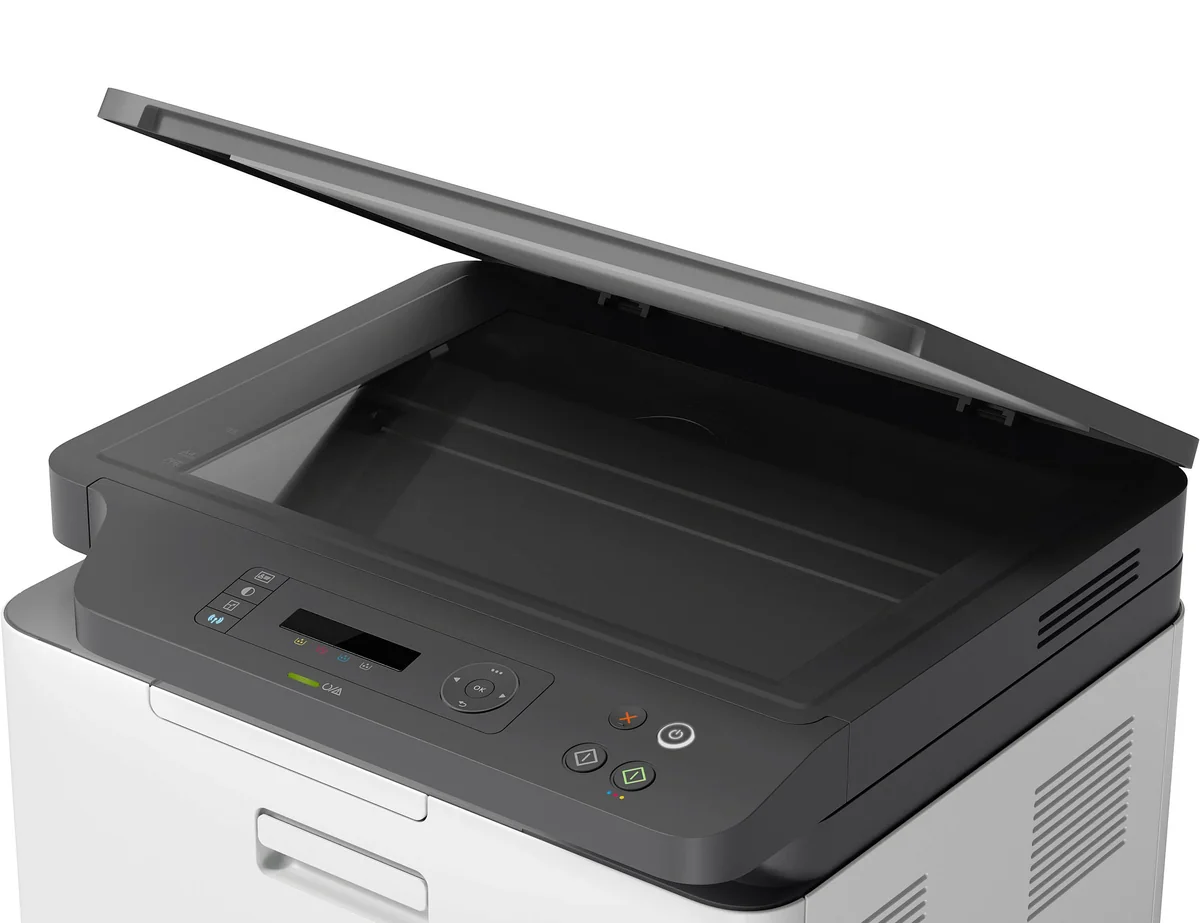
Equipped with a flatbed CIS scanner boasting optical resolutions up to 600 dpi (and enhanced modes soaring higher), this device shines in digitizing books and posters thanks to features like poster stitching and E-Book conversion. Scan speeds hover around moderate levels—15 ipm black/6 ipm color—which is adequate if not blazing fast. Users appreciate its high-resolution capture capabilities even though the lack of an automatic document feeder limits efficiency on multipage scans.
Paper handling and duplexing
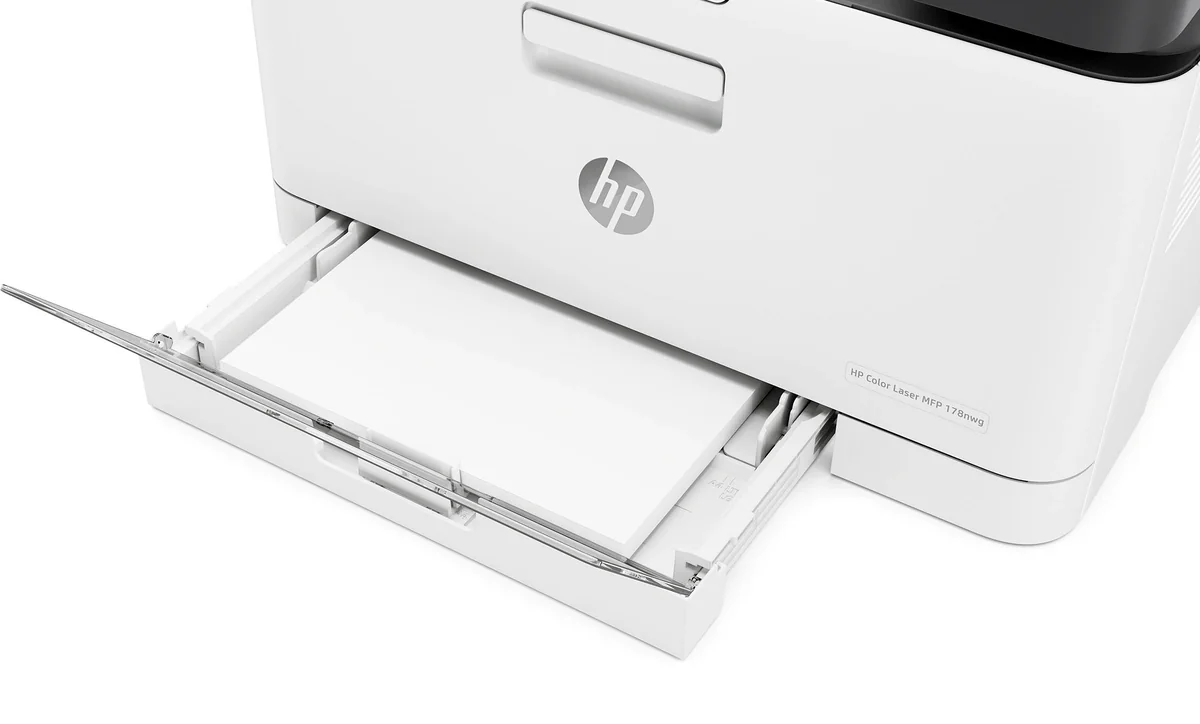
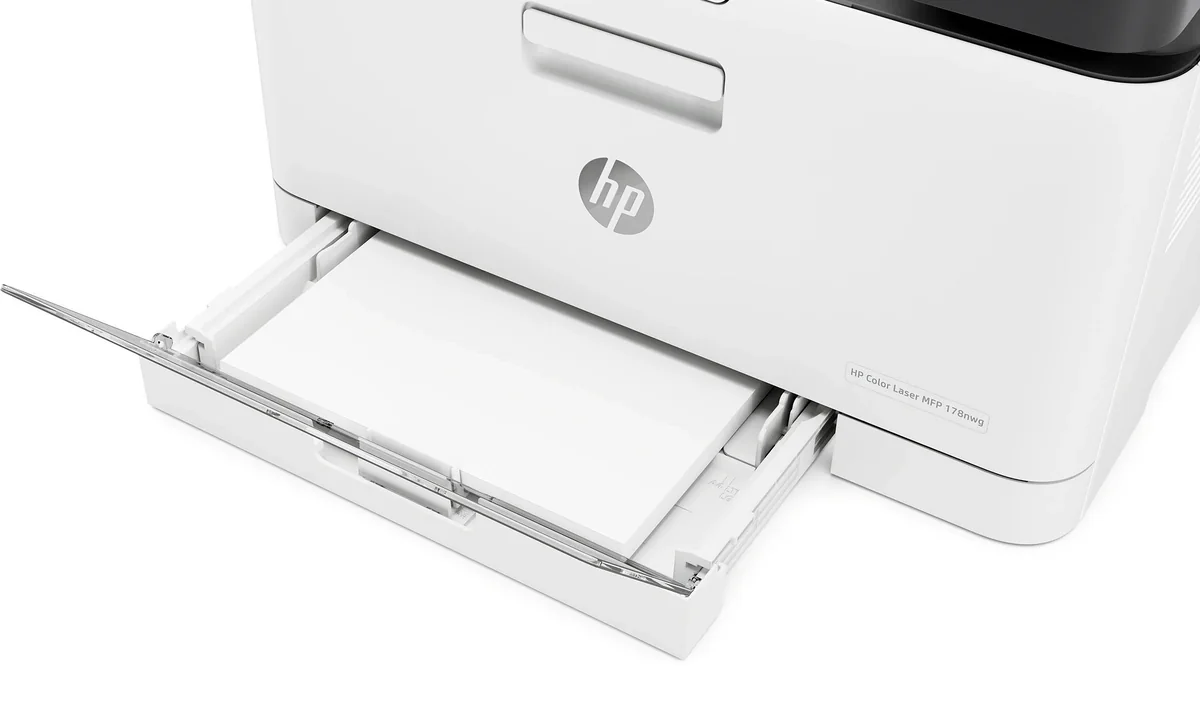
With a modest 150-sheet input tray feeding through a 50-sheet output bin, this printer suits low-to-medium volume needs comfortably but doesn’t wow in capacity terms. Manual duplexing requires user intervention via driver support—an old-school workaround that contrasts unfavorably against pricier models flaunting auto-duplex techs that save time & paper effortlessly. Paper jams reported with heavier stock add another wrinkle here; overall paper management leans toward functional rather than fancy.
Compact footprint and build
The standout feature? Its impressively tiny footprint measuring just over 40 cm wide — truly one of the smallest laser MFPs out there — making it perfect when desk space is premium or clutter must be tamed without compromise on functionality. Build quality earns nods for robustness despite basic controls limited to a simple two-line LCD plus buttons combo instead of touchscreen flair; it's all about practicality wrapped in sleek minimalism offering genuine convenience in tight spaces.
Print quality and color output
This model delivers crisp black text that's consistently praised by experts for sharpness and clarity—a boon for documents needing professional polish. Color prints boast vibrant hues but suffer from banding and streaking on complex graphics; users report ghosting issues as well. While suitable for flyers or casual photo scans, it falls short of true photo-quality standards with somewhat grainy results, making it better suited to projects where vibrant visuals trump photographic perfection.
Print speed
When it comes to print speed, this printer promises a brisk black output of up to 18-19 ppm and a more leisurely color pace at just 4 ppm. While the first page emerges in about 12.4 seconds, real-world feedback suggests that the color throughput can feel glacial, especially for bulk jobs. The absence of an automatic duplexer means manual effort slows down two-sided printing, which might frustrate those expecting swift multi-page workflows. Overall, it's designed for light-duty tasks where speed isn't king but reliability matters.
Conclusion
Real-world chatter around this compact color laser is still finding its footing, but a few truths emerge. The print speed favors black text with a sprightly 18–19 ppm, while color dawdles at 4 ppm—perfect for casual bursts rather than nonstop churning. Its print quality and color output deliver crisp documents and vivid hues, though expect some streaks when complexity rises. Scanning shines through with high resolution and clever features like poster stitching, yet the lack of an automatic feeder nudges patience over haste in paper handling and duplexing. What stands out most is the compact footprint and build, carving out space without surrendering essential function—a prized trait for cramped desks or minimalist setups. Connectivity hits the mark with robust dual-band Wi-Fi plus mobile printing ease via HP Smart App, ensuring no cable tangle slows your workflow. For light-duty users who prize neat design alongside reliable basics—and can tolerate toner quirks—this printer quietly earns its keep without shouting from rooftops.

Feature Scores
This reflects reviews and ratings from established critics, journalists, and users who have evaluated the item. Their opinions provide a comprehensive assessment.
Performance
Print Speed
3/5
Print Quality
3/5
First Page Out Time
4/5
Duty Cycle
3/5
Reliability
3/5
Value
Purchase Price
4/5
Cost Per Page
2/5
Toner Yield
3/5
Total Cost of Ownership
3/5
Design
Physical Footprint
4/5
User Interface
3/5
Build Quality
3/5
Noise Level
3/5
Health
Toner Particulate Emissions
TBD
Ozone Emissions
TBD
VOC Emissions
TBD
Safety
Electrical Safety
TBD
Overheat Protection
TBD
Hot Surface Protection
TBD
Regulatory Compliance
TBD
Sustainability
Energy Efficiency
TBD
Recyclability
TBD
Recycled Material Use
TBD
Cartridge Recycling
TBD
Experience Style
Setup Simplicity
3/5
Mobile Printing Support
4/5
Feature Set
3/5
Remote Management
3/5

Specifications
This section outlines the product's key facts, covering essential features, details, dimensions, materials, and any unique characteristics that define its functionality and usability.
Performance
Value
Design
Safety
Sustainability
Experience Style

Frequently Asked Questions
9 Questions



Find Yours
What is the primary environment where you will use your laser printer?
Answer to find your best matches.