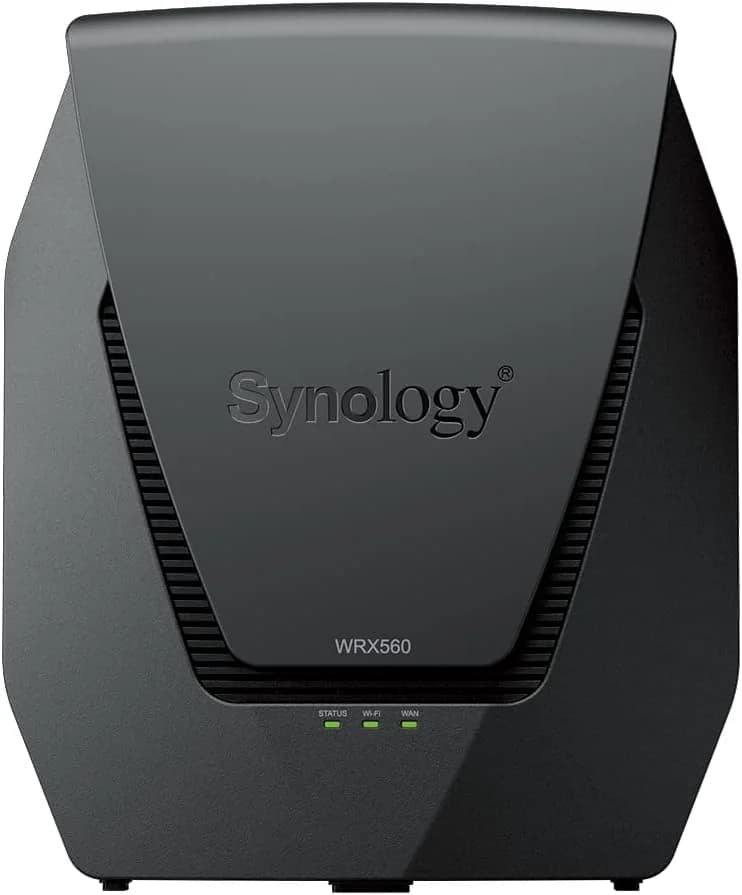
Synology WRX560
Reliable dual-band Wi-Fi 6 router with strong coverage, intuitive controls, and solid value for mid-range users.
The Synology WRX560 is a savvy dual-band Wi-Fi 6 router designed for busy homes craving strong coverage without antenna chaos. Perfect for families and prosumers who want intuitive SRM controls paired with robust parental features—all subscription-free. Experts applaud its solid throughput and flexible 2.5GbE port, though users note some wireless dropouts, especially on purely wireless mesh setups. Its sleek design hides powerful hardware, yet USB speeds feel average at best. Offering a neat balance of speed, security, and ease-of-use at a mid-range price point, the WRX560 proves that thoughtful software often trumps flashy specs in delivering real-world value.

Find Yours
What level of internet speed is most important to you?
Answer to find your best matches.

The Field
Browse top contenders, or compare all options ranked by score and key attributes.
5 Options

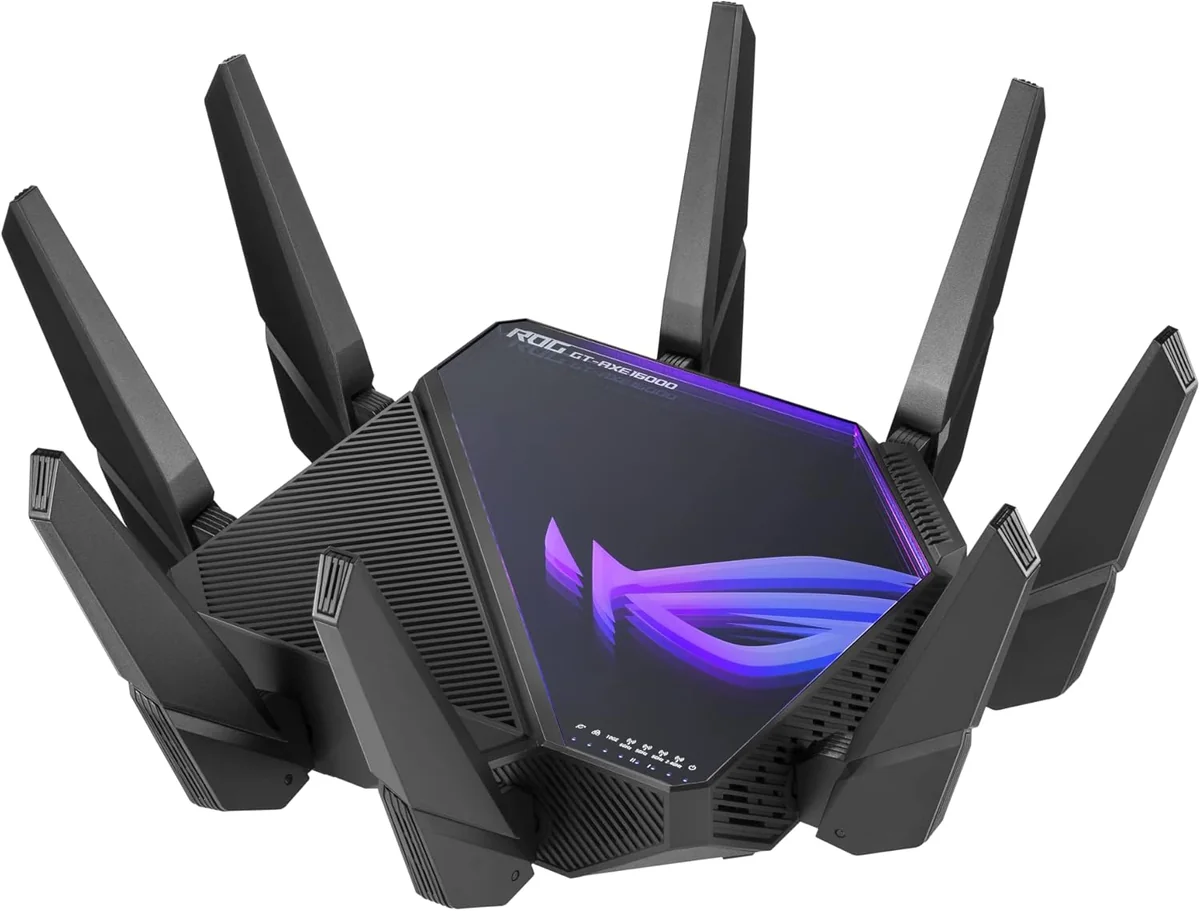
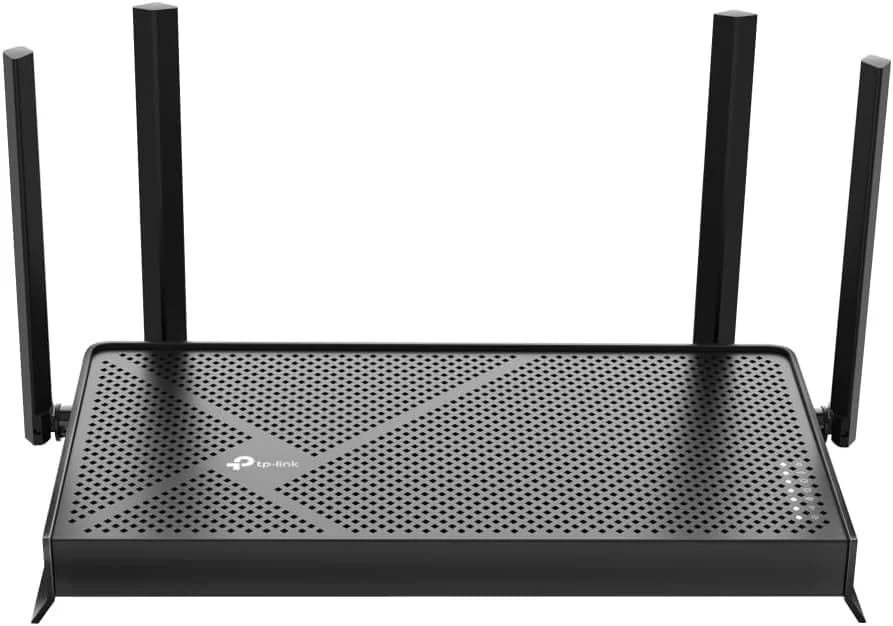


The Scoreboard
Does this improve your life? Considers, health, habits, and environmental impact.
Benefits
Subscription-free SRM parental controls reduce exposure and anxiety, unlike competitors requiring paid subscriptions.
SRM threat prevention and VPN protect devices, reducing privacy worry versus basic ISP firmware.
Consistent Wi‑Fi 6 throughput rivals tri-band systems, reducing frustration and enabling smooth remote work.
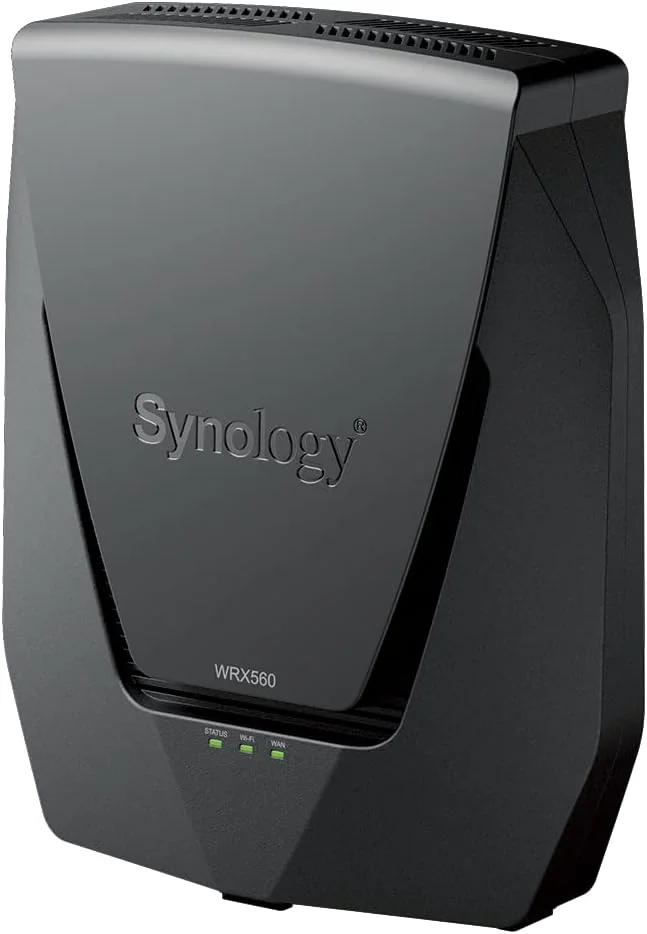
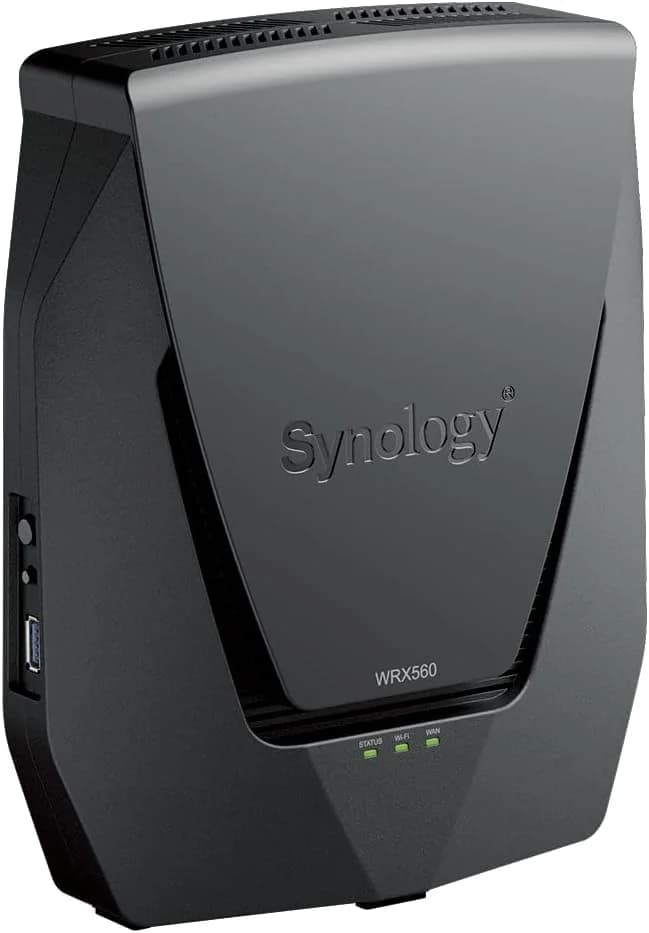
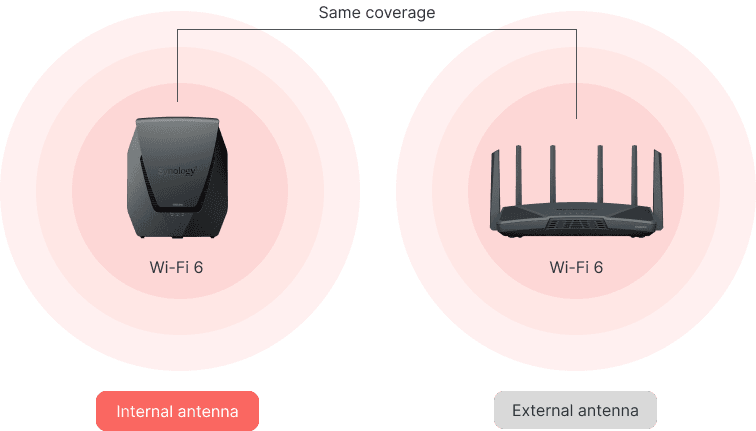
Vertical internal-antennas and mesh-ready design reduce visual clutter, supporting calmer, less distracting living spaces.
SRM's NAS-like apps and USB storage enable local backups, reducing cloud exposure and privacy risks.
Trade-Offs
Single 2.5GbE port can force extra adapters, increasing device count and future e-waste.
No Wi‑Fi 6E/7 support shortens hardware lifespan compared with eco-leaders offering newer bands.
Wireless mesh/backhaul can drop or slow, increasing frustration versus wired-mesh stability in best setups.
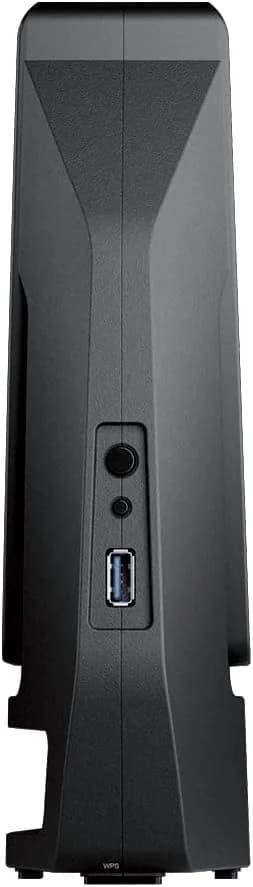
Recessed side USB and average transfer speeds add setup friction and extra time managing storage.
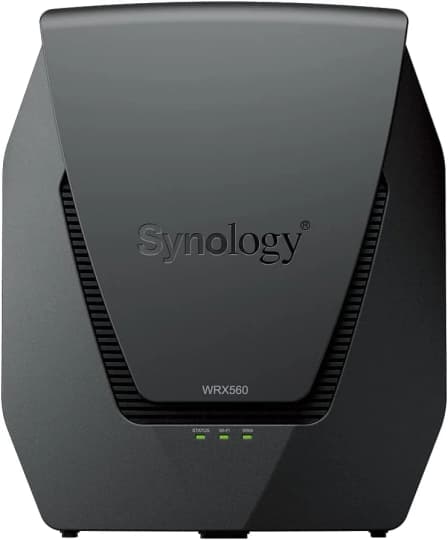
 Alternatives


Join the Circle
Where real meets deal
Know what's worth buying-and when.
Tips, special offers, and rewards for buying and sharing.

Publications
8 LEADING PUBLICATION REVIEWS

John R. Delaney from PCMag highlights the Synology WRX560 as an affordable, feature-rich dual-band Wi-Fi 6 router that delivers impressive throughput and strong signal coverage, outperforming several competitors in both 2.4GHz and 5GHz tests. Praised for its robust parental controls, multi-gig networking capabilities, and the intuitive Synology Router Manager (SRM) operating system, the WRX560 stands out as an excellent mainstream option. Unique insights include its sleek vertical design with internal antennas and mesh-ready functionality, though the reviewer notes the device’s vulnerability to tipping and lack of wall-mount options. While file transfer speeds via USB are only average compared to rivals, this limitation does not overshadow the router’s overall performance and ease of installation. Despite minor drawbacks, the WRX560’s combination of speed, coverage, and software sophistication earns it an Editors’ Choice award, making it a compelling choice for users seeking a reliable, well-rounded Wi-Fi 6 router.
By John R. Delaney
Nick Ross from TechRadar highlights the Synology WRX560 as a standout Wi-Fi 6 router that combines exceptional performance with user-friendly design and rich features. Praising its simple, intuitive setup and attractive aesthetics, Ross emphasizes the router’s best-in-class parental and access controls, which are subscription-free and highly configurable. The WRX560 delivers impressive real-world speeds and range, rivaling some tri-band mesh systems despite being dual-band, making it a top performer for both home and small business use. Its extensive prosumer features, including advanced VPN and network segmentation, add to its appeal. However, Ross notes some drawbacks: the hardware’s limited expansion headroom compared to its pricier sibling, the RT6600ax, and the awkward side-mounted USB port. Price volatility and occasional scarcity also temper enthusiasm. Overall, the WRX560 is recommended as a fantastic value and versatile router, especially for families and users seeking powerful features without complexity or subscription fees.
By Nick Ross
Dong Ngo from Dong Knows Tech assesses the Synology WRX560 as a solid, reliable dual-band Wi-Fi 6 router that excels in real-world performance despite feeling somewhat outdated in today’s rapidly evolving Wi-Fi landscape. While the WRX560 offers excellent range, stable speeds, and a robust, user-friendly firmware ecosystem with NAS-like capabilities, it falls short due to its single 2.5GbE port and the largely impractical support for the 5.9GHz UNII-4 band, which currently lacks client compatibility. The design has some usability quirks, such as recessed ports and awkward USB placement, and the router misses out on newer Wi-Fi 6E and upcoming Wi-Fi 7 features. Nevertheless, for users content with dual-band Wi-Fi 6, the WRX560 delivers strong value and performance, arguably standing as the best in its mid-tier class. Dong highlights that adding another Multi-Gig port or a third band would elevate this router to excellence, but as-is, it remains a dependable choice for those not needing bleeding-edge specs.
By Dong Ngo
Harish Jonnalagadda from Android Central highlights the Synology WRX560 as an outstanding dual-band Wi-Fi 6 router that offers excellent value under $250. He praises its modern design with hidden antennae, robust software feature-set via Synology Router Manager, and versatile capabilities including NAS functionality and mesh networking. The WRX560 impresses with reliable, high-speed connectivity across a typical home, supported by multi-gigabit Ethernet and advanced parental controls that outshine many competitors. While the router lacks Wi-Fi 6e support and Link Aggregation—features some power users might expect—it remains a strong choice for those prioritizing stability, ease of setup, and extensive management options. Jonnalagadda notes the WRX560’s performance closely matches Synology’s pricier RT6600ax, making it a compelling mid-range option. Overall, the review conveys a very positive, confident tone, emphasizing the WRX560’s balance of features, design, and price as ideal for most home users seeking a future-proof Wi-Fi 6 router.
By Harish Jonnalagadda
Android Authority’s Rita El Khoury highlights the Synology WRX560 as a robust, mid-range dual-band Wi-Fi 6 router ideal for users seeking a stable, manageable home network with many connected devices. She praises its powerful performance, noting significant improvements in speed and latency over her ISP’s basic router, and appreciates the familiar, feature-rich Synology Router Manager (SRM) software that balances advanced controls with user-friendly accessibility. The WRX560 excels in device prioritization, network segmentation, and parental controls, making it a great “starter” router for those wanting to grow their networking skills. However, she critiques the router’s bulky, utilitarian design and finds the traffic monitoring interface confusing and less polished compared to competitors. While not a high-end tri-band model, the WRX560’s mesh capability and extensive software features offer excellent value for its price point. Overall, the review conveys measured enthusiasm, emphasizing the router’s strengths in stability and control while acknowledging minor usability and aesthetic drawbacks.
By Rita El Khoury
Tyler Bernath from TweakTown highlights the Synology WRX560 as a strong entry-level Wi-Fi 6 router that balances solid coverage, performance, and features at a competitive price. He appreciates Synology’s stable SRM platform and the inclusion of advanced options like VPN support and multiple network creation, positioning it alongside top competitors like ASUS Ai Mesh and Netgear Genie. While the router excels on the 5GHz band with impressive speeds surpassing its predecessor, the RT2600ac, the 2.4GHz performance is somewhat modest, possibly due to congestion. A notable insight is the initial USB 3.2 port speed limitation caused by interference mitigation, which can be resolved via a simple setting tweak, doubling storage throughput. After three weeks of testing, the WRX560 proved reliable with minimal latency issues. Bernath sees Synology’s lineup as increasingly competitive but suggests future flagships should embrace Wi-Fi 6E or Wi-Fi 7 to stay ahead. Overall, the review conveys measured enthusiasm with practical observations and minor critiques.
By Tyler Bernath
Rob Andrews from NAS Compares highlights the Synology WRX560 as a thoughtfully designed router that excels primarily due to its intuitive and powerful Synology Router Manager (SRM) software, which offers unparalleled network control and user-friendly management. While the hardware is solid and reliable, it is described as somewhat conservative compared to competitors like the Google Nest Pro or Synology’s own RT6600ax, especially given the single 2.5GbE port and limited USB connectivity. The WRX560’s support for the newly accessible 5.9GHz band and 160MHz channels is a notable advantage, enhancing WiFi 6 performance and coverage. However, the router’s launch price sits uncomfortably close to the more capable RT6600ax, making the WRX560 a less compelling choice at release. Despite these caveats, Andrews appreciates the WRX560’s role in expanding Synology’s ecosystem and delivering a secure, manageable, and feature-rich experience that surpasses typical ISP routers, making it a strong option for users valuing software sophistication over cutting-edge hardware.
By Rob Andrews
Brian Beeler from StorageReview highlights the Synology WRX560 as a powerful, feature-rich Wi-Fi 6 router tailored for busy households and small businesses. He praises its strong performance, including a quad-core 1.4 GHz processor, support for up to 150 devices, and access to the newly licensed 5.9 GHz spectrum for interference-free connections. The intuitive Synology Router Manager (SRM) operating system receives particular commendation for its comprehensive networking features and ease of use. However, Beeler points out a notable hardware limitation: the single 2.5 GbE port, which restricts simultaneous high-speed internet and NAS connections, a drawback given the router’s premium positioning. Compared to its higher-end sibling, the RT6600ac, the WRX560 offers a more affordable entry point with slightly reduced specs, making it suitable for users with moderate networking demands. Overall, the review conveys a balanced, moderately positive tone, appreciating the WRX560’s capabilities while acknowledging key trade-offs.
By Brian Beeler

YouTube
1 LEADING EXPERT & INFLUENCER REVIEW
 Willie Howe
Willie Howe praises the Synology WRX560 for its sleek design, robust Wi-Fi 6 performance, and best-in-class content filtering powered by Synology Router Manager (SRM). He highlights its versatile 2.5Gbps WAN/LAN port, mesh capabilities, and comprehensive parental controls. While enthusiastic, he notes setup ease and firmware updates as important, offering a balanced, expert overview.

Social
1 INFLUENCER REVIEW
 Amit Bhawani
Amit Bhawani highlights the Synology WRX560’s strong WiFi 6 performance, impressive 3500 sq. ft. coverage, and support for up to 150 connected devices—ideal for smart homes. He notes the sleek design and useful features like multiple SSIDs and parental controls but finds the DS Router app buggy and less reliable. Overall, Amit Bhawani finds the WRX560 a solid, feature-rich router with excellent speed and coverage, recommending it for users who prioritize smart home connectivity despite some app frustrations.

Store Reviews
CUSTOMER REVIEWS FROM 1 STORE
Amazon reviewers praise the Synology WRX560 for its strong and reliable Wi-Fi coverage, especially highlighting the smart connect feature that seamlessly manages connections across 2.4GHz and 5GHz bands through a single SSID. Users commend its easy setup process and flexible mesh capabilities, which allow straightforward expansion of network coverage with wired or wireless access points. Many appreciate the router’s robust security features, such as Safe Access and Threat Prevention, which help protect against web threats when properly configured. Reviewers also value the intuitive interface for managing devices and reserving IP addresses, noting that scheduled automatic reboots and firmware updates contribute to stable performance. On the other hand, some users report inconsistent connectivity, including occasional drops during streaming and browsing, which undermines reliability for certain setups. A few mention that the router’s physical design feels unstable and prone to tipping when cables are connected. Others point out security concerns with default settings like enabled UPnP and external management access, urging users to disable these to maintain network safety. While Synology’s tech support receives praise from some, others find it less responsive. Overall, Amazon customers recognize the WRX560 as a feature-rich router that excels in coverage and security but recommend careful configuration to avoid potential connectivity and security pitfalls.
4 Stars / Some verified reviews

Forum Reviews
CUSTOMER REVIEWS FROM 1 FORUM
Reddit users have mixed experiences with the Synology WRX560. Many appreciate its ease of setup, solid mesh performance when connected via Ethernet, and value for the price, especially in wired configurations. However, several users report issues with wireless range, frequent dropouts, and inconsistent connectivity, particularly when relying on wireless backhaul. Some find the WRX560 underpowered for larger homes, noting significant speed drops and interference problems. While the design and software receive praise for user-friendliness, limitations like the lack of a second 5GHz band and challenges in mesh node management temper enthusiasm. Overall, it suits users prioritizing wired mesh setups but may disappoint those expecting robust wireless-only coverage.
Some comments

In-Depth Review

Highlights
- •SRM management interfaceIntuitive desktop‑style router GUI
- •Wi‑Fi 6 with 160 MHzHigh single‑client and aggregate throughput
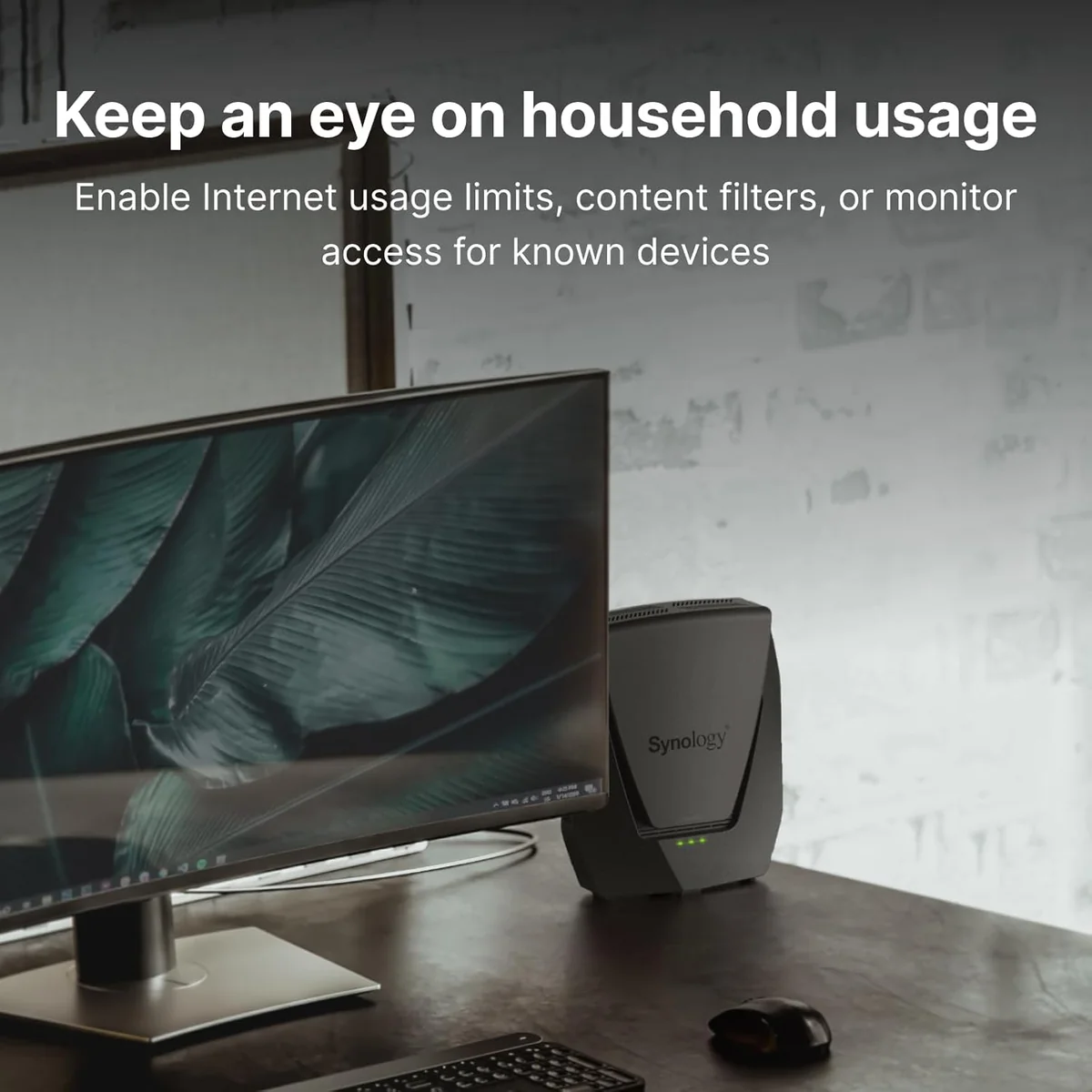
- •Parental controls (Safe Access)Granular profiles, schedules and filtering
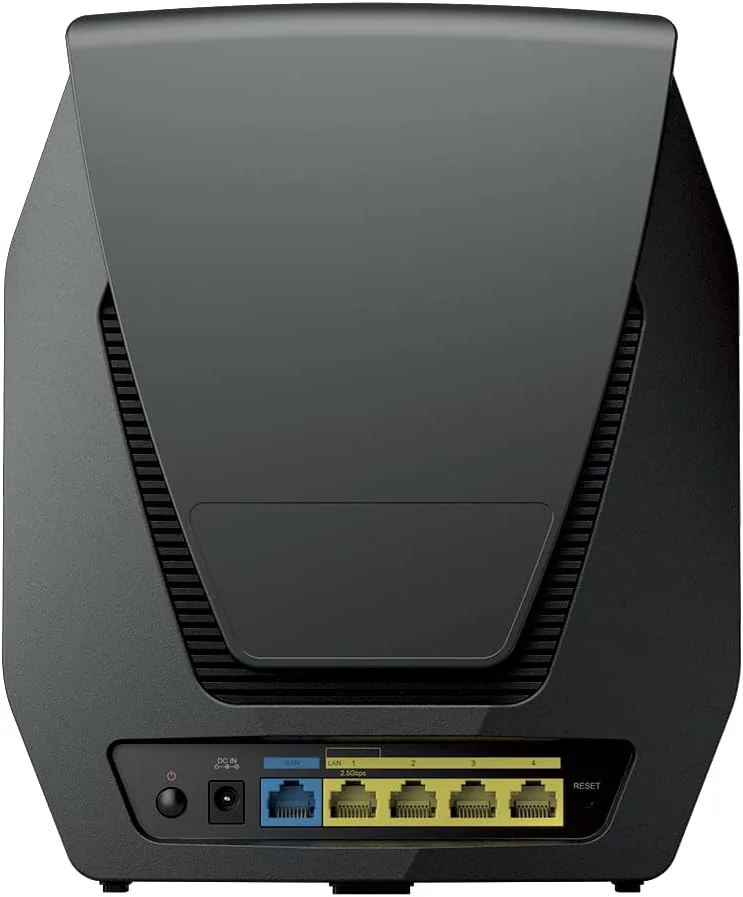
- •Configurable 2.5GbE portMulti‑gig WAN or LAN flexibility
- •Mesh‑ready deploymentWorks as node or primary router
- •USB / NAS capabilityAttach USB drive for SRM apps

Considerations
- •Single multi‑gig portOnly one 2.5GbE WAN/LAN available
- •Intermittent wireless dropsReports of occasional disconnects or instability
- •Dual‑band backhaul limitsNo dedicated third band for uplink
- •Minimal firewall loggingLimited logs complicate troubleshooting
- •Default insecure optionsUPnP/external management enabled by default
- •Threat Prevention tuningFalse positives require manual fine‑tuning
Synology, known for its robust NAS solutions, brings a refined approach to home networking with this dual-band Wi-Fi 6 router designed for busy households and small offices. Positioned as a mid-range contender, it boasts up to 3,000 Mbps wireless speeds powered by a quad-core processor and a configurable 2.5GbE port, balancing speed and flexibility for wired connections. Its internal antennas deliver reliable coverage across multi-story homes without the clutter of external hardware. The intuitive Synology Router Manager software offers granular control over network settings including advanced parental controls that appeal to families and tech enthusiasts alike. Additionally, mesh capabilities extend seamless connectivity while USB support enables basic NAS functions right from your router. This blend of performance, management ease, and future-proofing makes it an intriguing option for those seeking more than just standard routing gear—read on to see how these features stack up in real-world use where details truly matter.
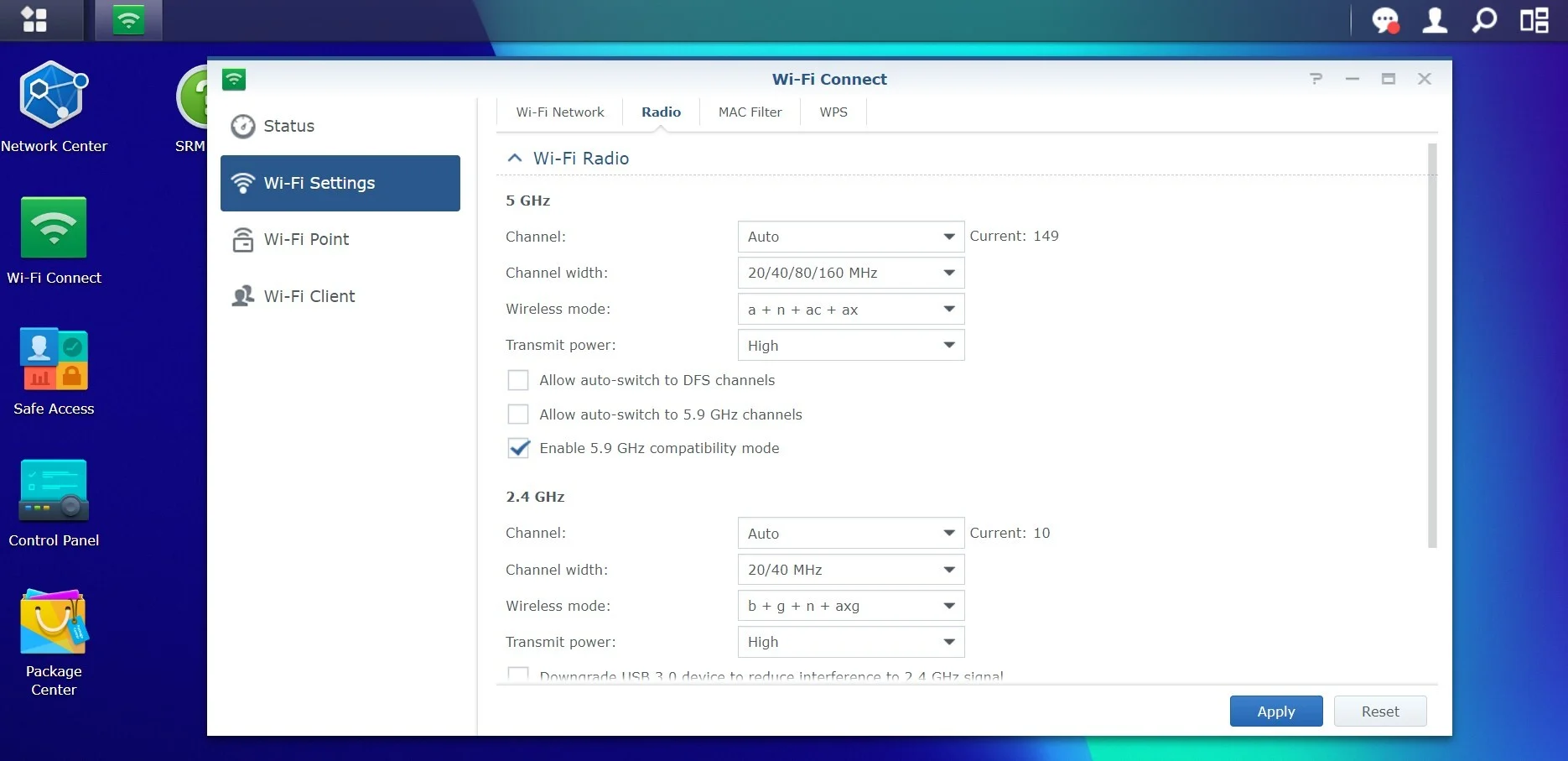
SRM Management Interface (Performance & Features)
The Synology Router Manager (SRM) shines as an intuitive yet powerful interface that balances user-friendliness with deep customization options like VLANs and parental controls via Safe Access profiles. It offers a desktop-like GUI plus mobile app management ensuring smooth control over bandwidth prioritization and security settings alike. The integration of installable packages enhances functionality dramatically—from VPN Plus server capabilities to media serving—all adding layers of flexibility seldom found in consumer routers, making SRM a key value driver here.
Mesh Performance (Backhaul & Roaming)
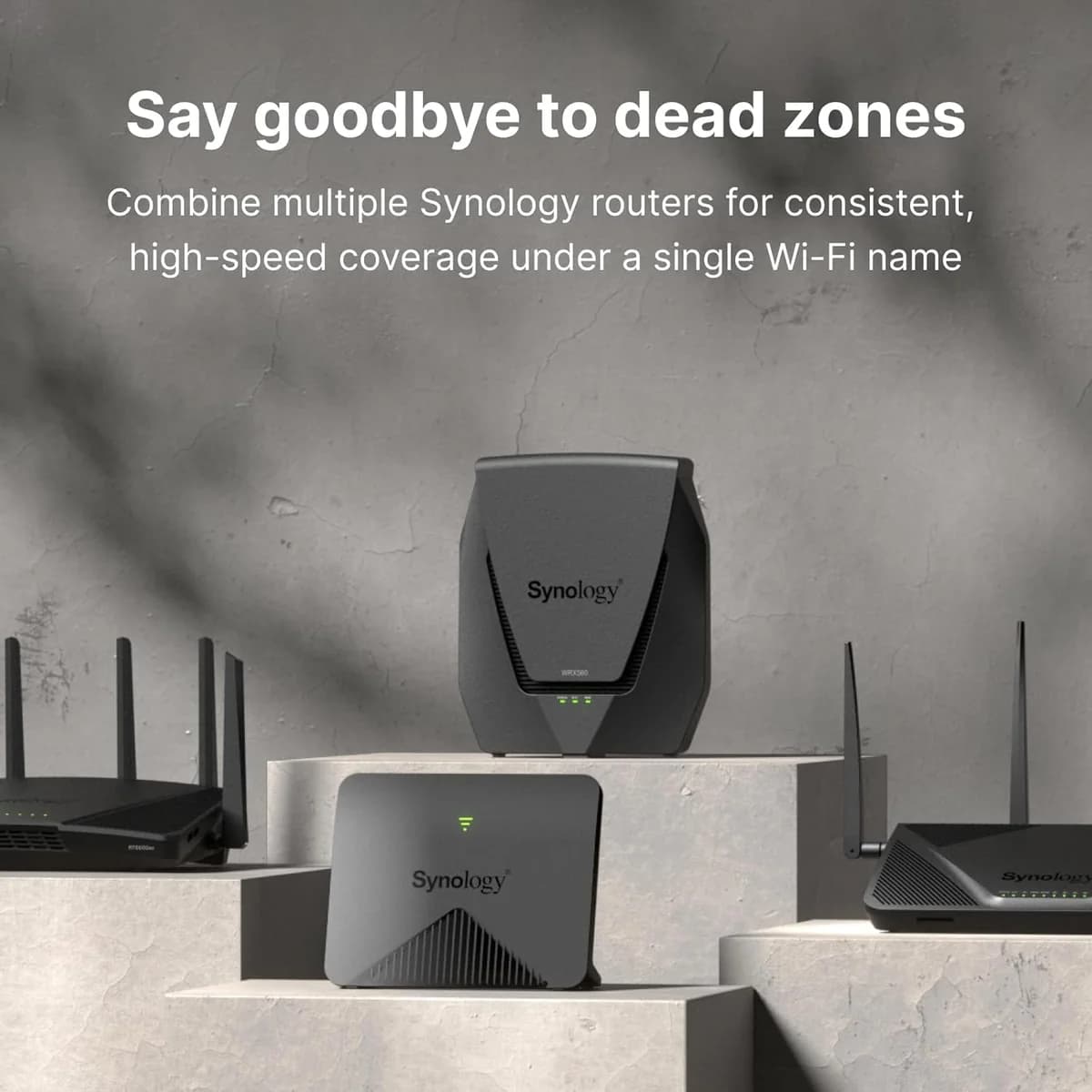
As part of Synology’s mesh ecosystem, this model provides easy setup and flexible deployment options supporting both wired backhaul—which is preferred—and wireless backhaul configurations albeit at some cost in bandwidth efficiency due to dual-band limitations versus tri-band competitors which dedicate bands solely for uplink traffic paths; roaming between nodes is generally smooth though lacks granular manual client steering features desired by power users seeking absolute connection precision within complex networks.
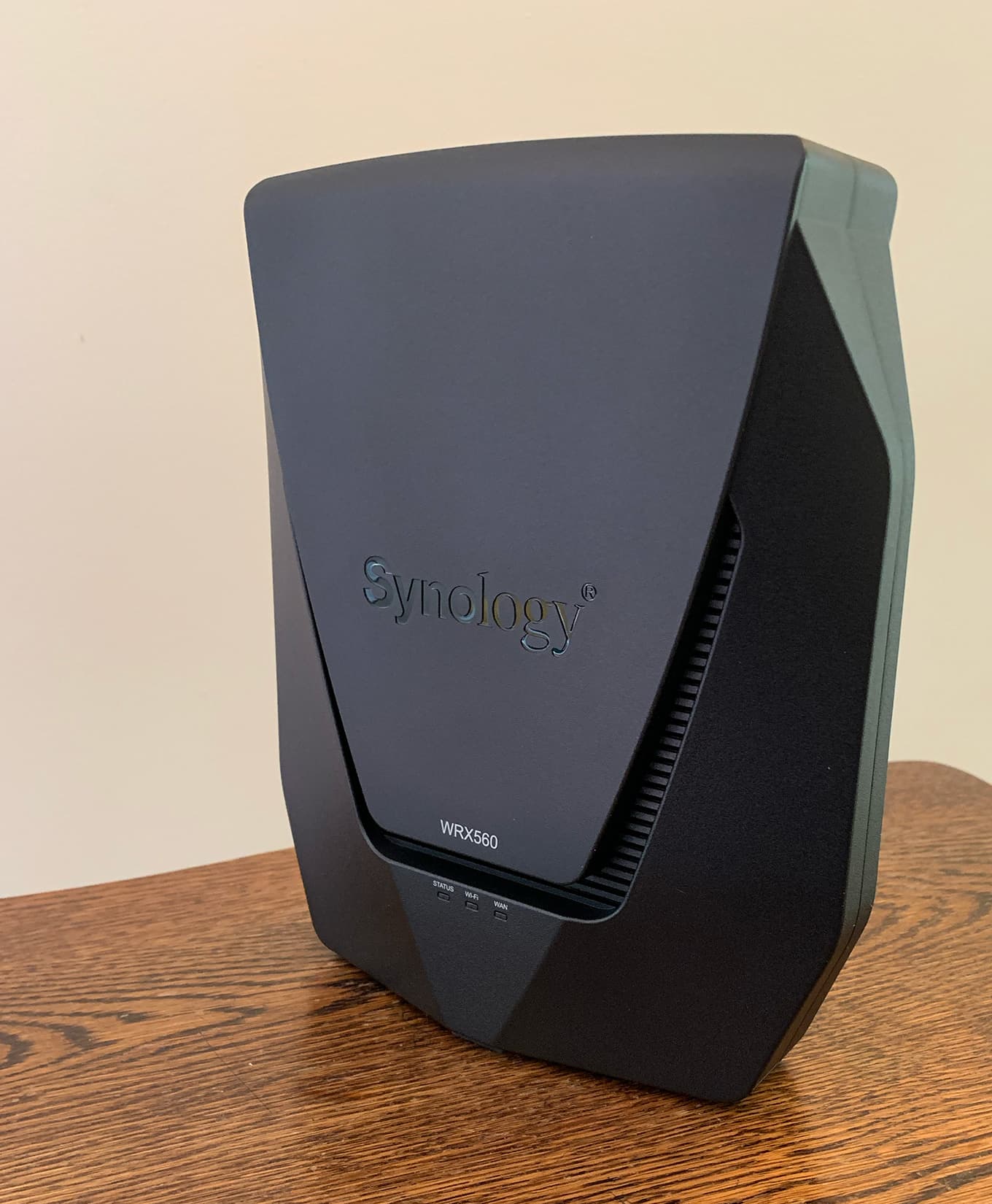
Wireless Throughput
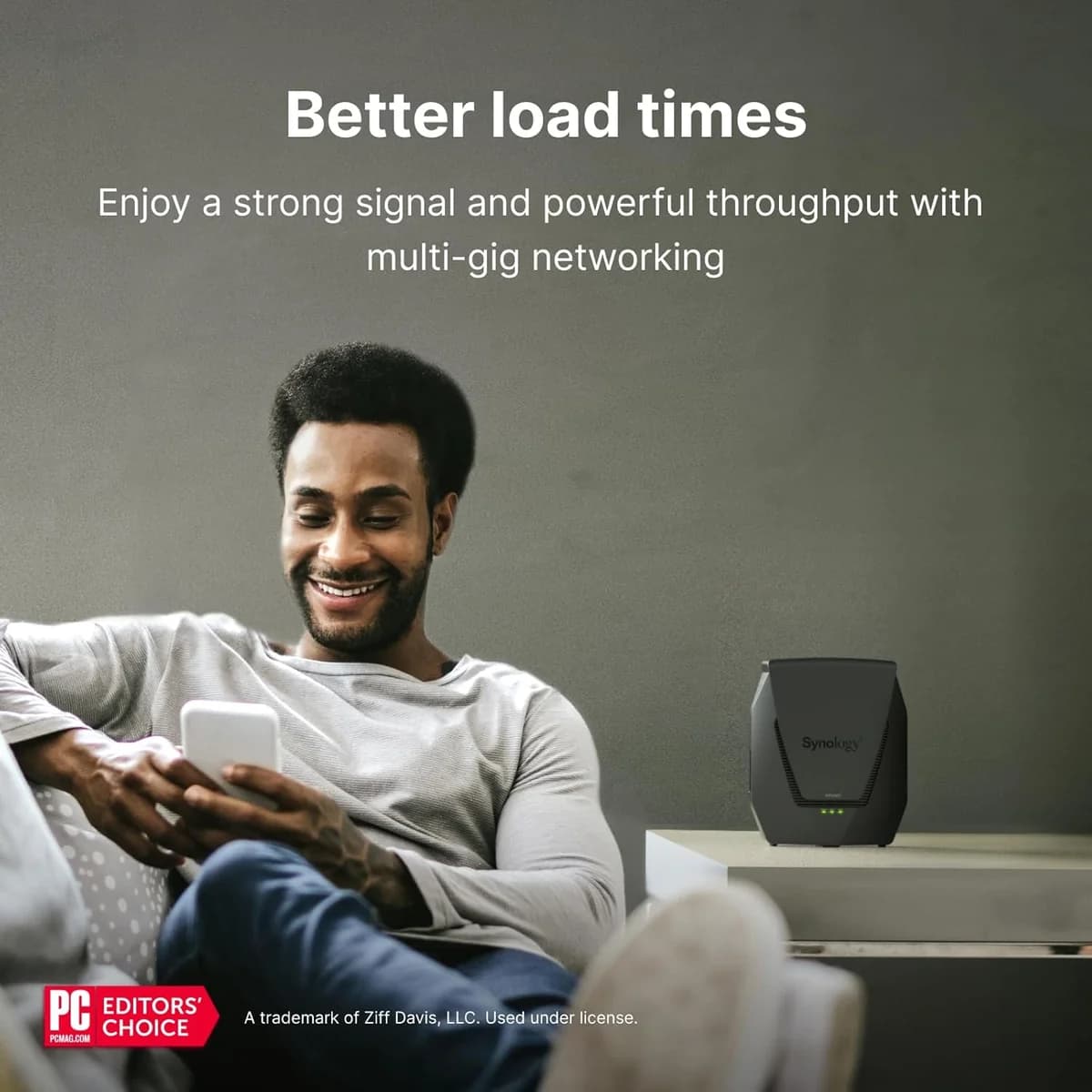
When it comes to wireless throughput, this router flexes with Wi-Fi 6 dual-band support delivering up to 3,000 Mbps combined speeds. Tests show impressive numbers on the 5GHz band and solid performance at 2.4GHz too. Its ability to handle 160 MHz channels boosts single-device speed potential significantly. While some users note occasional fluctuations, overall it's praised for maintaining high-speed transfers that meet modern home and office demands without a hitch—definitely a star in its wireless game.
Coverage Range
This device plays well over space, offering reliable Wi-Fi coverage throughout small-to-medium homes including tricky two-story layouts and garages. Its internal antenna design cleverly maximizes signal strength while keeping aesthetics clean—no messy external antennas here! Although isolated cases report weaker spots or dropouts, most find the range adequate for typical household needs. Combined with mesh capability, it ensures seamless connectivity across multiple rooms or floors without compromising speed—a solid contender in coverage performance.
Wired Port & Multi‑Gig Performance
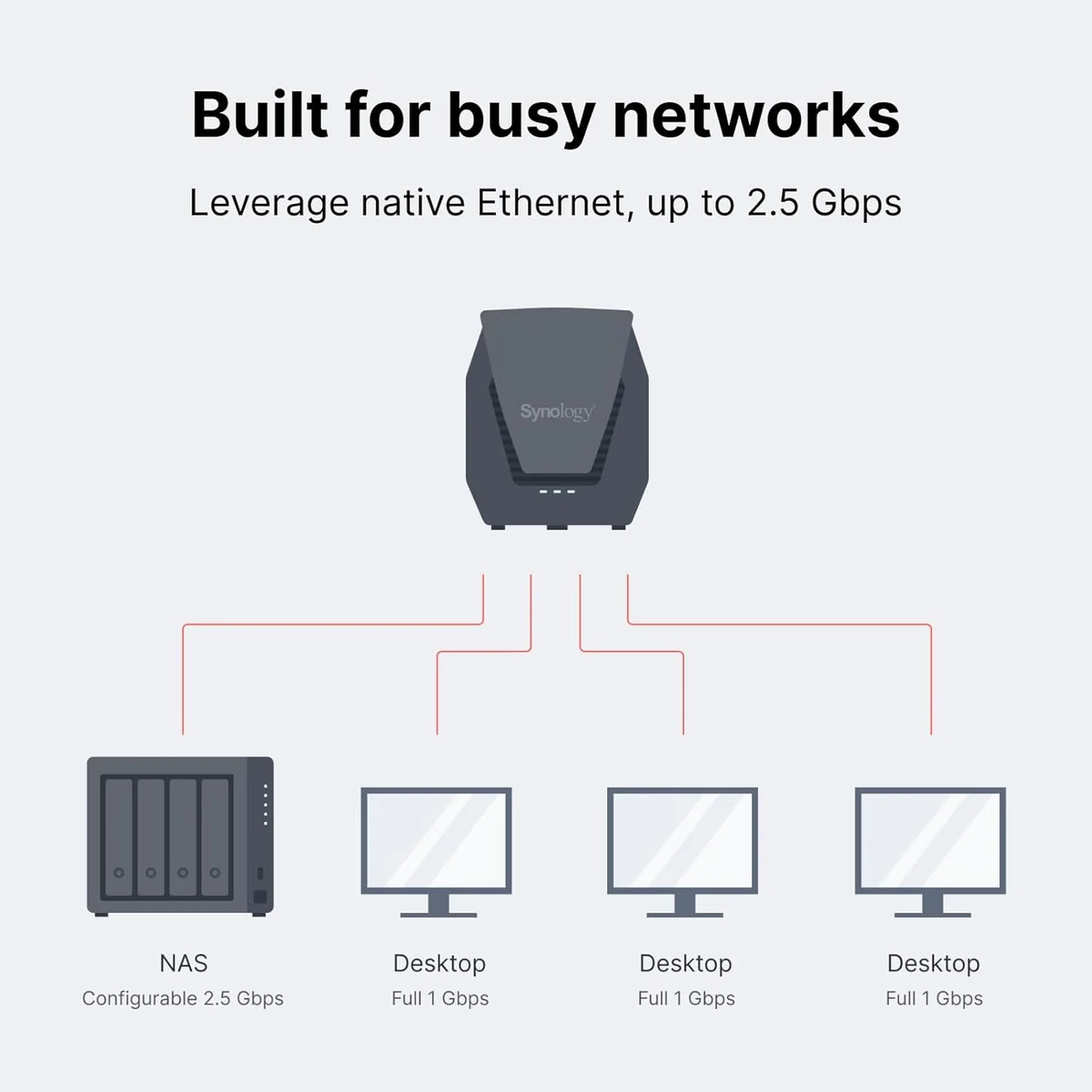
Equipped with one configurable 2.5GbE port alongside three Gigabit LAN ports, this router supports faster wired connections critical for NAS setups or gigabit internet plans but stops short by limiting multi-gig throughput scalability due to having only one such port available concurrently as WAN/LAN option. Users praise its strong wired backbone yet highlight that those needing extensive multi-gig local network traffic may find this configuration restrictive compared to higher-end alternatives.
Conclusion
Navigating the wireless maze, this router flexes with impressive throughput and a coverage range that tames multi-story homes without antenna clutter. The SRM management interface shines as a control hub packed with features yet stays accessible—a rare blend of power and ease. Wired users gain from its multi-gig 2.5GbE port, though the single-port design nudges some setups into compromise territory. Mesh aficionados will appreciate its flexible backhaul options but might crave dedicated bands for peak performance. Storage fans can tap into decent USB/NAS throughput, unlocking NAS-like perks straight from the device. While it doesn’t chase bleeding-edge tech, it crafts a thoughtful balance between speed, manageability, and scalability—ideal for those who want robust connectivity without overcomplication or overspending. This is where practical meets polished in home networking’s bustling marketplace.

Feature Scores
This reflects reviews and ratings from established critics, journalists, and users who have evaluated the item. Their opinions provide a comprehensive assessment.
Performance
Wireless Throughput
5/5
Coverage Range
4/5
Multi-Device Handling
4/5
Low Latency Performance
4/5
Reliability
4/5
Firmware Update Cadence
4/5
Wired Port Speed
4/5
QoS Effectiveness
4/5
Advanced Wi-Fi Technology Support
4/5
Value
Price to Performance Ratio
4/5
Warranty and Support Value
4/5
Energy Running Cost
4/5
Design
Aesthetic Design
4/5
Form Factor Flexibility
4/5
Thermal Management
4/5
Health
RF Exposure
TBD
Materials Safety
4/5
Safety
Network Security Features
5/5
Secure Update Mechanisms
4/5
Default Credential Practices
4/5
Sustainability
Energy Efficiency
4/5
Repairability
TBD
Recyclability
TBD
Longevity of Software Support
4/5
Experience Style
Setup Simplicity
5/5
Management Interface Quality
5/5
Customization Depth
5/5

Specifications
This section outlines the product's key facts, covering essential features, details, dimensions, materials, and any unique characteristics that define its functionality and usability.
Performance
Value
Design
Safety
Sustainability
Experience Style

Frequently Asked Questions
12 Questions



Find Yours
What level of internet speed is most important to you?
Answer to find your best matches.