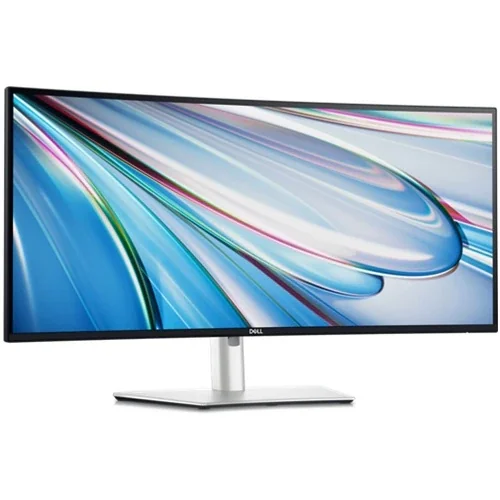
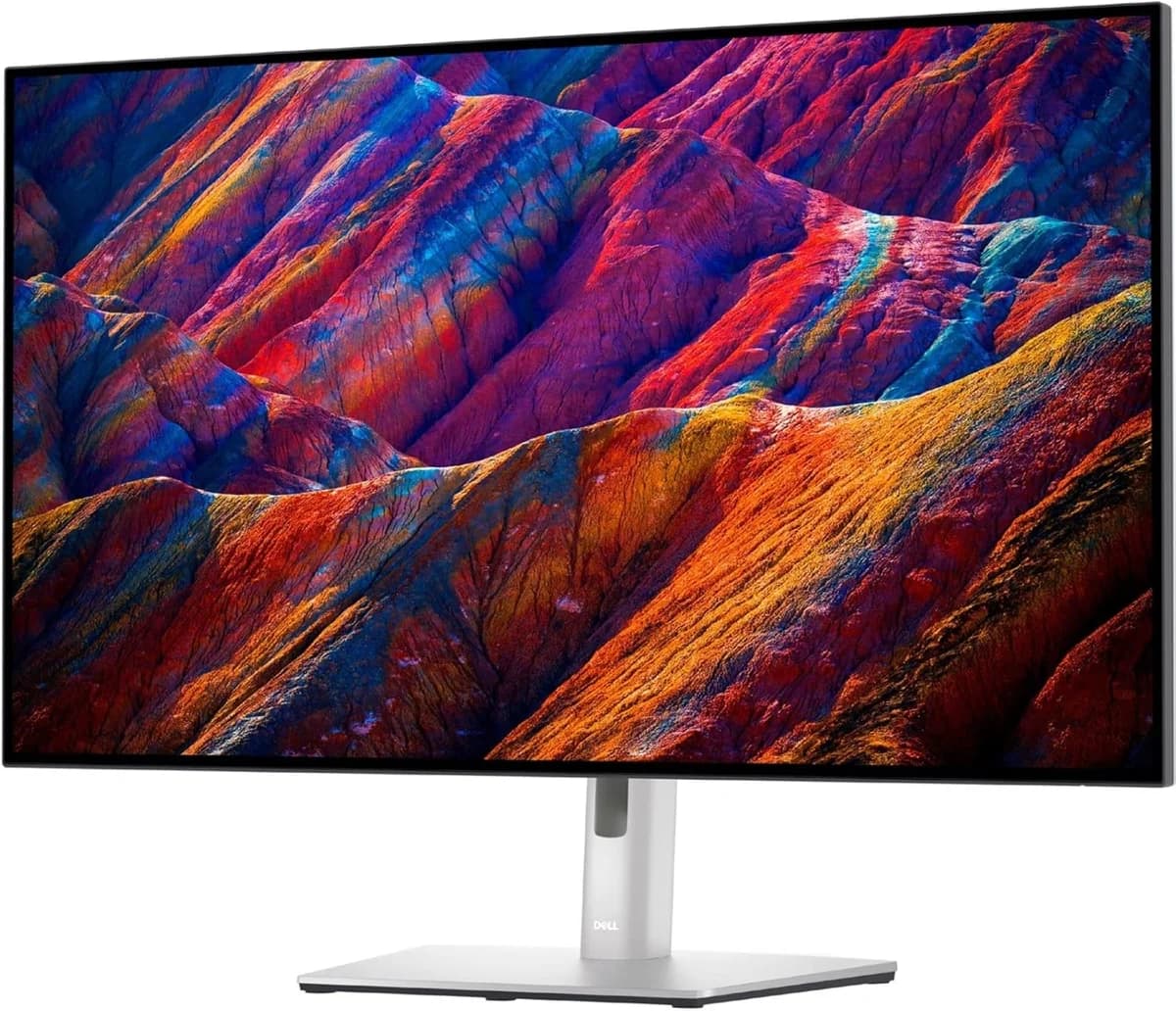
Dell UltraSharp U2725QE 27-inch Monitor
Stunning 4K display with deep blacks and versatile Thunderbolt 4 hub, but some noise and stand issues remain.
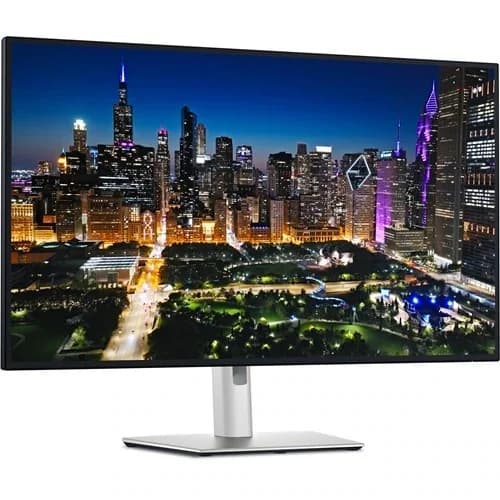
The Dell UltraSharp U2725QE is a 27-inch 4K powerhouse tailored for creatives and multitaskers craving precision and productivity. Sporting an eye-popping IPS Black panel with 3000:1 contrast, it delivers stunningly deep blacks and vibrant colors with 99% DCI-P3 accuracy that pros adore. Its built-in Thunderbolt 4 hub pumps out 140W power, streamlining desk clutter like a champ, complemented by an integrated KVM switch for seamless device juggling. Experts applaud its sharp visuals and ergonomic design, though some users grumble over persistent coil whine and stand wobble. This monitor’s sleek feature set balances premium value against minor quirks, making it a serious contender in the pro display arena.




Find Yours
What's your primary use for a computer monitor?
Answer to find your best matches.

The Field
Browse top contenders, or compare all options ranked by score and key attributes.
5 Options

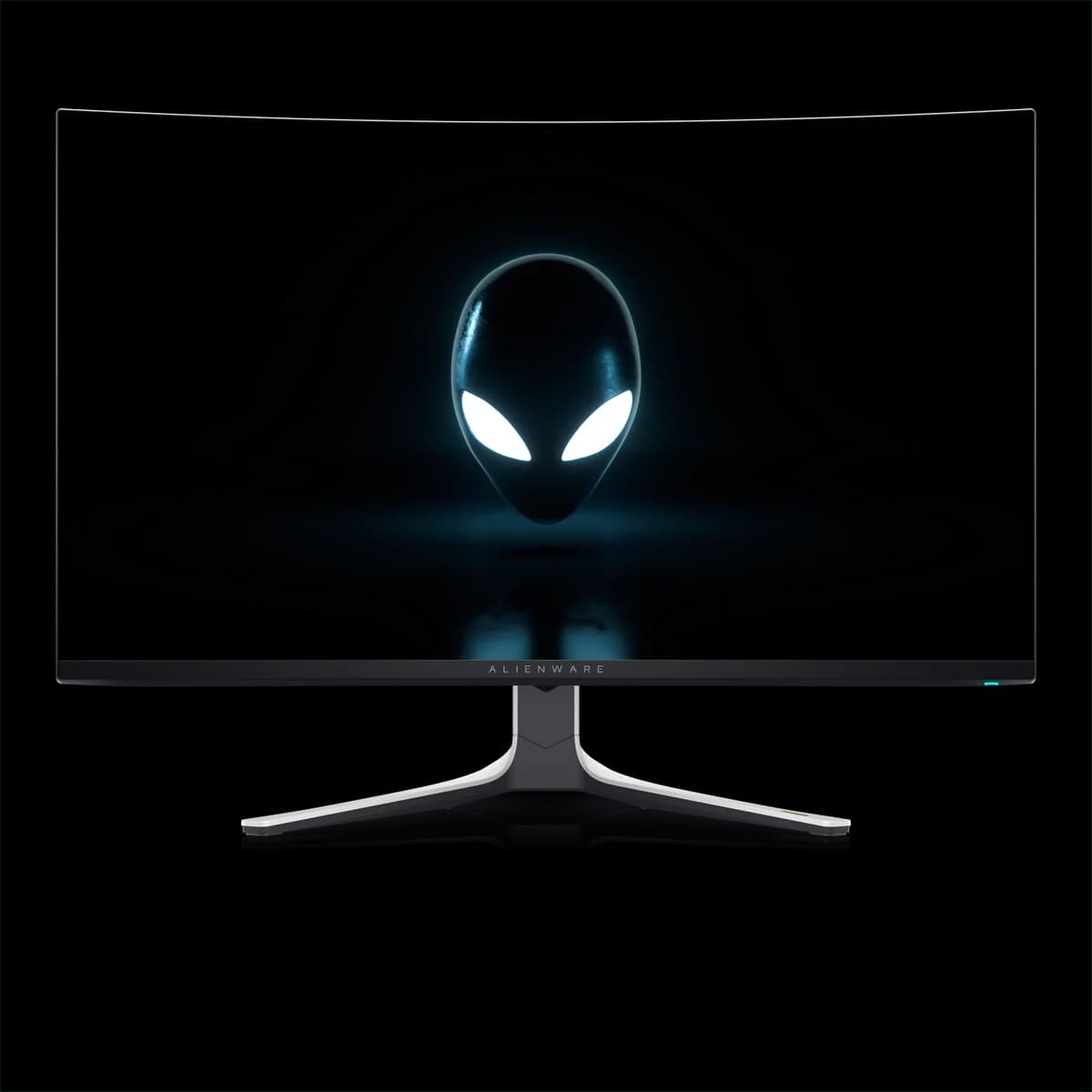
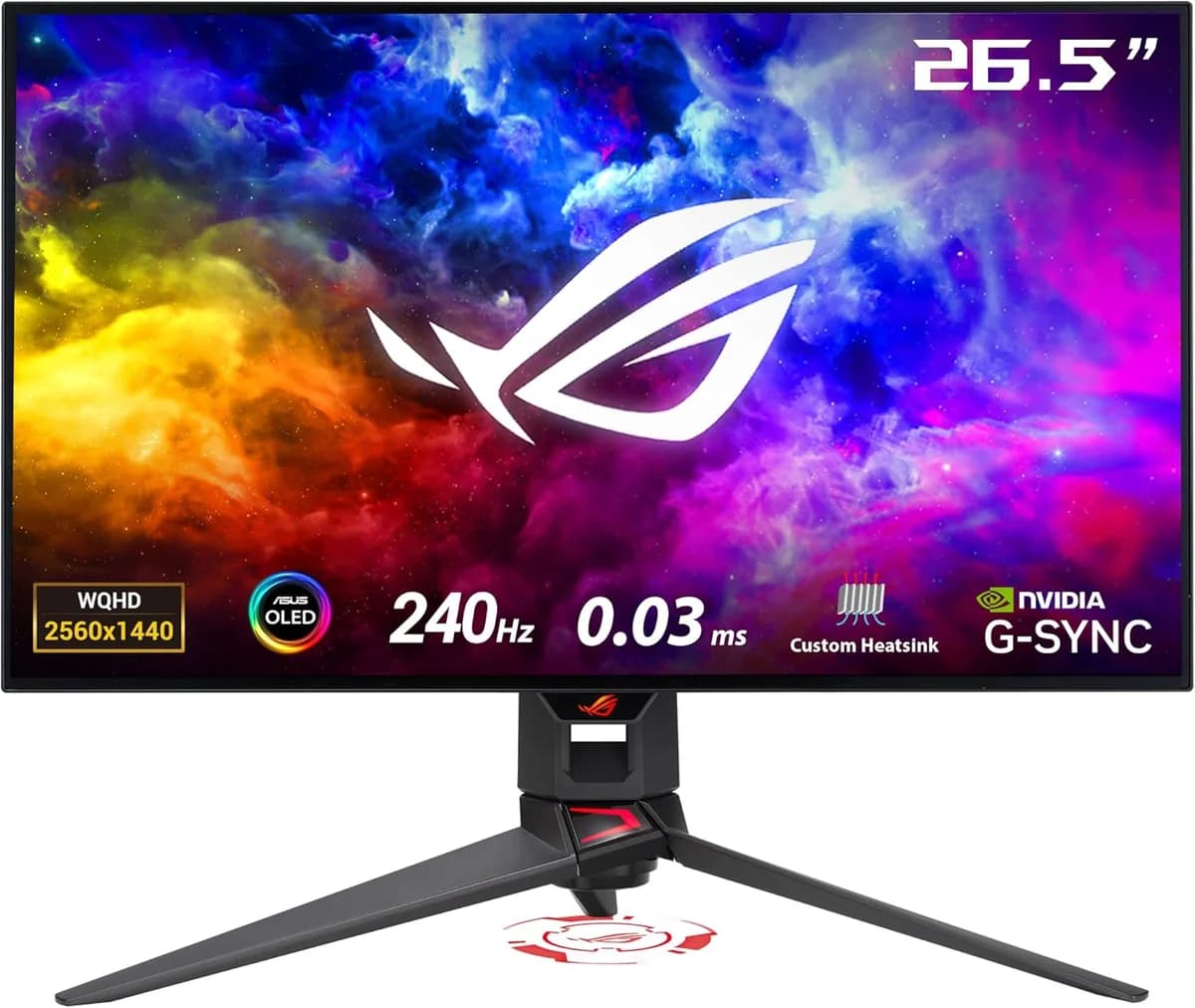
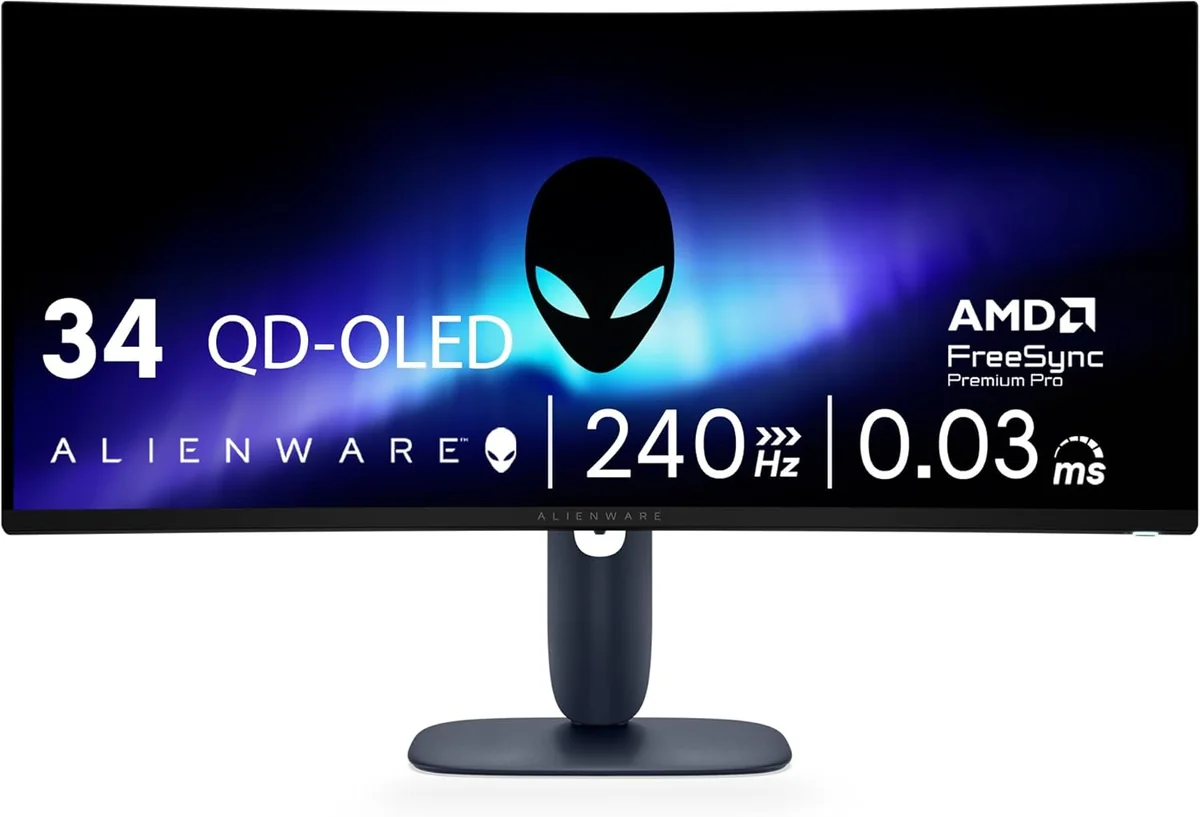

The Scoreboard
Does this improve your life? Considers, health, habits, and environmental impact.
Benefits
IPS Black and 99% DCI‑P3 deliver truer colors and richer blacks for less eye strain.
ComfortView Plus and TÜV 5‑star reduce blue light and long-session eye fatigue.
Thunderbolt 4 with 140W PD powers and connects laptop, cutting desktop cable clutter and strain.
Built‑in KVM and USB hub streamline device switching, reducing repetitive reaching and cognitive friction.
120Hz refresh and VRR reduce perceived motion blur, easing eye tracking during scrolling.
Trade-Offs
Reported coil whine and PSU noise can cause distraction and stress in quiet environments.
Some units' stand flexes, increasing fidgeting and neck strain if your desk is unstable.
Grainy matte coating can cause moiré and glare in bright rooms, worsening visual fatigue.
Integrated Thunderbolt hub and internal power supply add components, raising material and recycling complexity.
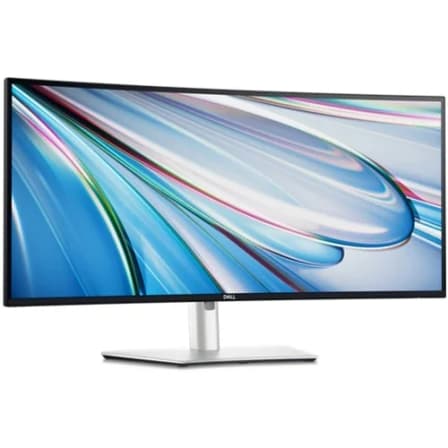
 Alternatives


Join the Circle
Where real meets deal
Know what's worth buying-and when.
Tips, special offers, and rewards for buying and sharing.

Publications
8 LEADING PUBLICATION REVIEWS

RTINGS praises the Dell UltraSharp U2725QE as a premium 27-inch 4K productivity monitor that excels in office and professional use, offering outstanding ergonomics, excellent text clarity, and versatile connectivity including Thunderbolt 4 and a KVM switch. It delivers vivid colors with wide HDR gamut coverage and strong SDR brightness that overcomes most glare, making it well-suited for editing and general productivity. However, the review highlights notable drawbacks in motion handling and HDR performance: the monitor’s local dimming is poor, causing grayish blacks and limited highlight pop, and fast-moving content appears blurry despite the 120Hz refresh rate. While it supports VRR and works well with consoles for slower-paced games, it is not ideal for fast-paced gaming or video editing involving rapid motion. The review also notes minor issues like mediocre reflection handling and a dead pixel on the tested unit. Overall, the U2725QE is a class-leading office monitor with some compromises in HDR and motion performance.
By Nicholas Kapsimalis, Scott James, Yannick Khong
Arnaud Frich from Guide de la gestion des couleurs highlights the Dell UltraSharp U2725QE as a significant mid-range 27-inch UHD monitor upgrade, especially praising its new Black IPS panel for delivering impressively deep blacks and a record contrast ratio for LED IPS technology. The review expresses clear enthusiasm for the monitor’s video performance, HDR600 compatibility, and extensive, modern connectivity options including USB-C with 140W charging and KVM support. Frich also values the ultra-thin bezels and excellent ergonomic adjustments, making it ideal for multi-monitor setups and professional workflows. However, the review maintains a balanced tone by noting some drawbacks: a slightly grainy anti-reflective coating that can cause mild moiré effects, imperfect uniformity particularly in white point temperature, and the absence of 100% Adobe RGB coverage for print-focused photographers. Despite these caveats, the reviewer is impressed overall, recommending the U2725QE for its excellent video quality and strong value, positioning it as a top choice in its price segment for creative professionals and enthusiasts.
By Arnaud Frich
Zachary Boddy from Windows Central highlights the Dell UltraSharp U2725QE as a highly practical and productivity-focused 27-inch 4K monitor that stands out primarily due to its comprehensive Thunderbolt 4 USB hub. While not the flashiest or most premium-looking display, it impresses with excellent color accuracy, comfortable viewing certified by EyeComfort standards, and a well-balanced feature set that suits multi-device users seeking a central hub for their peripherals. Boddy expresses genuine enthusiasm for the monitor’s ability to streamline complex setups with abundant ports, KVM support, and daisy-chaining capabilities, making it a rare find in its category. However, he notes some drawbacks, including limited peak brightness, short included cables, and a clunky on-screen display and software suite. Despite these minor flaws, the review conveys a warm, reluctant farewell to the U2725QE, emphasizing its unique blend of comfort, connectivity, and solid image quality that makes it difficult to replace.
By Zachary Boddy
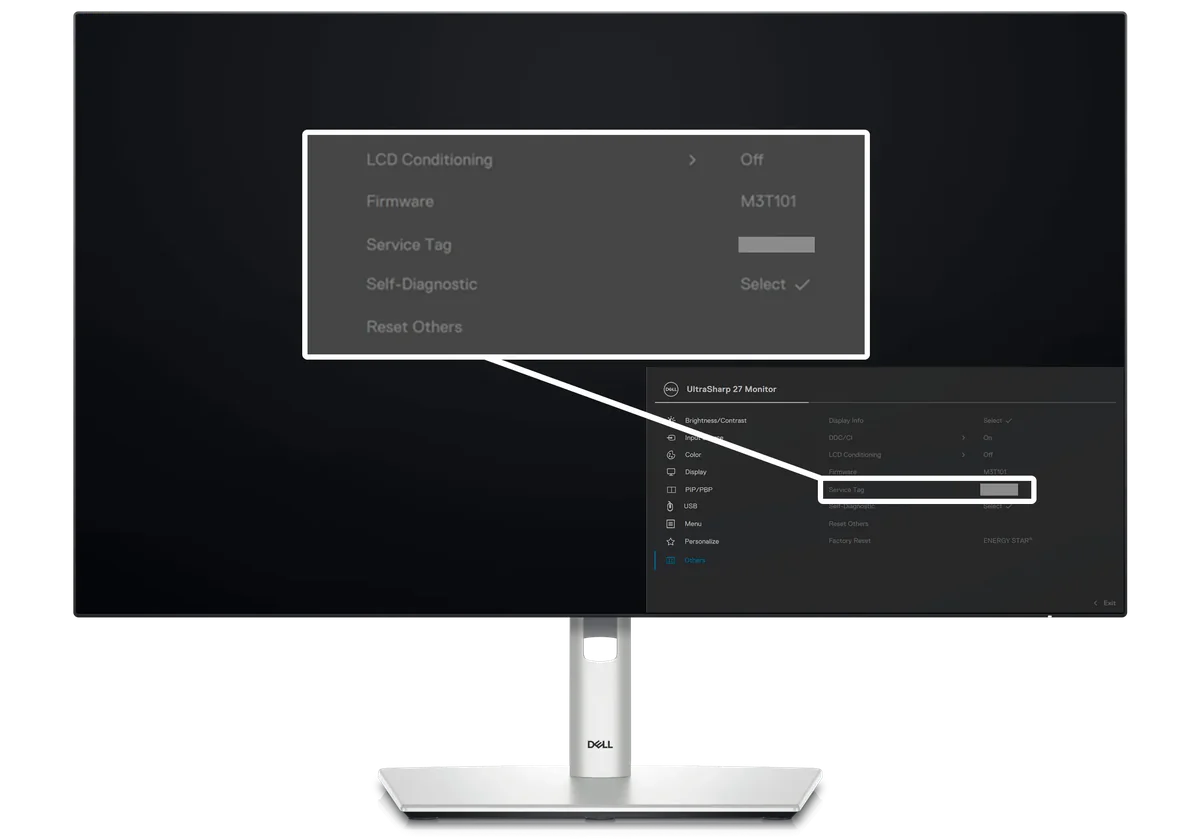
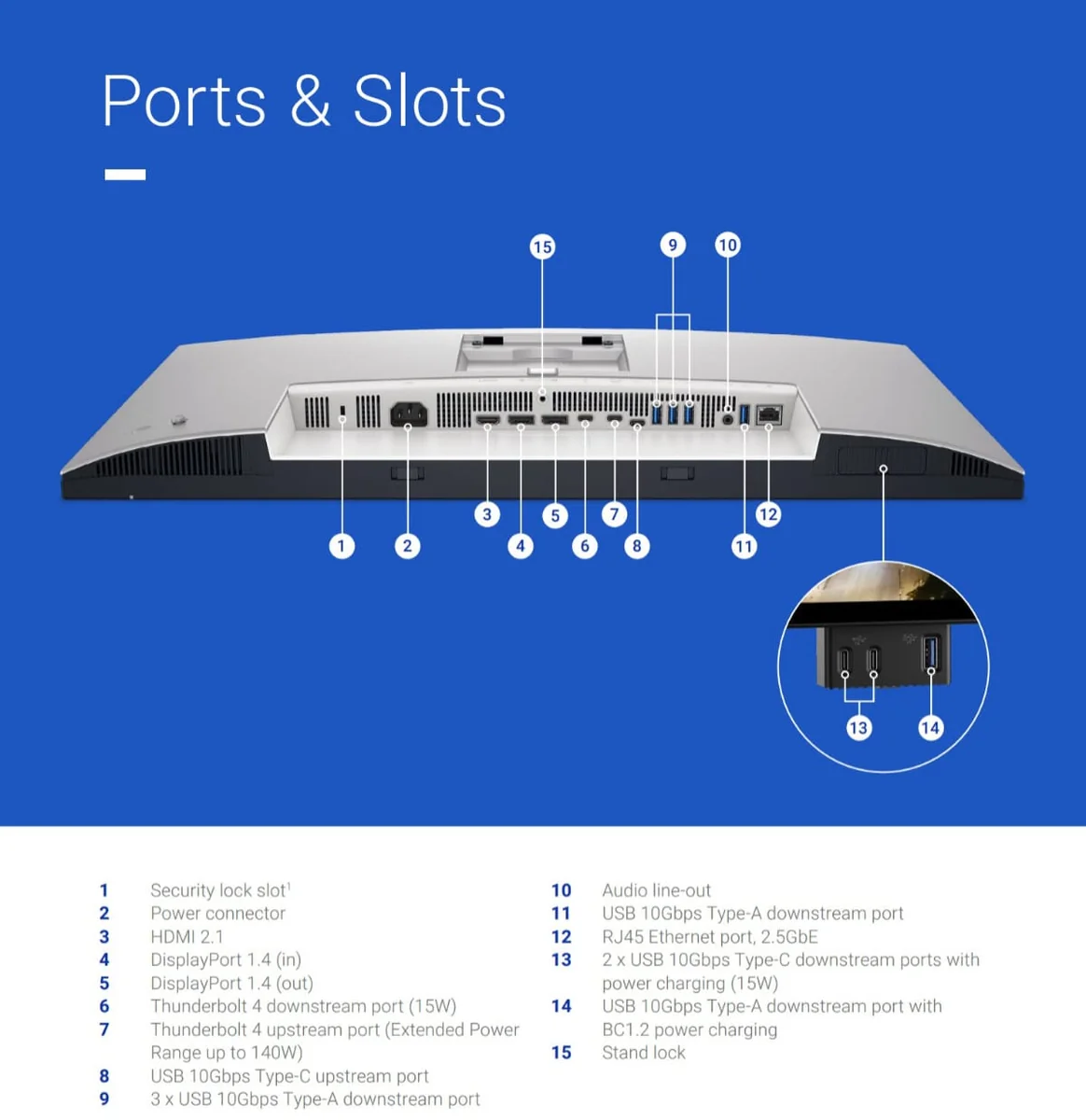
Andrew Heinzman from How-To Geek highlights the Dell UltraSharp U2725QE as an outstanding professional monitor that redefines expectations for LCD displays. Praising its unique "IPS Black" panel technology, he notes the impressive 3,000:1 contrast ratio and 47% deeper blacks, delivering one of the best-looking LCD images he has encountered. The 120Hz refresh rate adds smoothness and responsiveness, making it suitable for occasional gaming despite not being a dedicated gaming monitor. Heinzman is particularly enthusiastic about the integrated Thunderbolt 4 hub with nine USB ports, including four USB-C, plus a Gigabit Ethernet jack and KVM support, which greatly enhance connectivity and workflow flexibility. The monitor’s sleek design, reduced bezels, and practical features like a pop-out USB module and cable management are also commended. Minor drawbacks include the lack of built-in speakers or webcam, short cables, and a faint power supply noise under specific conditions. Overall, Heinzman considers the $700 price justified for a modern, versatile, and visually superior LCD monitor.
By Andrew Heinzman
Expert Reviews highlights the Dell UltraSharp U2725QE as a versatile 27-inch 4K monitor that impresses with its sleek design, extensive connectivity—including Thunderbolt 4—and strong image quality. The review praises Dell’s enhanced IPS Black panel for improved contrast and color accuracy, alongside thoughtful usability upgrades like an enlarged on-screen display and accessible port placement. However, the monitor falls short in a few key areas: backlight uniformity issues cause noticeable brightness variation, and the response time and overdrive settings hinder motion clarity, making it less ideal for gamers and HDR enthusiasts. While HDR performance is improved, it remains modest compared to higher-end alternatives. The U2725QE is positioned as a capable all-rounder that combines features from previous models, offering excellent value for professionals needing connectivity and solid color fidelity. Still, the reviewer suggests that users with specialized needs—gaming, creative work, or premium HDR—may want to consider more dedicated or pricier options.
By Sasha Muller
Sasha Muller from IT Pro highlights the Dell UltraSharp U2725QE as a solid, thoughtfully evolved 27-inch productivity monitor that builds on its well-regarded predecessors with meaningful upgrades like a 120Hz refresh rate, improved contrast ratio, DisplayHDR 600 certification, and Thunderbolt 4 connectivity. The review conveys a measured enthusiasm, praising Dell’s retention of office-friendly features such as the integrated KVM switch and enhanced USB hub, alongside practical design tweaks like easier cable access and a superior matte anti-glare coating. However, Muller also points out notable shortcomings: uneven backlight uniformity, only modest HDR local dimming, and sluggish 8ms response times that undermine gaming performance. While the U2725QE excels in color accuracy and connectivity for professional use, it falls short as a versatile all-rounder, especially for gamers. The reviewer ultimately recommends considering discounted older models or higher-end alternatives for those needing broader capabilities, framing the U2725QE as a commendable but imperfect evolution.
By Sasha Muller
Jerri Ledford from Lifewire highlights the Dell UltraSharp U2725QE as a well-rounded 27-inch 4K monitor that impresses with its vibrant, color-accurate display and extensive connectivity options, including a unique quick access port and built-in cable management. She appreciates the monitor’s adjustability and thoughtful design, which make it ideal for dual-monitor setups and laptop integration. While the image quality and features like Comfort View Plus and ambient light sensing stand out, Ledford notes a minor drawback in the monitor’s stability, especially when using the quick access ports. Setup is straightforward, and the included Display Manager software enhances usability, though some features are limited on Mac. Despite a $700 price tag, she finds the monitor’s combination of performance, ports, and color fidelity justifies the cost, positioning it as a balanced choice for professionals who prioritize image quality and connectivity without major compromises.
By Jerri Ledford
Eli Nolan from MonitorNerds highlights the Dell UltraSharp U2725QE as a standout prosumer monitor, praising its significant upgrades over the previous model, including a 120Hz refresh rate and an industry-first 3000:1 contrast ratio thanks to its IPS Black panel technology. The review conveys clear enthusiasm for the monitor’s exceptional color accuracy out of the box, wide color gamut coverage, and deep blacks that rival OLED displays in some scenarios. Nolan appreciates the thoughtful design choices such as the internal power supply, Thunderbolt 4 connectivity, and minimalistic cable management, which enhance usability and future-proofing. While the unboxing experience is described as unremarkable and the lack of adaptive-sync and HDMI cable are minor drawbacks, these do not detract from the overall positive impression. The review’s tone is confident and appreciative, emphasizing the monitor’s professional-grade performance and build quality, ultimately awarding it a perfect 5-star rating.
By Eli Nolan

YouTube
3 LEADING EXPERT & INFLUENCER REVIEWS
 Created Tech
Created Tech praises the Dell UltraSharp U2725QE as a near-perfect 27-inch 4K monitor with a 120Hz refresh rate, 140W Thunderbolt 4 hub, and built-in KVM switch, ideal for MacBook users. While impressed by its color accuracy, matte anti-glare screen, and connectivity, he notes gaming limitations, minor backlight bleed, and macOS 4K scaling quirks.
Chris Rodriguez MediaChris Rodriguez praises the Dell UltraSharp U2725QE for its vibrant 4K IPS Black panel, accurate factory calibration, and versatile Thunderbolt 4 hub with KVM switch. He highlights the smooth 120Hz refresh rate and solid color performance, while noting minor IPS glow and faint coil whine that are unlikely to impact daily use.
JessTechSpiceJess from JessTechSpice enthusiastically praises the Dell UltraSharp U2725QE for its exceptional 4K picture quality, deep blacks, and versatile Thunderbolt 4 hub with 140W power delivery. She highlights the adjustable stand, extensive port selection, and ease of setup, conveying genuine excitement and confidence in its professional-grade features.

Forum Reviews
CUSTOMER REVIEWS FROM 1 FORUM
Reddit users generally appreciate the Dell UltraSharp U2725QE for its excellent color accuracy, enhanced IPS Black technology, and versatile connectivity, particularly its Thunderbolt hub and daisy-chaining capabilities, making it well-suited for productivity and light gaming. The 27-inch 4K display with 120Hz refresh rate is praised for sharp text and improved contrast, though some note visible IPS glow and occasional backlight bleed. Criticisms focus on coil whine issues, inconsistent build quality such as a wobbly stand, and slower response times leading to ghosting, which may deter gamers. New shoppers express cautious optimism, while upgraders often highlight trade-offs between improved features and persistent quality control concerns.
Many comments

In-Depth Review

Highlights
- •Enhanced black performanceDeeper blacks and stronger contrast.
- •Accurate wide‑gamut color99% DCI‑P3 and reliable color fidelity.
- •Thunderbolt 4 single‑cable dockingDesigned to provide TB4 data and 140W charging.
- •Integrated KVM and USB hubPromoted as having built‑in peripheral switching.
- •Higher refresh rate with VRRAdvertised to smooth scrolling and motion at 120Hz.
- •Eye‑comfort and ambient sensingMarketed as reducing blue light; TÜV 5‑star.

Considerations
- •Muted HDR and uneven backlightEdge‑lit local dimming causes grayish blacks.
- •Ghosting and limited motion claritySlower response invites trailing in fast action.
- •High‑pitched noise (coil whine)Persistent audible noise reported on some units.
- •Stand wobble and variable stabilitySome units feel less sturdy during use.
- •Grainy anti‑glare coatingCoarse coating can cause moiré or glare.
- •Calibration and accessory limitationsWhite balance may need tuning; included cables short.
While detailed user feedback on this premium 27-inch 4K monitor is still emerging, early impressions highlight its impressive blend of professional features and cutting-edge tech. Dell continues to build on its reputation for precision with an IPS Black panel boasting a striking 3000:1 contrast ratio, pushing deeper blacks well beyond typical IPS limits. Creative pros and multitaskers will appreciate the 99% DCI-P3 color gamut paired with factory calibration that nails accurate hues right out of the box. Its Thunderbolt 4 hub delivers up to 140W power, streamlining desk setups by combining charging, data, and display in one cable—a serious workflow win over older models lacking such integration. HDR lovers get a bright peak at 658 cd/m² under DisplayHDR 600 certification, though local dimming remains modest. The bump to a smooth 120Hz refresh rate plus VRR support adds fluidity but falls short for hardcore gamers due to slower response times—and yes, some units hum with coil whine quirks worth noting. If you crave refined image fidelity married with versatile connectivity, keep reading; this monitor might just be your next productivity powerhouse.
Thunderbolt 4 Connectivity and Power Delivery
Cutting clutter is effortless thanks to the integrated Thunderbolt 4 hub pumping up to 140W USB-C power delivery, charging laptops while handling data through a single cable—an absolute desk game-changer. Add built-in KVM switch magic letting you control multiple machines seamlessly alongside versatile ports including RJ45 Ethernet and daisy-chaining via DisplayPort out; it’s connectivity nirvana tailored for multi-device workflows seeking streamlined efficiency without external docks clogging your workspace.
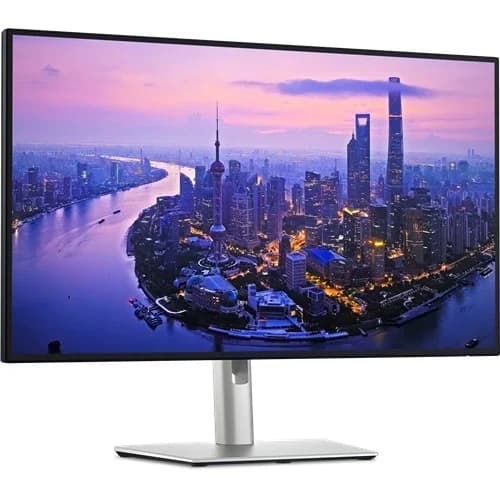
Refresh Rate, VRR and Motion Handling
The jump to a crisp 120Hz refresh rate coupled with VRR support between 48-120Hz smooths scrolling pleasures beyond typical office monitors—a welcome upgrade! However, despite these specs suggesting silky motion clarity suitable even for casual gaming scenarios, sluggish response times (upwards of 8ms) invite ghosting artifacts during fast action sequences as noted by critics. So while fluidity improves productivity tasks visually comfort-wise,the monitor stops short of being a gamer’s dream machine on account of modest motion handling prowess.
Contrast and Black Performance
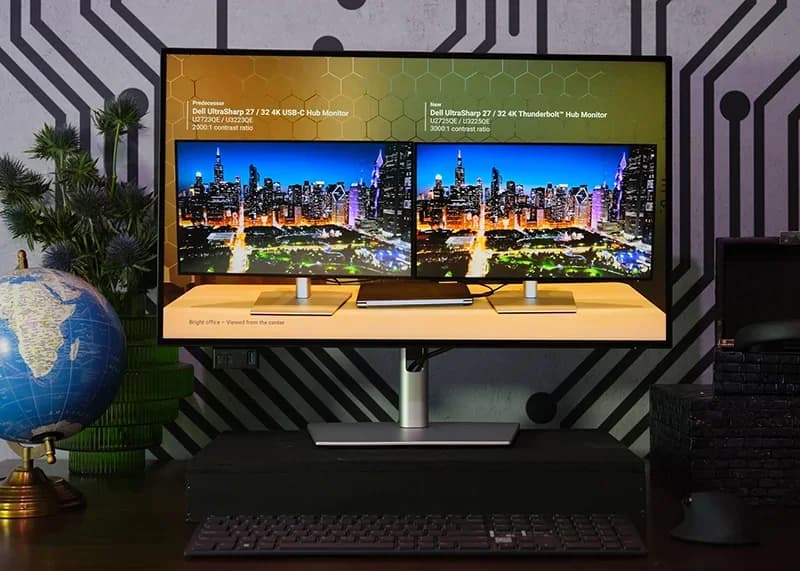
Dive into the world of deep blacks with the Dell UltraSharp U2725QE's pioneering IPS Black panel, boasting a stunning 3000:1 contrast ratio that promises 47% deeper blacks compared to conventional IPS displays. This elevated contrast dramatically enhances image depth, ideal for professionals craving vivid visuals. While users applaud this leap in LCD tech, experts note that local dimming remains modest—leading to some grayish blacks in HDR scenes—yet overall, it's a remarkable feat elevating black performance within LED monitor confines.
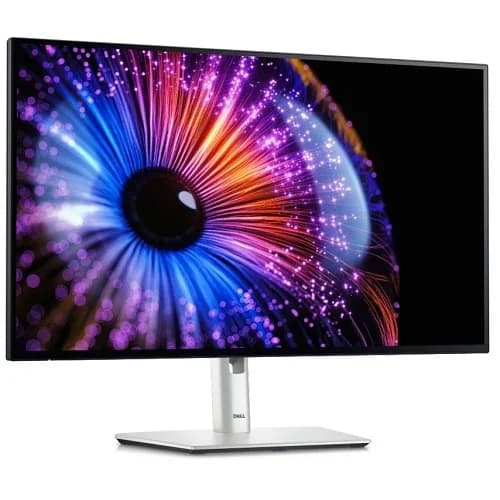
Color Accuracy and Gamut Coverage
When color fidelity is king, this monitor wears the crown with its 99% DCI-P3 and Display P3 coverage, delivering vibrant hues fit for creative pros who demand precision. Factory calibration ensures an average Delta E under 1.5 post-tuning—a sweet spot for minimizing rework in photo or video editing. Both reviewers and users praise its rich palette and sharpness; however, subtle imperfections like white point uniformity hint at room for fine calibration but don't detract from impressive out-of-the-box accuracy.
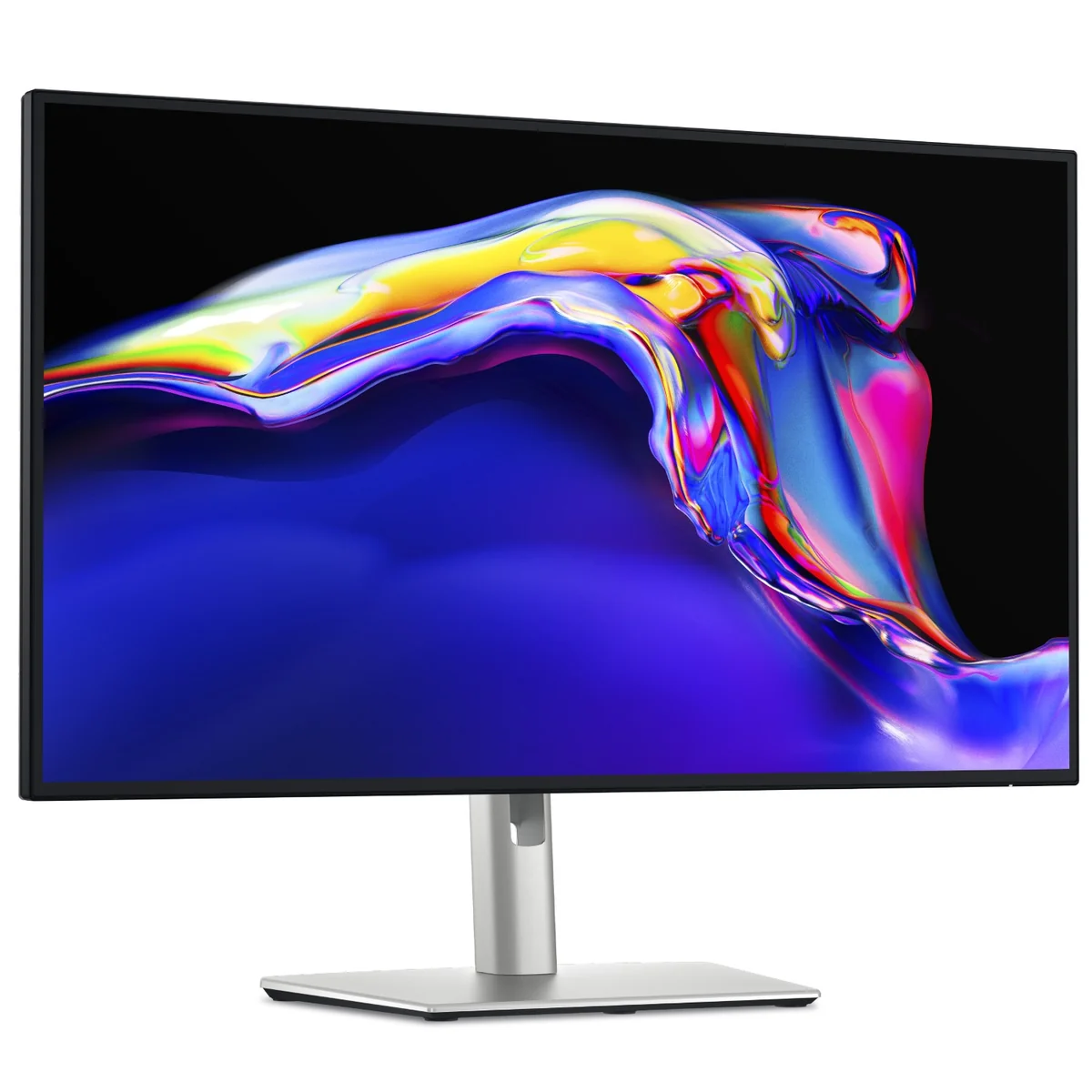
Brightness, HDR Peak and Local Dimming Performance
This display shines bright with a peak luminance hitting around 658 cd/m² under DisplayHDR 600 certification, promising punchy highlights ideal for HDR content lovers. Yet local dimming plays spoiler sometimes—it’s limited to edge-lit zones active only during HDR playback causing muted black levels instead of true OLED-like pop. Experts highlight slight backlight bleed impacting uniformity especially in dark rooms; brightness fares well against glare though not perfect —a worthy trade-off given premium energy efficiency credentials.
Conclusion
Real-world verdicts on this 27-inch marvel are still unfolding, but early signs spotlight its IPS Black panel’s exceptional contrast and deeper blacks as a serious visual win. The monitor nails color accuracy with 99% DCI-P3 coverage, making it a favorite among creatives who demand faithful hues straight out of the box. Its Thunderbolt 4 hub delivering 140W power is a productivity game-changer, effortlessly decluttering desks while powering laptops. Brightness hits solid peaks under DisplayHDR 600 certification, though the edge-lit local dimming tempers HDR impact with some muted blacks. The leap to 120Hz refresh rate paired with VRR support smooths everyday motion, yet slower response times invite ghosting—less ideal for twitchy gamers craving razor-sharp action. Notably, persistent coil whine on select units injects an audible quirk that might irk sensitive ears. This monitor excels when image fidelity and streamlined connectivity trump hardcore gaming thrills—a refined tool tailored for professionals seeking thoughtful balance without compromise in their workspace essentials.

Feature Scores
This reflects reviews and ratings from established critics, journalists, and users who have evaluated the item. Their opinions provide a comprehensive assessment.
Performance
Resolution
5/5
Refresh Rate
4/5
Color Accuracy
5/5
Brightness
4/5
Contrast Ratio
5/5
Response Time
3/5
Connectivity Options
5/5
Value
Price-to-Feature Ratio
4/5
Warranty Coverage
3/5
Cost of Ownership
4/5
Design
Ergonomic Adjustability
5/5
Aesthetic Styling
4/5
Footprint and Bezel Size
4/5
Health
Blue Light Reduction
5/5
Flicker Free Performance
4/5
Safety
Electrical Safety Certification
3/5
Mounting and VESA Compatibility
3/5
Sustainability
Energy Efficiency
4/5
Recyclability and Materials
4/5
Experience Style
On-Screen Display Usability
4/5
Preset and Custom Profiles
4/5

Specifications
This section outlines the product's key facts, covering essential features, details, dimensions, materials, and any unique characteristics that define its functionality and usability.
Performance
Value
Design
Safety
Sustainability
Experience Style

Frequently Asked Questions
7 Questions

Also Consider
1 Option
Find Yours
What's your primary use for a computer monitor?
Answer to find your best matches.