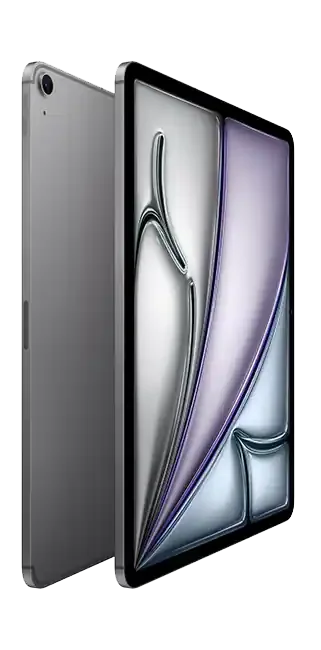
Apple iPad Air 13-inch (M3)
M3 power and a roomy 13‑inch Liquid Retina for creators and students, with 60Hz limits.
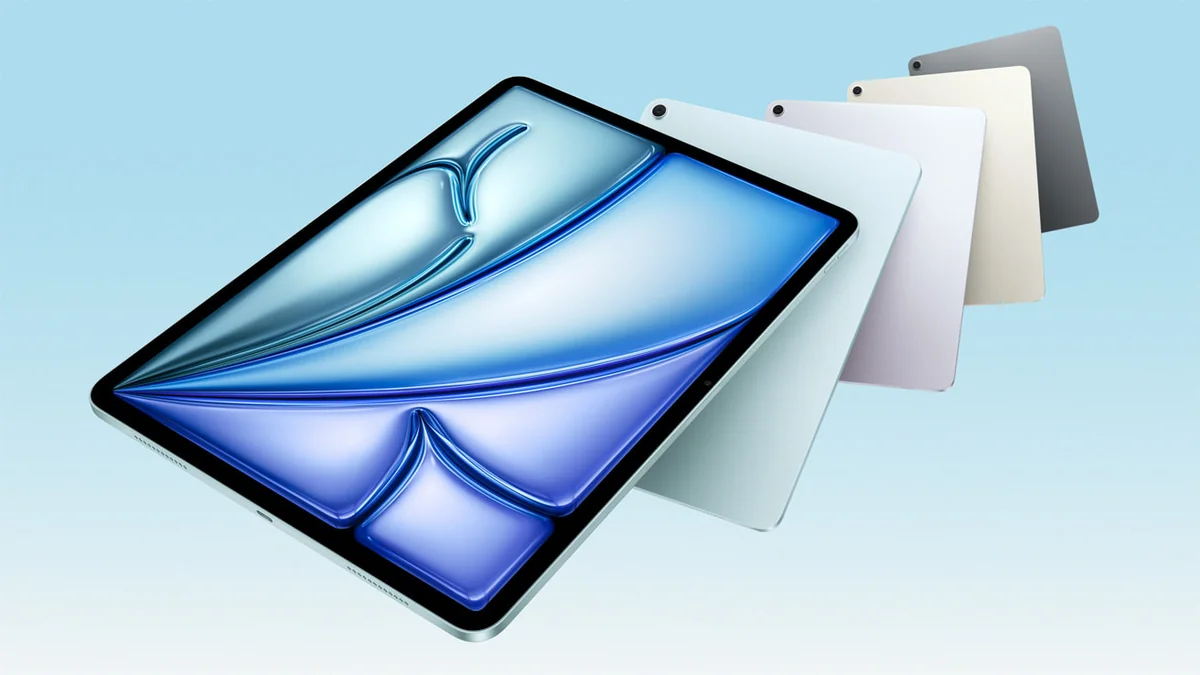
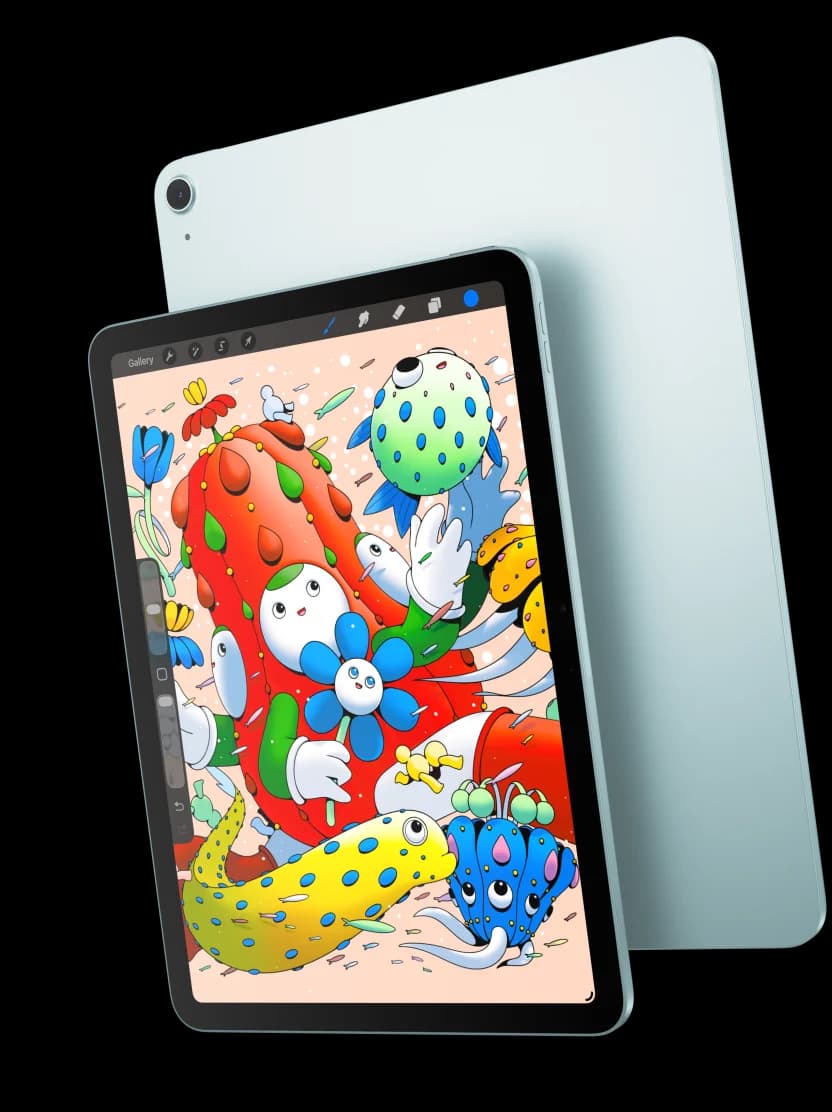
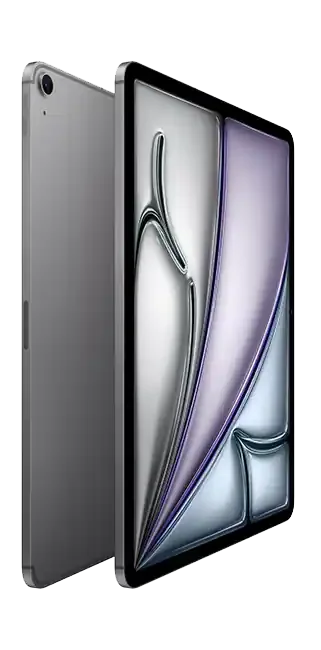
The Apple iPad Air 13-inch (M3) is the roomy, fast tablet that aims to give students and creators a near‑laptop canvas without the Pro price, pairing M3 chip performance with a 13‑inch Liquid Retina display for smoother multitasking and detailed sketching. Experts applaud the chip’s graphics and on‑device smarts while noting Apple’s claim of “all‑day” battery life is generally supported but can dip under sustained heavy workloads, and users echo praise for the stylus and keyboard support even as some report visible motion ghosting from the 60Hz panel. Build and portability feel premium, though the extra size adds weight and accessory costs that affect value, so weigh performance, display preferences, and add‑on expenses when deciding if this is the right buy.
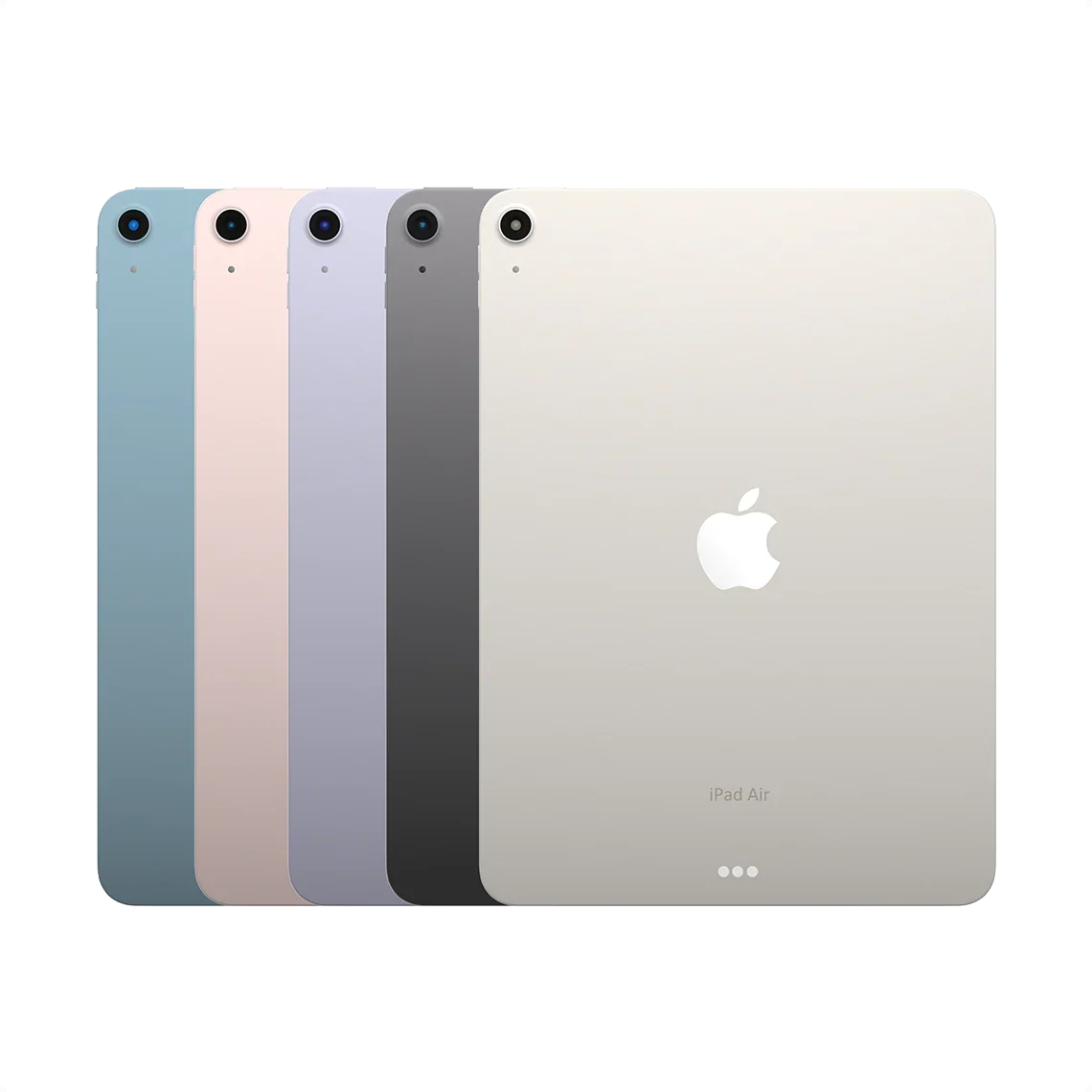
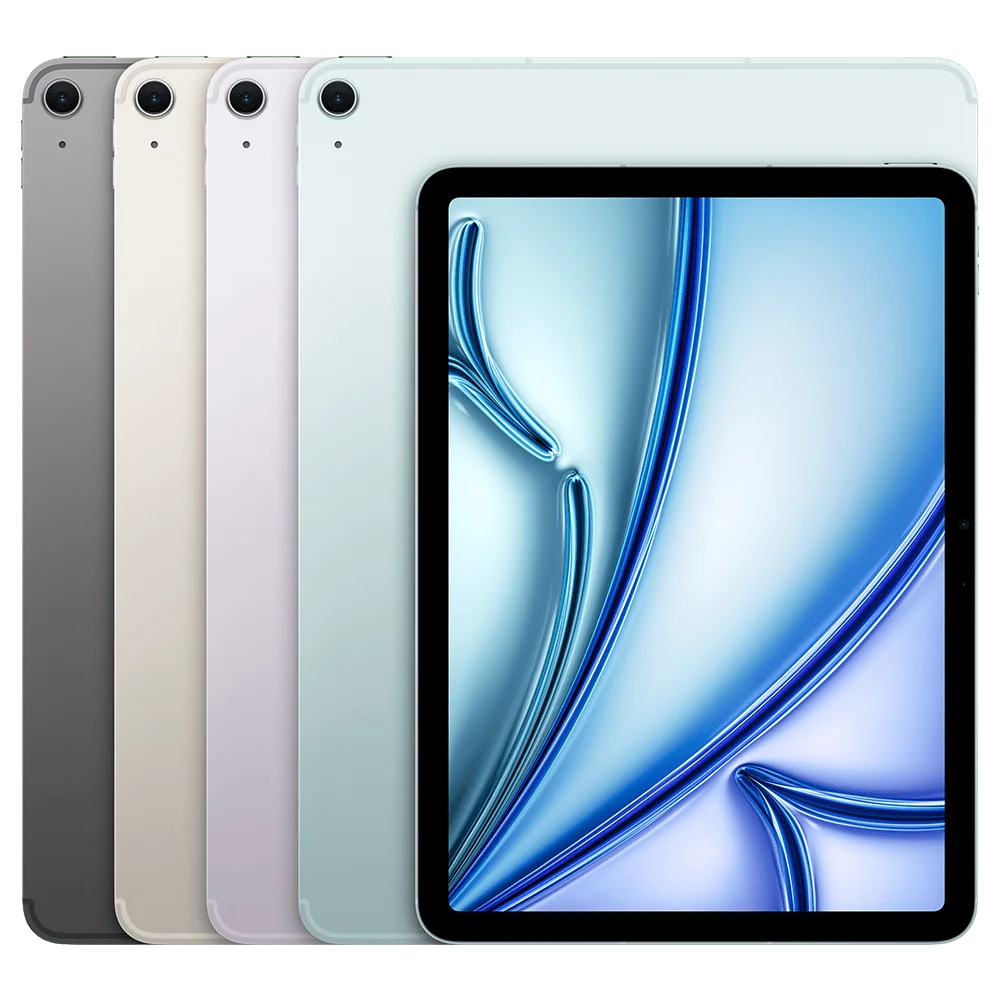
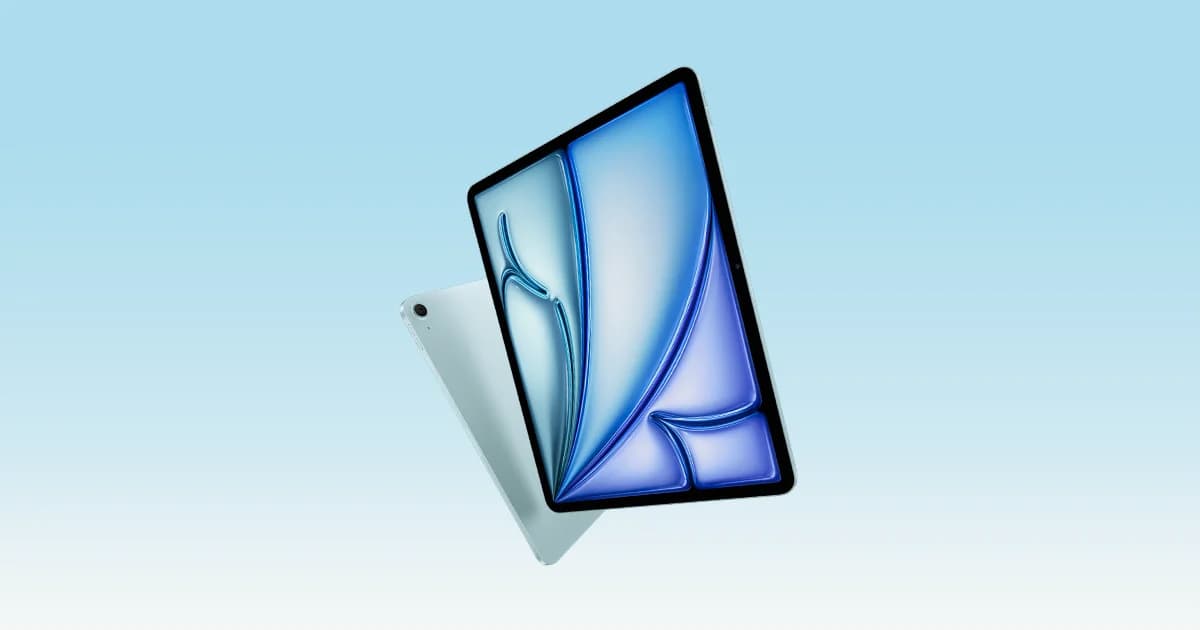
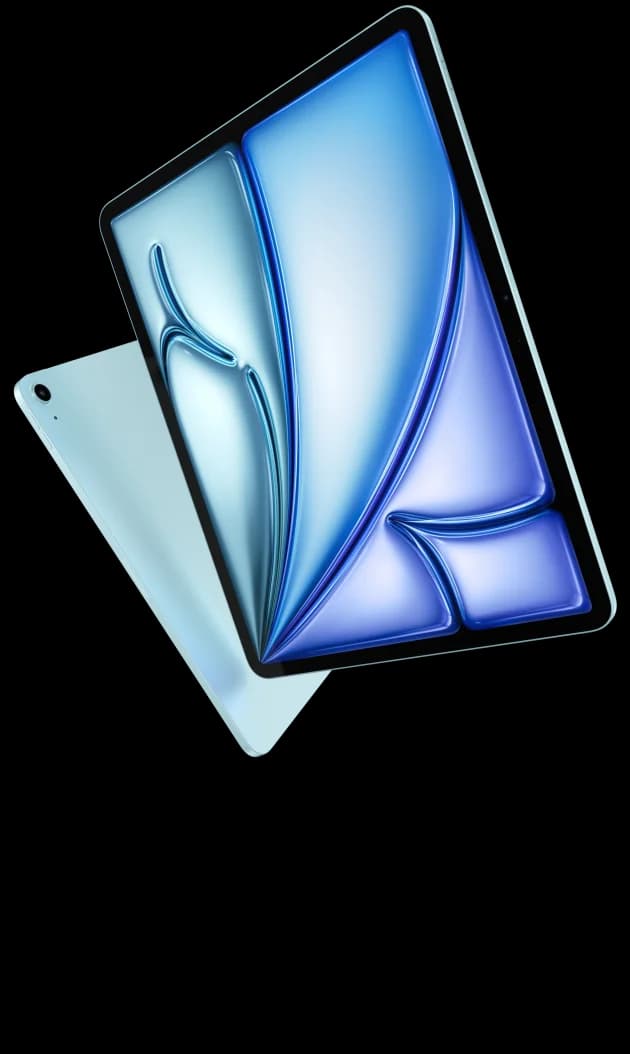
Find Yours
What is your primary use for a tablet?
Answer to find your best matches.

The Field
Browse top contenders, or compare all options ranked by score and key attributes.
4 Options



The Scoreboard
Does this improve your life? Considers, health, habits, and environmental impact.
Benefits
Makes multitasking, drawing, and media more comfortable and reduces pinch-zooming.
Handles multitasking, creative apps, and games without lag for everyday workflows.
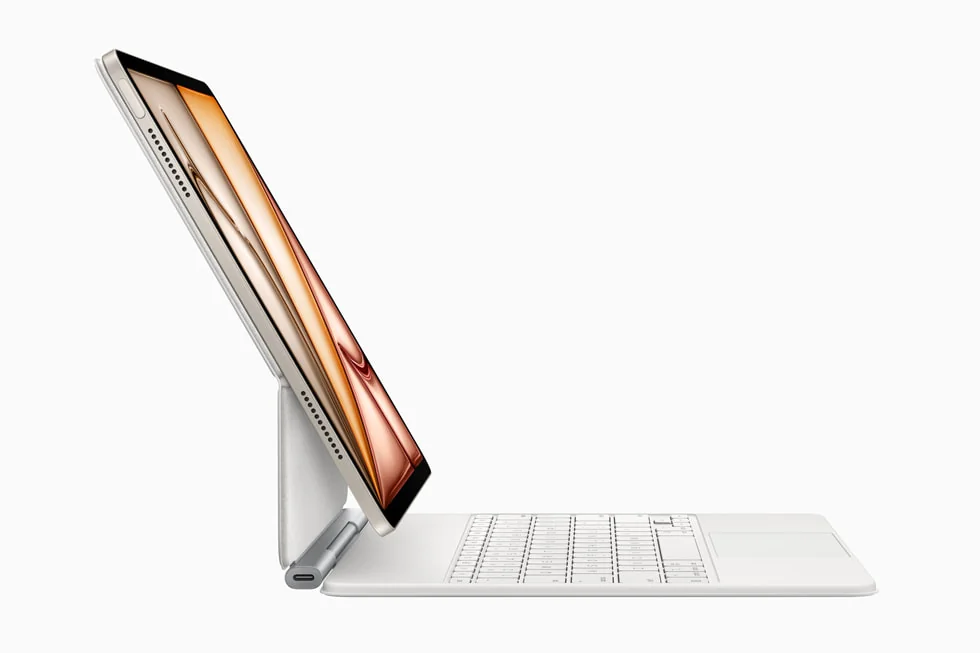
Supports Apple Pencil Pro and Magic Keyboard for natural note-taking and laptop-like typing.
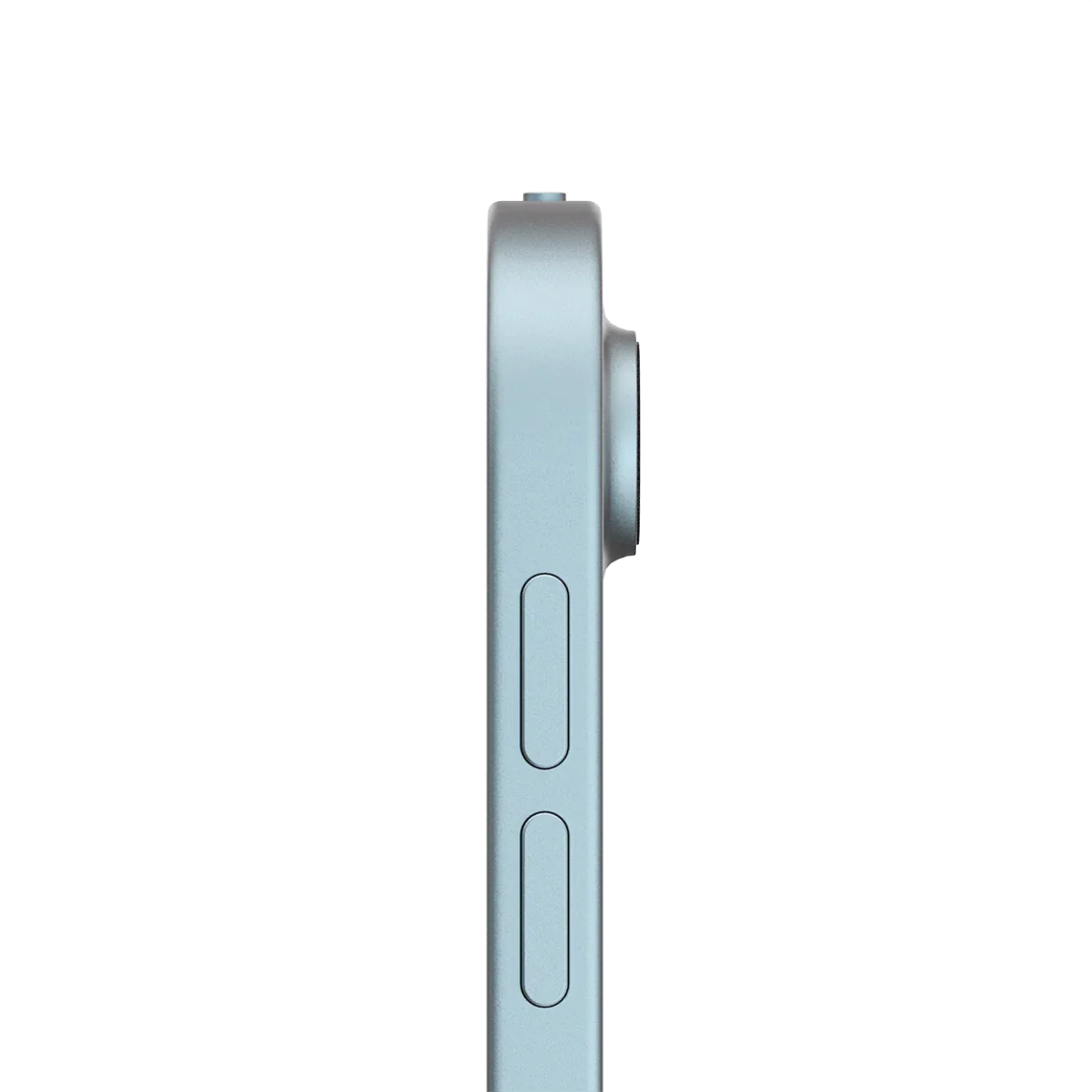
Slim 6.1mm design feels less bulky in bag or on your lap during commutes.
Center Stage front camera and stereo speakers make remote meetings feel more natural.
Trade-Offs
Holding it one-handed for long reading or drawing leads to sore wrists and tired arms.
Scrolling and fast pen strokes show visible ghosting, making motion feel choppy during use.
Typing long emails or working is awkward without a keyboard, adding setup and carrying bulk.
 Alternatives


Join the Circle
Where real meets deal
Know what's worth buying-and when.
Tips, special offers, and rewards for buying and sharing.

Publications
6 LEADING PUBLICATION REVIEWS

PCMag’s Eric Zeman is generally positive about the 13-inch iPad Air (M3). He thinks it’s a sensible, well-rounded upgrade—faster and a bit more capable than the M2 model—without changing the tried-and-true formula, making it a great pick for students and creators who want Pro-like power without Pro prices. Zeman praises the improved M3 performance, better media and camera handling, solid battery gains, and refined accessories (new Magic Keyboard, Pencil support), while pointing out the lack of external updates: the same LCD 60Hz display (not Pro-bright or 120Hz), no water resistance, and modest storage starting tiers. Benchmarks show measurable but not dramatic gains over the M2 and a clear gap to the M4 Pro. Overall, he sounds approving but measured—enthusiastic about the value proposition, yet realistic about its limits compared with Apple’s Pro tier.
By Eric Zeman
Nathan Ingraham at Engadget is broadly positive about the 13-inch iPad Air M3. He praises its solid battery life, dependable day-to-day performance, and the meaningful improvement of the new, lighter Magic Keyboard, and calls the M3 a welcome, if incremental, power bump that keeps the Air feeling future‑proof; overall he recommends it as a strong, more affordable alternative to the iPad Pro. At the same time he’s measured and a bit weary: the device is essentially unchanged from recent models, the screen and Touch ID feel dated compared with Pro-class features, and the whole setup gets pricey once you add storage and accessories. His verdict frames the Air as an easy recommendation for most buyers who want a big, capable iPad now, but he suggests screen upgrades or waiting might appeal to those who demand the very best.
By Nathan Ingraham
Scott Stein for CNET is quietly positive about the iPad Air M3. He calls it a very good, sensible midrange pick—essentially the "budget Pro"—but not an exciting update, praising its strong M3 performance, Pencil Pro and Magic Keyboard compatibility, and relative value while criticizing its lack of meaningful new features compared with the Pro, middling software polish in Apple Intelligence, and some cost/weight trade-offs (especially in the 13-inch, 1TB config). Stein emphasizes the Air’s practicality: it’s futureproof for power users who need M3 horsepower without the M4 price, yet it won’t replace a Mac and doesn’t justify splurging for Pro extras like OLED, Face ID, or lidar for most buyers. Overall the tone is measured—warmly approving but restrained, urging buyers to avoid overspending.
By Scott Stein
Brenda Stolyar at WIRED is cautiously positive about the iPad Air 13‑inch (M3). She likes that the M3 brings advanced graphics features—ray tracing, mesh shading, and dynamic caching—making this the most affordable way into those capabilities, and praises its speedy, reliable everyday performance and the improved Magic Keyboard experience. But she’s underwhelmed by Apple’s reuse of last year’s chassis, unchanged LCD panel and 60Hz refresh rate, modest battery life, and minimal real-world gains over the M2 for most users; those shortcomings make the upgrade feel unnecessary unless you need the new graphics tech. Overall it’s a solid, versatile tablet that’s attractive on price compared with the Pro, yet not exciting enough to justify buying at full price for most people.
By Brenda Stolyar
AppleInsider’s Andrew O'Hara is broadly positive about the M3 iPad Air. He thinks it’s essentially the same great do-it-all tablet as last year but with just enough of a chip upgrade to keep it the default recommendation for most people; the M3 adds useful video and gaming hardware boosts and faster benchmarks, but otherwise everything — the laminated LCD, Touch ID, accessory support, and ports — remains familiar. He praises the continued Magic Keyboard and Pencil Pro compatibility and calls the package solid value below the iPad Pro, while flagging slow-moving updates, the lack of Wi‑Fi 7, and the high cost of the full keyboard/Pencil kit as the main downsides. Overall the tone is measured and approving: appreciative of incremental gains rather than excited about a major overhaul.
By Andrew O'Hara
The Guardian’s Samuel Gibbs is broadly positive about the iPad Air M3. He calls it the premium tablet to beat, praising the M3 chip’s noticeable speed bump over the M2, a crisp screen, good battery life, useful Centre Stage webcam and solid speaker and accessory support that make it a believable laptop replacement for many users. He also flags that the external design is unchanged, the M3 isn’t Apple’s newest silicon, and that the upgrade isn’t essential if you already own a recent Air; casual media watchers will be fine with the cheaper A16 model, while the pricier iPad Pro still outclasses the Air. Overall the review is upbeat and measured: Gibbs recommends the Air M3 as a versatile, high-quality tablet, but tempers enthusiasm with pragmatic cost and upgrade caveats.
By Samuel Gibbs

YouTube
10 LEADING EXPERT & INFLUENCER REVIEWS
 zollotech
Aaron from Zollotech is cautiously positive about the iPad Air 13-inch (M3). He likes the M3 performance, Apple Pencil Pro and Magic Keyboard support, and familiar battery life, but calls the changes minor—same cameras, 60Hz display, near-identical colors and packaging—and says it’s hard to justify upgrading from last year. He praises everyday use and value versus base iPads, flags the new Magic Keyboard’s tradeoffs (no backlight but function row differences), and suggests buyers on older devices will benefit most while those with recent Airs should wait or consider an iPad Pro.
Jon RettingerJon Rettinger is broadly positive about the iPad Air M3. He praises the big 13‑inch Liquid Retina display, M3 performance, improved Magic Keyboard and Apple Pencil Pro features, and calls it the sweet spot for most buyers—excellent for students, media, and light creative work—while warning it’s overkill for owners of recent M1/M Pro iPads. He also flags the lineup’s confusion and iPadOS limitations: file management, multitasking, and external display quirks keep it from being a true laptop replacement. Overall enthusiastic but measured: loves the hardware and speed, skeptical about positioning and OS tradeoffs.
Brad ColbowBrad Colbow thinks the M3 iPad Air is an easy recommend. He praises the big 13-inch Liquid Retina, Apple Pencil Pro support, and the M3’s future‑proof performance, calling it a sweet spot between the entry iPad and the pricier Pro; the upgrade from M2 is mostly a spec bump, not essential if you already own a recent Air. He flags the LCD/60Hz display vs. Pro’s OLED/120Hz and notes minor accessory/feature tradeoffs, but overall frames the Air as high quality, great value for artists and creatives, and a top pick for most buyers.
MacRumorsDan Barbera is upbeat about the M3 iPad Air. He says it’s a practical, powerful upgrade—fast enough for Pro-level apps, great for multitasking, and ideal as a pseudo‑laptop—while calling out missing Face ID, the lack of OLED, and accessory costs that can push it toward laptop prices. He praises the new Magic Keyboard’s function row and bigger trackpad, recommends a Paperlike protector for Pencil users, and ultimately argues most people don’t need an iPad Pro unless they truly need OLED, extra performance, or Face ID. Overall tone: positive, measured, and consumer‑practical.
Ivan KamIvan Kam is mildly positive but unimpressed overall. He praises the M3’s clear performance gains, large Liquid Retina canvas, Pencil Pro support, and solid battery life, yet criticizes the sameness versus last year’s 13‑inch Air—especially the unchanged 60 Hz refresh, slow charging, and minimal physical updates—so he recommends upgrading only if you come from an older or smaller iPad. His tone is measured and slightly sardonic: enthusiastic about real-world speed and multitasking potential, but skeptical that this iteration meaningfully moves the needle for most current Air owners.
GregsGadgetsGregsGadgets is broadly positive about the iPad Air 13‑inch (M3). He says it’s still “crazy powerful” and a practical, laptop‑replacement choice for most users, praising its performance and versatility, while warning the Air lacks the Pro’s brighter OLED 120 Hz display, Face ID, extra RAM options, Thunderbolt, and Wi‑Fi 7. His tone is measured: he downplays raw benchmark gaps and emphasizes real‑world similarity, but advises creatives or power users who value the smoother display, higher memory, and premium extras to consider the pricier iPad Pro.
Karl ConradKarl Conrad is generally positive but measured about the M3 iPad Air. He calls the refresh minimal—mostly an M3 chip upgrade—and praises the large 13-inch display, Apple Intelligence features like on-device editing/object removal, and solid battery life, while critiquing the unchanged 60Hz panel, high accessory prices, and the odd redundancy of using an iPad for photos. He recommends the Air as a sensible buy now if you need an upgrade, but suggests holdoff for recent buyers and leans toward third‑party accessories (ESR keyboard/pencil) as cost‑effective alternatives.
Faiz AlyFaiz Aly strongly prefers the 13‑inch iPad for productivity. He argues the larger Liquid Retina canvas and full‑size Magic Keyboard make multitasking, typing, and creative work feel much more natural—almost Mac‑like with iPadOS 26—while acknowledging the 11‑inch wins for pure, one‑hand tablet use and portability. He’s enthusiastic but measured: the 13‑inch can be bulky for casual reading, yet it’s his go‑to as a primary work machine. Overall tone is positive and persuasive, recommending size by workflow rather than pushing one universal winner.
Tech With CodyCody is clearly positive about the iPad Air 13‑inch M3. He calls it fast, reliable, and a daily driver after a month of heavy use—4K editing, Stage Manager, external display—all handled smoothly, with solid 9–10 hour battery life. He praises the large Liquid Retina screen, accessory flexibility (prefers an affordable ESR keyboard and likes Apple Pencil Pro features), and sees it as a near‑Pro value, while noting it's not a 120Hz Pro display, charging isn't as fast, and upgrades from recent M1/M2 Airs may feel incremental. Overall, a confident, pragmatic endorsement for creators and students.
Jon Adams Jon Adams is broadly positive about the 13-inch M3 iPad Air. He calls it an excellent, practical choice that delivers most of the iPad Pro experience for far less, praising the large display, solid build, Magic Keyboard support, and everyday performance while downplaying the M4’s marginal speed and the Pro’s higher-refresh display for non-gamers. He flags a few caveats—darker blacks and smoother motion on the Pro, higher Pro price and accessory costs—but ultimately recommends the Air as the smarter, value-focused pick for most users, especially if you pair it with the Magic Keyboard.

Social
2 INFLUENCER REVIEWS
 Brotech
Brotech is disappointed with the iPad Air 13" M3 and says they returned it. Aunque reconoce que el M3 rinde como una bestia and the display looks good for a non‑OLED panel, Brotech is bothered by the 60 Hz refresh on such a large screen, reporting visible ghosting and feeling the size demands a smoother panel; they recommend the 11" Air or saving for an iPad Pro instead, arguing the 13" Air’s price isn't justified by a slower display in 2026.
with_nadakhaledwith_nadakhaled is clearly thrilled — she calls the 13‑inch iPad Air M3 her dream iPad. She emphasizes choosing it after long searching, praises the M3’s strong performance for graphic drawing, and bought the Apple Pencil Pro to customize her workflow; she also notes the box only includes a 20W charger and some booklets. Overall her tone is excited and satisfied, framing the tablet as great value for work and art with only minor practical notes about included accessories.

Store Reviews
CUSTOMER REVIEWS FROM 1 STORE
People using the Apple iPad Air 13-inch (M3) from Target report it serves well for school, design, and media thanks to its large, responsive display and lightweight feel. Across reviews it’s repeatedly described as fast, comfortable to hold, and a solid upgrade from older iPads for multitasking, note-taking, and creative work with the Apple Pencil; several users call it powerful enough for professional design without needing a Pro. The main tradeoffs mentioned are shorter-than-expected battery life for some, occasional heat during heavy use, and mixed satisfaction with the camera and laptop-like functionality when paired with keyboards, so expect excellent everyday performance but some limitations for sustained professional workloads.
3.8 Stars / Some verified reviews

Forum Reviews
CUSTOMER REVIEWS FROM 1 FORUM
Redditors generally like the iPad Air 13" M3 and find it a compelling middle ground. Many praise the bigger 13" screen, smooth performance, improved browsing and speakers, and that it makes the iPad more of a primary device; artists and note-takers especially appreciate the extra workspace. Criticisms focus on weight, 60Hz refresh (vs Pro 120Hz), thermal throttling under sustained load, and debate over whether the Pro’s OLED/120Hz justifies the higher cost. Upgraders weigh modest gains against price, while new buyers often see the Air as a sensible, well-balanced choice.
Many comments

In-Depth Review

Highlights
- •M3 performance boostMarketed as faster, smooth multitasking
- •Large Liquid RetinaPromoted as a roomy, color‑accurate display
- •All‑day battery lifeCompany highlights up to 10 hours
- •Pencil and keyboardDesigned to support Pencil and keyboard

Considerations
- •Thermal throttling riskPerformance dips under heavy sustained use
- •Visible motion ghosting60Hz causes ghosting with fast strokes
- •Reduced heavy‑use batteryRuntime can drop under intense workloads
- •Accessory cost concernsKey accessories sold separately; pairing quirks
Apple’s Air lineup has long balanced premium polish with sensible pricing, and this 13‑inch model continues that thread. Designed as a roomy, work‑ready tablet for students, creators, and commuters, it pairs the M3 chip’s hardware‑accelerated ray tracing with a 13‑inch Liquid Retina canvas to make sketching, multitasking, and media more comfortable than smaller iPads. Compared with last year’s Air and pricier Pros, you’ll notice stronger graphics and on‑device AI but still an LCD 60Hz panel and Touch ID instead of Pro‑level extras. In the sections ahead we’ll look at how its real‑world 8‑core CPU / 9‑core GPU performance, up to 10‑hour battery life, thin metal build (and the trade‑off of roughly 1.36‑pound weight), plus USB‑C connectivity and the Center Stage 12MP front camera stack up for intended users. If you care about art, portability, or a near‑laptop experience, read the parts that match your priorities—this Air aims to be the sweet spot, not a full Pro replacement.
Cameras and Audio
The tablet’s cameras and speakers are solid for video calls and casual content creation, centered on a 12MP Landscape Center Stage front camera that keeps you framed during meetings and a 12MP Wide rear camera that handles 4K recording. Audio is delivered through landscape stereo speakers that provide decent stage and volume for media and conferencing, though reviewers remind buyers this is not a pro‑level camera or studio audio setup. In practice it’s more than good enough for calls, vlogs, and classroom use, but creators who need top‑end capture may still prefer dedicated gear or the Pro line.
Processor and Graphics
This iPad feels noticeably snappier in everyday use, thanks to the M3 chip which brings an 8‑core CPU and 9‑core GPU for faster app switching and smoother multitasking. The tablet also includes a 16‑core Neural Engine and hardware‑accelerated ray tracing, which help with on‑device AI tasks and graphics effects; reviewers and benchmarks back up the claimed uplift versus M2, though experts note gains are incremental for owners of very recent Air models. Expect excellent real‑world performance for editing, gaming, and creative apps, but also occasional thermal throttling under sustained heavy workloads as reported by some users.
13‑inch Display
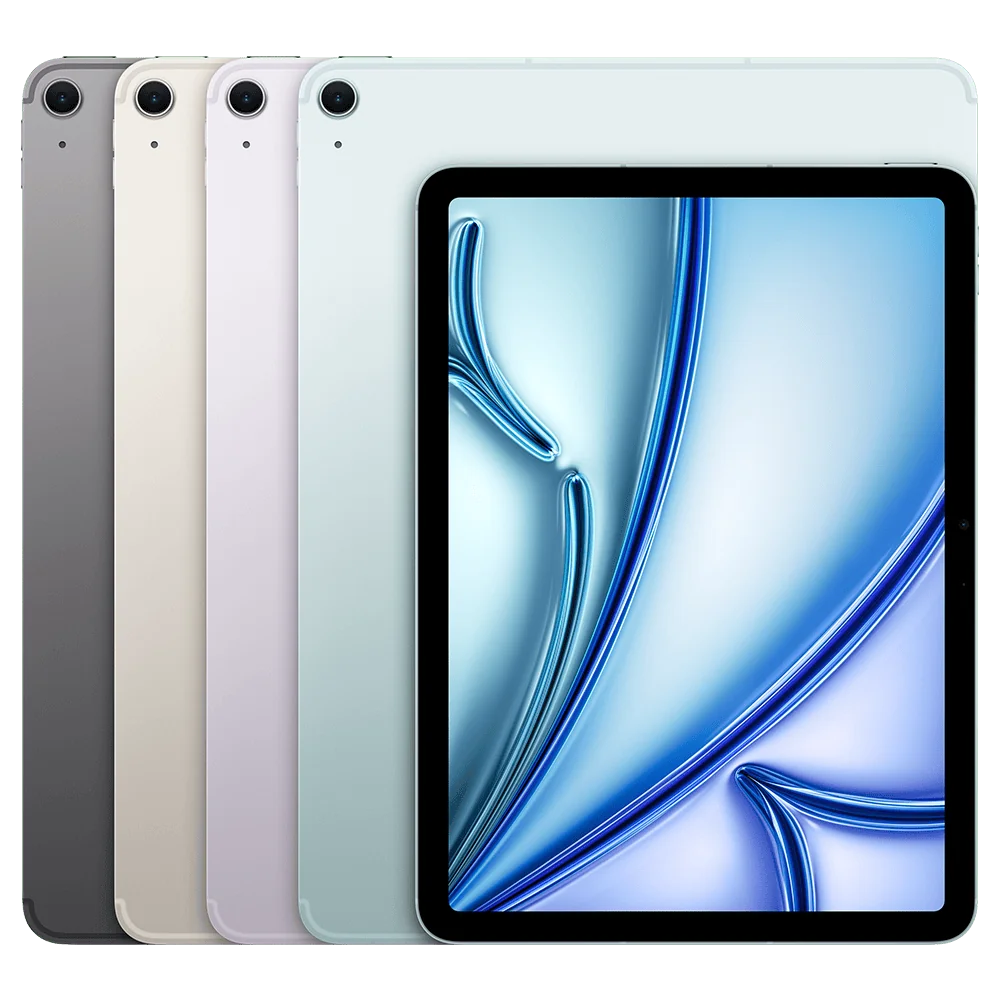
The large Liquid Retina panel provides a roomy workspace and vivid colors that most people will love, highlighted by P3 wide color for richer tones and True Tone for natural whites in varied lighting. However the screen is an IPS LCD at 60Hz, so while text and images look sharp, fast pen strokes and scrolling can show visible ghosting, a frequent user complaint that contrasts with the smoother motion of OLED/120Hz Pro displays. In short, it’s a great canvas for drawing and split‑screen work, just not the top choice if you prioritize the smoothest motion or deepest blacks.
Connectivity and Ports
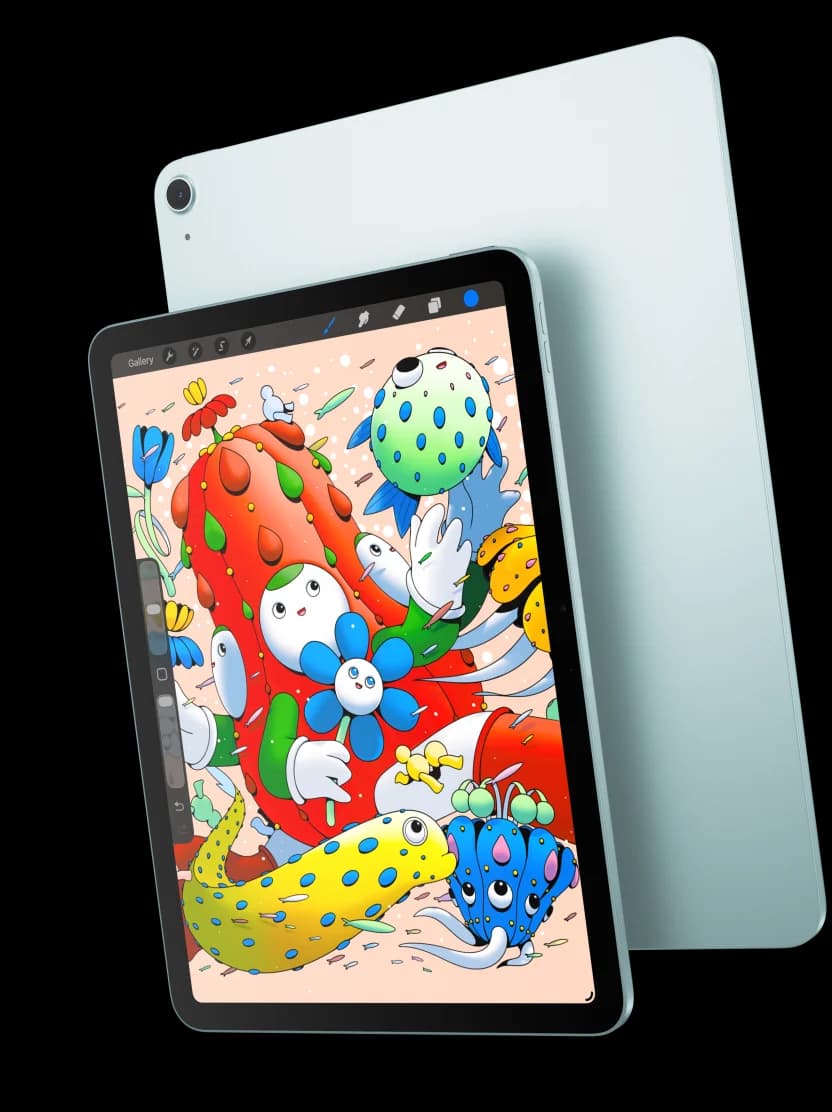
You get modern wireless options like Wi‑Fi 6E and Bluetooth 5.3, plus cellular models that support sub‑6 GHz 5G, which together provide fast, reliable connections for remote work and large file transfers. Physical I/O is a single USB‑C port capable of up to 10 Gb/s for external drives and a 6K external display, which is handy, though some pros will miss Thunderbolt or multiple ports for expanded dock setups. Reviews generally confirm the wireless performance and praise the flexibility, while noting the port situation is functional but not class‑leading.
Battery and Charging
Battery life is solid for day‑to‑day use, typically delivering around 10 hours of web or video time on Wi‑Fi, which aligns with Apple’s rating and user reports of all‑day runtime under moderate workloads. Charging is handled over USB‑C with a 20W adapter included in the box, but charging speeds aren’t class‑leading and some reviewers pointed out slower top‑up times compared with certain competitors. For power users who do sustained 4K editing or lengthy creative sessions, expect good endurance but plan for intermittent charging breaks.
Build and Weight
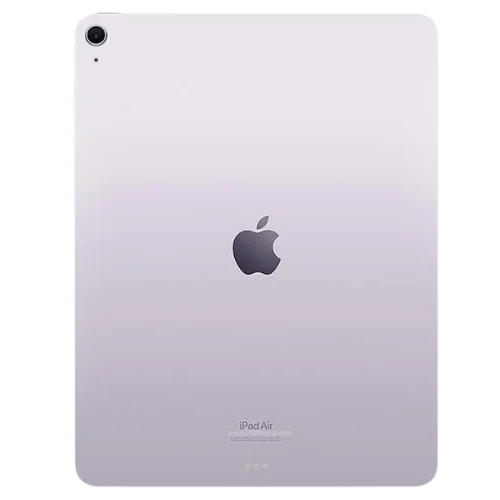
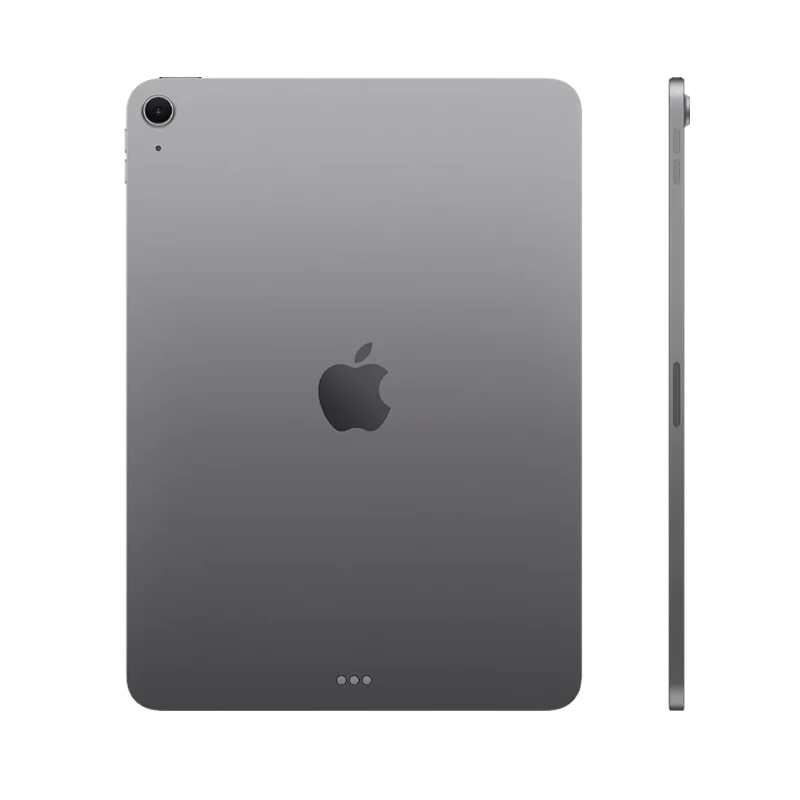
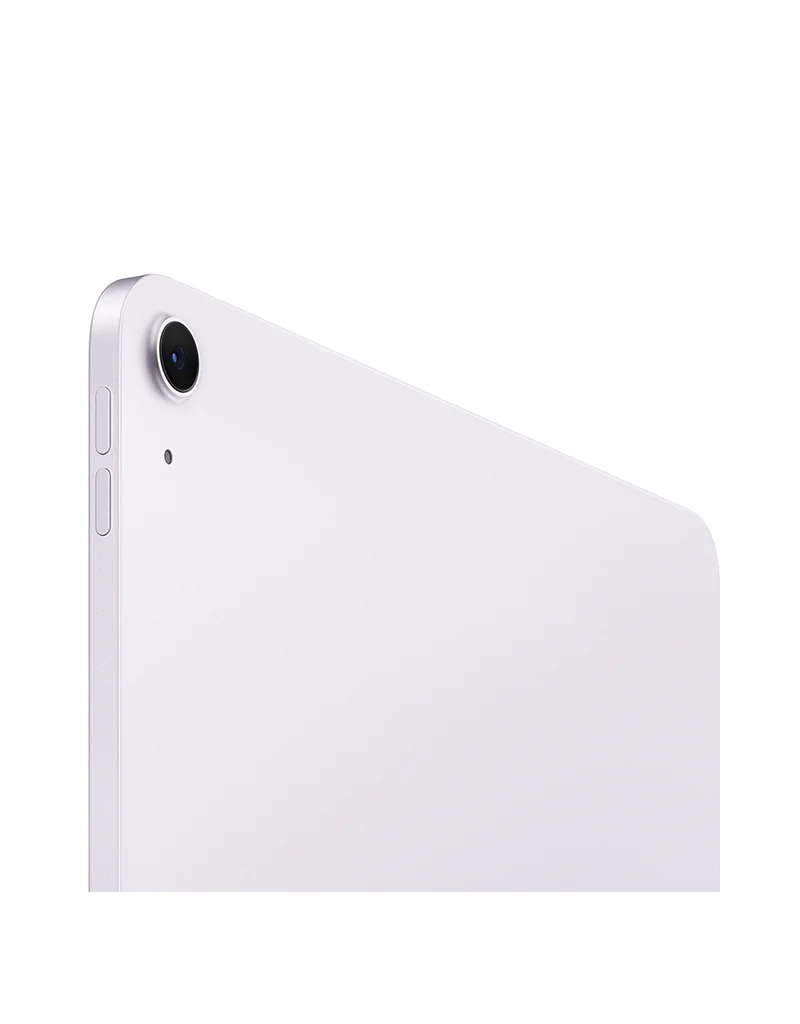
The iPad keeps a slim 6.1 mm profile and premium feel that makes it comfortable to carry, built around a fully laminated display and metal chassis that reviewers praise for solidity and finish. At about 1.36 pounds it’s light for a 13‑inch device but heavier than smaller iPads, which leads to mixed feedback: many like the portability, while others report arm fatigue during long one‑handed use or drawing sessions. Overall the construction supports a professional look and feel, yet weight is a real trade‑off for extended handheld tasks.
Conclusion
Here’s the bottom line after weighing performance, screen, battery, build, I/O, and cameras: the M3 brings notable graphics headroom and smooth multitasking that reviewers and users say handles creative apps well, the 13‑inch Liquid Retina is a spacious, color‑accurate canvas though its 60Hz panel shows motion ghosting for fast pen work, and the battery/charging combo delivers reliable day‑to‑day endurance but slows under sustained heavy loads. The chassis feels premium and portable—yet at this size the weight trade‑off matters for long handheld sessions—while a single USB‑C port with 10Gb/s plus Wi‑Fi 6E/5G covers most connectivity needs but won’t satisfy pro docking setups. Cameras and stereo audio are competent for calls and casual capture, not studio gear; this makes the tablet a smart pick for students, creatives, and commuters who want near‑Pro power without flagship extras, and a sensible, well‑balanced buy overall.

Feature Scores
This reflects reviews and ratings from established critics, journalists, and users who have evaluated the item. Their opinions provide a comprehensive assessment.
Performance
Processing Performance
5/5
Battery Life
4/5
Thermal Management
4/5
Storage Capacity
4/5
Connectivity Reliability
4/5
Build Durability
4/5
Software Update Longevity
5/5
Value
Price Competitiveness
4/5
Total Cost of Ownership
4/5
Included Accessories
2/5
Design
Display Quality
4/5
Portability
4/5
Ergonomics
4/5
Aesthetics
5/5
Health
Blue Light Control
4/5
Material Chemical Safety
4/5
Battery Chemical Risk
4/5
Safety
Data Security
5/5
Physical Safety
4/5
Regulatory Compliance
4/5
Fail-safe Protections
4/5
Sustainability
Recyclability
4/5
Repairability
2/5
Energy Efficiency
4/5
Experience Style
UI Simplicity
5/5
Customizability
4/5
App Ecosystem
5/5
Multitasking Productivity
4/5

Specifications
This section outlines the product's key facts, covering essential features, details, dimensions, materials, and any unique characteristics that define its functionality and usability.
Performance
Value
Design
Safety
Sustainability
Experience Style

Frequently Asked Questions
4 Questions




Find Yours
What is your primary use for a tablet?
Answer to find your best matches.