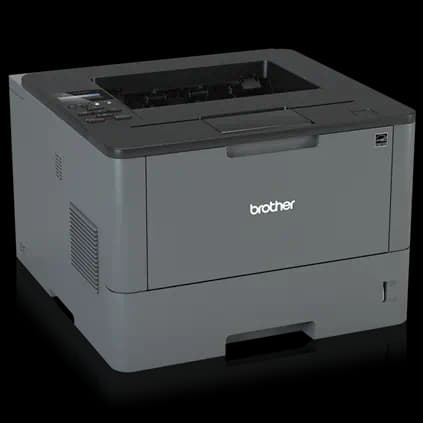

Brother HL-L2350DW Laser Printer
Fast, reliable monochrome printing with duplexing and wireless support, ideal for home offices.
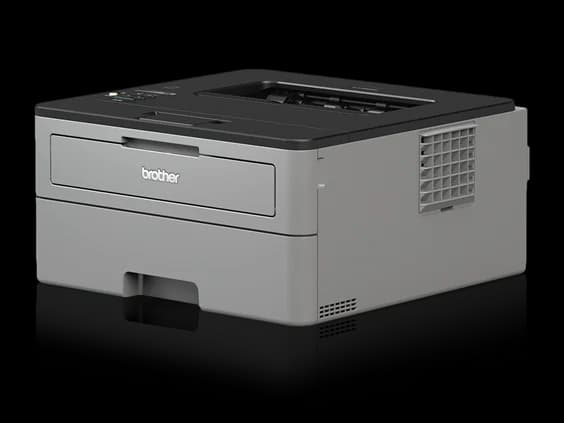
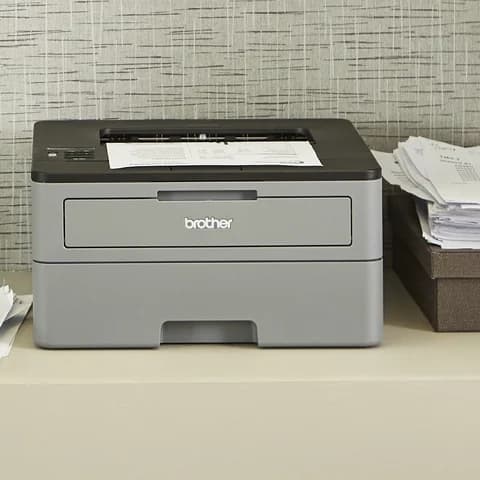
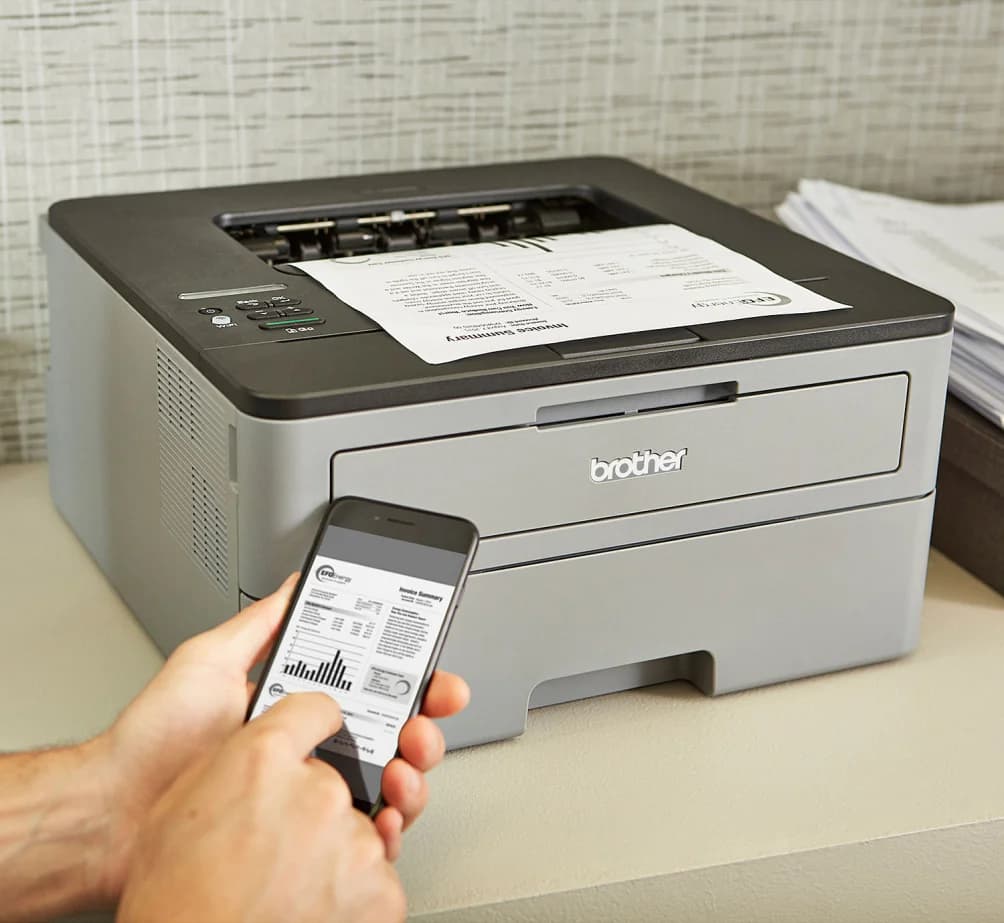
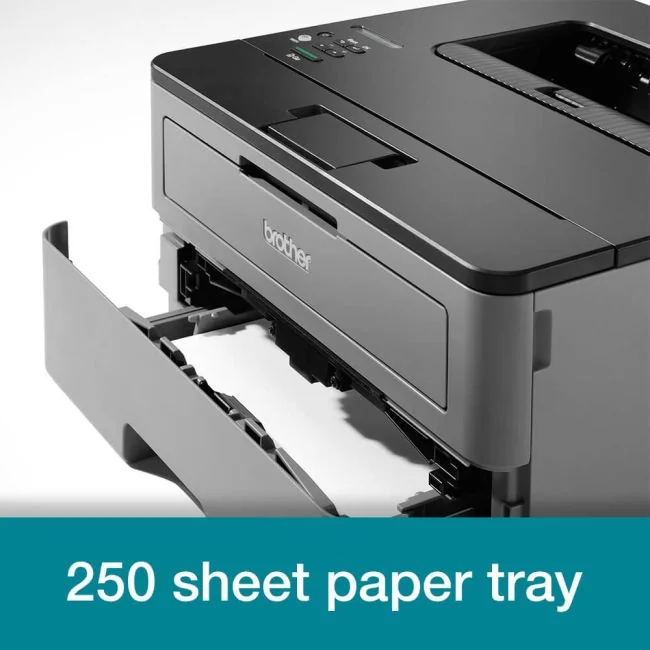
The Brother HL-L2350DW Laser Printer is a compact monochrome workhorse designed for home offices craving speed and simplicity. Perfect for users who want fast 32 ppm printing paired with automatic duplexing, it cuts paper waste without cutting corners on clarity. Experts praise its sharp text quality and reliable wireless setup, though graphics print with some pixelation—an expected trade-off in this price range. Its generous 250-sheet tray minimizes refills, enhancing productivity, while ongoing toner costs warrant budgeting savvy. With consistent user reliability and no-frills performance, the HL-L2350DW earns respect as a smart buy—but more data would seal the verdict confidently.
Find Yours
What is the primary environment where you will use your laser printer?
Answer to find your best matches.

The Field
Browse top contenders, or compare all options ranked by score and key attributes.
1 Option


The Scoreboard
Does this improve your life? Considers, health, habits, and environmental impact.
Benefits
Monochrome laser engine prints quickly, cutting waiting time and reducing day-to-day stress.
1200 dpi laser produces crisp blacks, reducing eye strain and reading effort.
Automatic duplexing cuts paper use and clutter, though lacks recycled-material construction.
Single-function mechanical design has fewer failure points, easing basic troubleshooting and maintenance.
Trade-Offs
Sealed plastic toner cartridges and drums create plastic and toner waste, unlike refillable systems.
Fuser heater uses significant power during warm-up and prints, increasing indirect emissions.
Monochrome-only design forces color jobs to alternative devices, causing extra reprints and resource use.
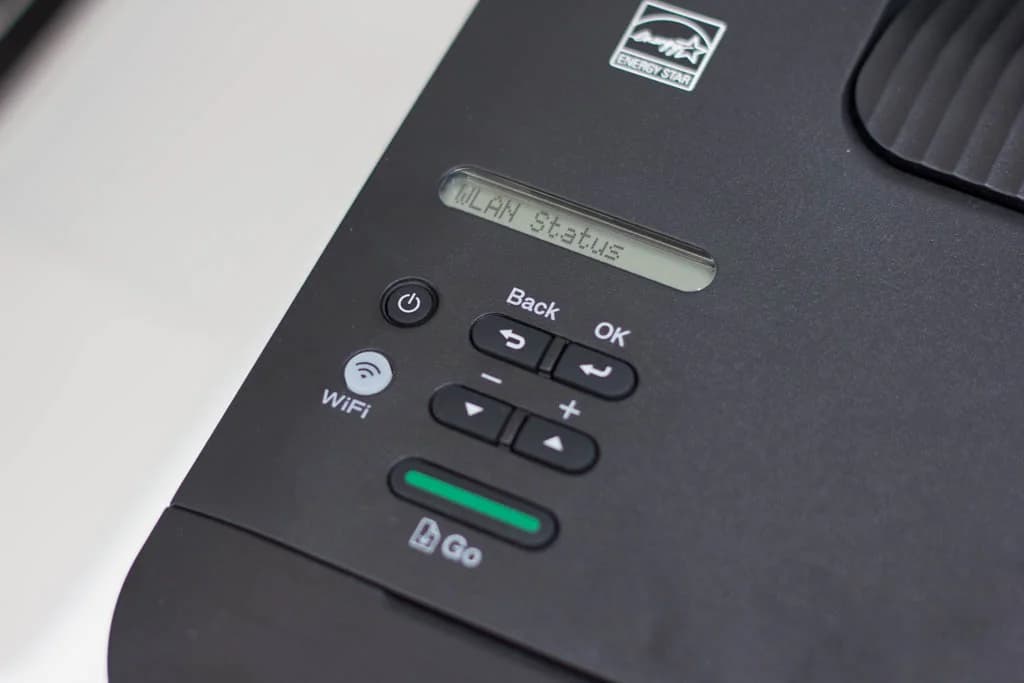
Tiny single-line display and manual Wi‑Fi entry increase setup time and user frustration.
 Alternatives


Join the Circle
Where real meets deal
Know what's worth buying-and when.
Tips, special offers, and rewards for buying and sharing.

Publications
3 LEADING PUBLICATION REVIEWS

William Harrel from PCMag highlights the Brother HL-L2350DW as a solid, entry-level monochrome laser printer that offers competitive speed and decent print quality for its modest $120 price. He praises its fast text printing—clocking slightly above the rated 32 ppm—and its suitability for low-volume home or small office use. While the printer’s paper capacity, connectivity options, and control panel are basic, they are adequate for its class. Harrel notes some minor print quality issues, such as occasional banding and tint shifts in grayscale graphics, but finds text output highly legible and overall print quality acceptable. Running costs are average for entry-level lasers, making it a reasonable choice for users printing a few hundred pages monthly, though higher-volume users might benefit from pricier models with lower per-page costs. Ultimately, the HL-L2350DW is recommended as a dependable, no-frills monochrome printer that balances speed, quality, and affordability for light-duty printing needs.
By William Harrel
Max Mutter from GearLab / TechGearLab highlights the Brother HL-L2350DW as an excellent budget-friendly monochrome laser printer, earning accolades for its low upfront and operating costs alongside decent text quality. Praised for economical ink usage and reliable performance, it stands out as a top choice for occasional home printing of text documents. However, the review candidly points out notable drawbacks: the printer’s small, cumbersome display complicates WiFi setup and troubleshooting, and its graphics and photo print quality are poor, with faded, pixelated output. Printing speed is moderate but slower than some competitors, partly due to internal processing delays, especially over WiFi. While the HL-L2350DW is not suited for heavy-duty, color, or multifunction needs, its value proposition for simple, text-focused printing is strong. Mutter recommends it primarily for users prioritizing affordability and basic functionality, suggesting alternatives like the HP Color LaserJet Pro MFP M281fdw for more advanced features.
By Max Mutter
Jozef Schildermans from DiskIdee highlights the Brother HL-L2350DW as a solid and reliable monochrome laser printer that builds on the success of its predecessor, the HL-L2340DW. While the design and core specs remain largely unchanged, the doubled working memory and strong print quality at 1200 dpi stand out. The printer offers fast print speeds, outperforming comparable compact models like the HP LaserJet Pro M15w, and supports convenient wireless connectivity with easy setup. However, Schildermans notes the relatively high cost per page, even with XL toner options, making it less ideal for heavy users or those needing color printing. The review emphasizes the printer’s suitability for users with moderate monochrome printing needs who value speed and quality at a low upfront cost, but cautions about ongoing consumable expenses. Overall, the HL-L2350DW scores well in performance and quality tests, delivering dependable results in a compact form factor.
By Jozef Schildermans

YouTube
7 LEADING EXPERT & INFLUENCER REVIEWS
 Avanti Morocha
Avanti Morocha praises the Brother HL-L2350DW for its compact design, affordability, and versatile paper handling, especially for laser foil projects. She highlights easy wireless setup, duplex printing, and compatibility with heavier paper weights. Minor print quality issues appeared initially but resolved quickly, making it a reliable choice for creative and home office use.
Copy Print ScanCopy Print Scan clearly demonstrates the straightforward Wi-Fi setup process for the Brother HL-L2350DW, highlighting its user-friendly display panel and intuitive navigation for connecting to wireless networks. While the video focuses on ease of use, it offers practical, step-by-step guidance without delving into broader performance or feature insights.
ReviewLampReviewLamp praises the Brother HL-L2350DW for its reliable, fast, and cost-effective monochrome printing with easy wireless setup and versatile device compatibility. While noting its retro single-line LCD and lack of Ethernet, the reviewer highlights its large 250-sheet tray, sharp print quality, and efficient toner use, making it ideal for home and small offices.
Mike HoMichael praises the Brother HL-L2350DW as a compact, efficient, and affordable monochrome laser printer with reliable wireless and duplex printing. He highlights its easy setup, solid paper capacity, and cost-effectiveness compared to library printing, while noting minor inconveniences like the missing USB cable and cumbersome network password entry.
thecollegepickerEric from The College Picker praises the Brother HL-L2350DW for its compact design, fast 32 ppm monochrome printing, and versatile wireless connectivity, highlighting its duplex printing and 250-sheet capacity as ideal for students and home businesses. He notes easy WPS setup but mentions minor frustrations with manual network entry and toner cartridge concerns.
Jack PicksJack praises the Brother HL-L2350DW’s easy setup, including toner installation and seamless Wi-Fi connection with AirPrint support. He highlights its fast 32 ppm print speed, sharp monochrome print quality, and immediate drying. While focused on grayscale printing, he recommends it for clear, efficient document printing without color needs.
Goose ReviewsMatt from Goose Reviews praises the Brother HL-L2350DW for its fast 32 ppm print speed, reliable automatic duplexing, and crisp black-and-white print quality that surpasses inkjet printers. He highlights easy setup, strong Mac and Windows compatibility, and the included 700-page toner, while noting it’s strictly monochrome and requires separate paper.

Social
1 INFLUENCER REVIEW
 Helen
HelenHelen (needleandbind) highlights the Brother HL-L2350DW as her go-to laser printer for typesetting in bookbinding, praising its duplex printing feature that simplifies the process. She emphasizes the importance of considering ongoing costs like toner and drum replacements, showing practical insight into long-term use. Overall, Helen recommends the Brother HL-L2350DW as a solid, reliable investment for hobbyist bookbinders needing efficient black-and-white printing. While she notes cost factors to watch, her tone is appreciative and confident, suggesting it’s a worthwhile choice for those serious about quality typeset printing.

Forum Reviews
CUSTOMER REVIEWS FROM 1 FORUM
Reddit users generally express positive sentiment toward the Brother HL-L2350DW Laser Printer, praising its reliability, straightforward operation, and value for home or small office use. Many highlight its consistent performance and ease of use, noting it as a hassle-free, dependable monochrome printer. However, some users mention limitations in graphics printing quality, with pixelation issues when printing detailed line art. There is also discussion about the model being discontinued and replaced by the HL-L2400DW, leading some to consider upgrading, though concerns remain about whether newer models match the simplicity and reliability of the 2350. Overall, the printer is well-regarded for basic printing needs but less suited for high-quality graphic output.
Some comments

In-Depth Review

Highlights
- •ReliabilityConsistent, hassle-free daily printing
- •Print speedHigh throughput for multi-page jobs
- •Mobile printingDesigned to support AirPrint and Wi‑Fi Direct
- •Automatic duplexAdvertised to reduce paper use automatically
- •Paper capacityMarketed as a 250-sheet input tray
- •Inbox toner yieldPromoted as including ~700-page starter toner

Considerations
- •Graphics reproduction limitsPixelation on detailed line art
- •Toner replacement costOngoing expense after starter cartridge
- •No Ethernet portNo wired LAN connectivity available
- •Basic on-device interfaceSingle-line LCD, limited local controls
- •Product lifecycle concernsModel discontinuation and successor uncertainty
- •Connection/drivers caveatsOccasional driver or wireless setup issues
Brother’s HL-L2350DW steps into the spotlight as a compact monochrome laser printer tailored for home offices and small businesses craving efficiency without frills. Known for its fast 32 pages per minute print speed, it promises to keep your workflow humming along smoothly. The printer excels at delivering sharp, clear text output—perfect for invoices, reports, and everyday documents—while its automatic duplexing feature helps reduce paper waste with minimal fuss. With a 250-sheet input tray, it supports longer print runs before needing refills, paired nicely with versatile wireless options like Wi-Fi Direct and AirPrint that simplify mobile printing from phones or tablets. Users value its dependable performance over time, making it an appealing choice for those who prioritize reliability in a busy workspace. Whether you’re managing tight deadlines or limited desk space, this model balances speed and convenience neatly—read on to see how these strengths unfold in real-world use.
Paper Handling / Capacity
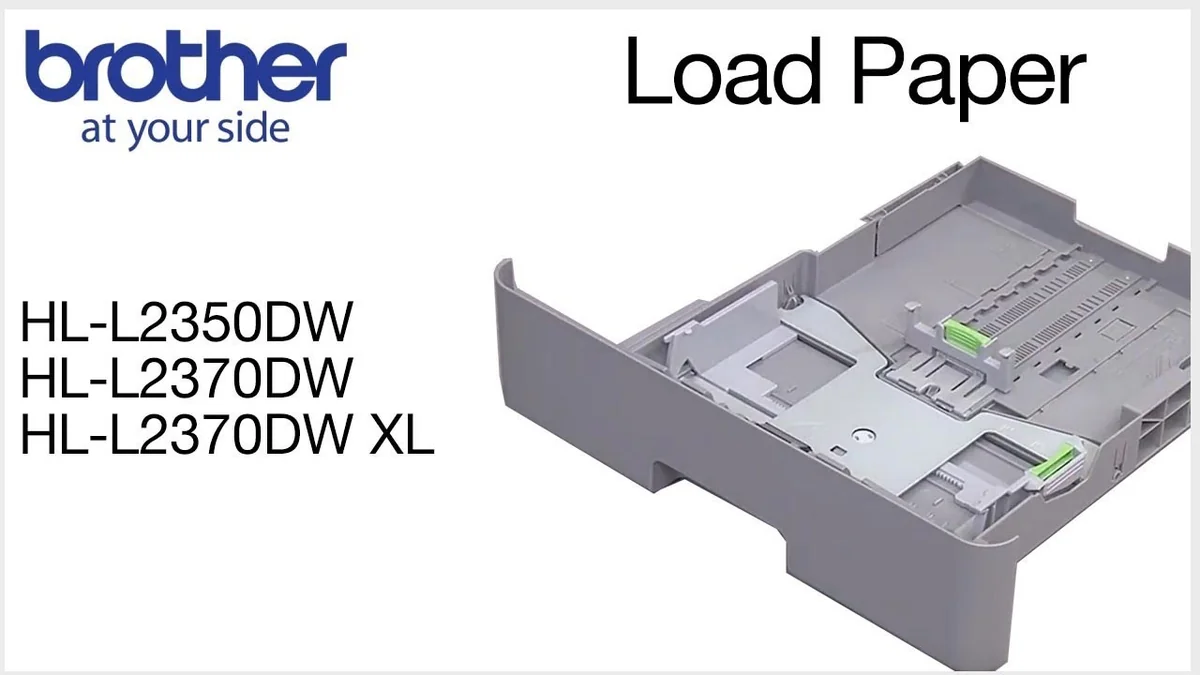
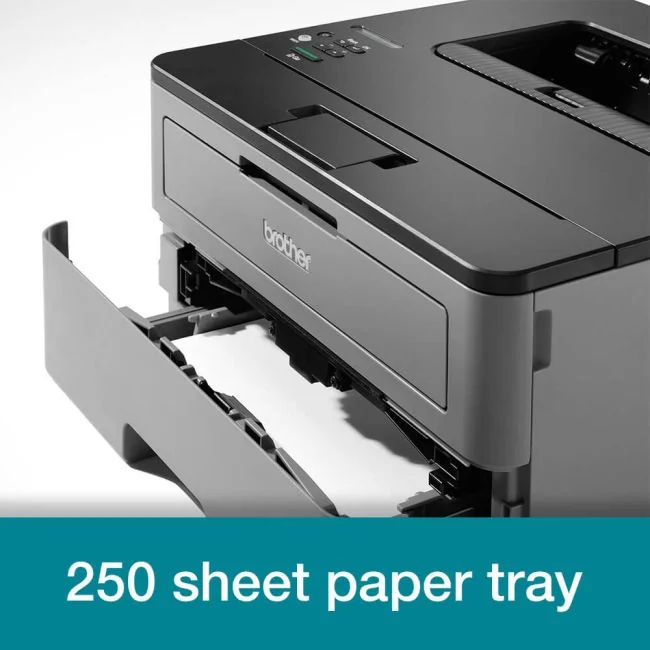
The generously sized 250-sheet input tray minimizes refill interruptions during heavy print sessions—an advantage over many budget competitors with smaller trays around 150 sheets. Additionally, a dedicated manual feed slot handles envelopes and cardstock up to heavier weights gracefully, broadening media compatibility beyond standard office paper sizes ranging from 3" x 5" up to legal size (8.5" x 14"). This versatility supports diverse document types common in small businesses or home setups seeking convenience alongside capacity.
Print Speed
Speed demons will appreciate the 32 pages per minute (ppm) print rate, which keeps workflows humming in busy home offices. This brisk pace is ideal for multi-page documents, cutting wait times dramatically. While some users highlight consistent speed under typical loads, it's important to note that duplex printing slows throughput to about 15 sides per minute. The fast first page output isn't officially specified but is generally considered average by experts and users alike. Overall, this printer delivers a solid balance of velocity and reliability without sacrificing quality.
Duplexing Performance
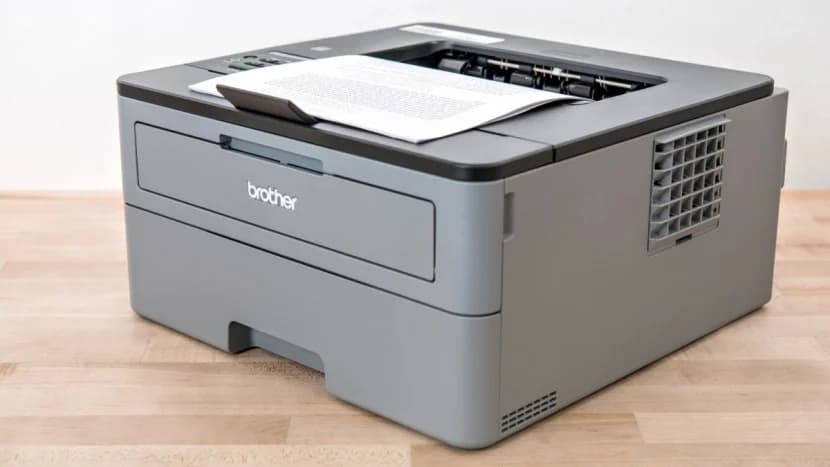
Automatic two-sided printing cuts paper use nearly in half—a boon for eco-conscious offices—and operates smoothly within recommended media weights (16-28 lb). Although duplex mode halves effective sheet throughput compared to single-sided jobs, reviewers applaud its ease of use and error-free handling when using plain paper via the automatic duplexer feature. It lacks manual override finesse seen in premium models but fits well within entry-level expectations as a practical money- and resource-saving tool without complicating everyday tasks.
Wireless & Mobile Printing
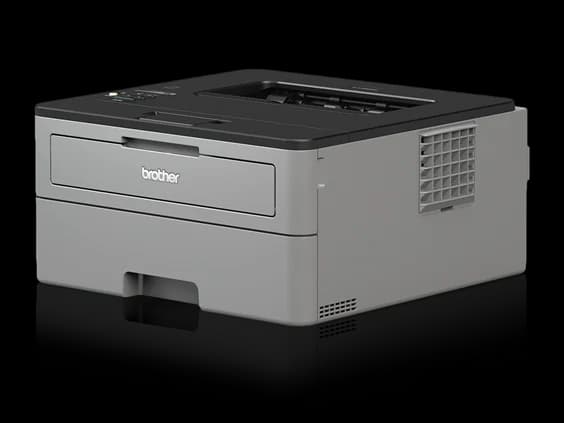
Connectivity options include Wi-Fi Direct plus support for Apple AirPrint and Brother's own iPrint&Scan app—making mobile device printing straightforward without router dependency or complex setup rituals. Users report reliable wireless performance across platforms including iOS and Android devices; however absence of Ethernet limits wired network integration potential found elsewhere at similar price points.. The unit targets effortless wireless productivity scenarios familiar to today’s remote workers craving simple phone-to-printer workflows amid hybrid environments.
Print Quality (Text)
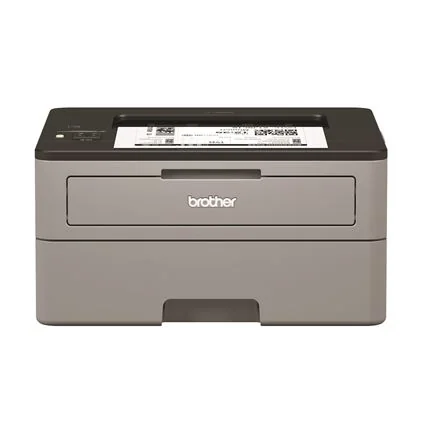
For crisp text lovers, this monochrome laser shines with sharp resolution up to 2400 x 600 dpi, ensuring legible documents with clear fonts. Experts confirm its prowess on black-and-white prints though warn graphics may suffer from pixelation due to halftoning limitations inherent in monochrome lasers. Users praise the consistently clean output for invoices or reports while noting it’s not designed for detailed image reproduction. Brother’s focus on dependable text clarity makes it an excellent choice where readability trumps color vibrancy.
Conclusion
Wrapping up the essentials, this printer stakes its claim with impressive print speed and consistently crisp text quality, ticking key boxes for productivity and legibility. Its automatic duplexing not only trims paper waste but also streamlines workflow, a feature praised by users juggling busy schedules. The generous 250-sheet capacity keeps interruptions minimal, while solid wireless and mobile printing support caters well to today’s on-the-go demands. Reliability over time earns nods from those valuing hassle-free operation in small offices or home setups. However, it may leave graphic-heavy projects wanting due to monochrome limits. This device shines brightest when paired with tasks that demand speed and dependability without fuss—making it a savvy pick for document-focused environments craving steady performance wrapped in smart convenience.

Feature Scores
This reflects reviews and ratings from established critics, journalists, and users who have evaluated the item. Their opinions provide a comprehensive assessment.
Performance
Print Speed
4/5
Print Quality
4/5
First Page Out Time
3/5
Duty Cycle
4/5
Reliability
4/5
Value
Purchase Price
4/5
Cost Per Page
3/5
Toner Yield
4/5
Total Cost of Ownership
4/5
Design
Physical Footprint
4/5
User Interface
3/5
Build Quality
4/5
Noise Level
4/5
Health
Toner Particulate Emissions
TBD
Ozone Emissions
TBD
VOC Emissions
TBD
Safety
Electrical Safety
TBD
Overheat Protection
TBD
Hot Surface Protection
TBD
Regulatory Compliance
TBD
Sustainability
Energy Efficiency
4/5
Recyclability
3/5
Recycled Material Use
2/5
Cartridge Recycling
3/5
Experience Style
Setup Simplicity
4/5
Mobile Printing Support
5/5
Feature Set
4/5
Remote Management
3/5

Specifications
This section outlines the product's key facts, covering essential features, details, dimensions, materials, and any unique characteristics that define its functionality and usability.
Performance
Value
Design
Safety
Sustainability
Experience Style

Frequently Asked Questions
9 Questions




Find Yours
What is the primary environment where you will use your laser printer?
Answer to find your best matches.